
TL;DR:
- Choose hosting based on your website's traffic and growth needs to ensure reliability.
- Prioritize providers with high uptime, fast loading speeds, and quality support over just low prices.
- Test customer support responsiveness before committing, as support quality is crucial during crises.
Your website is your business's front door, and the wrong hosting choice can slam it shut on customers before they even step inside. A slow-loading page or unexpected downtime can send visitors straight to a competitor. Uptime under 43 minutes per year is the standard a 99.9% SLA promises, yet many business owners pick a host based on price alone and pay for it later. This guide walks you through a clear, practical process to match the right hosting solution to your traffic needs, budget, and growth goals, even if you have zero technical background.
Table of Contents
- Understand your website's hosting needs
- Compare core hosting features for reliability and speed
- Balance cost, support, and hidden fees
- How to shortlist, test, and select your ideal web host
- What most guides miss: It's about support, not just specs
- Ready to launch? Explore reliable web hosting solutions
- Frequently asked questions
Key Takeaways
| Point | Details |
|---|---|
| Match needs to hosting type | Choose shared, managed, or VPS hosting based on your traffic, growth plans, and technical skills. |
| Prioritize uptime and speed | Pick hosts with at least 99.9% uptime and proven speed benchmarks for reliable site performance. |
| Watch for hidden costs | Scrutinize renewal rates and extra fees for common SMB needs like SSL, backups, and email. |
| Test support before you commit | A responsive support team is as critical as solid infrastructure, especially during emergencies. |
Understand your website's hosting needs
Before you compare any hosting plans, you need to know what your website actually requires. Buying too much hosting wastes money. Buying too little means your site crashes the moment traffic picks up. Start by answering a few straightforward questions about your business.
First, estimate your expected visitors. A local bakery with 200 visitors a month has very different needs than an online store expecting 10,000 monthly sessions. Second, identify your platform. If you run a WordPress site, you will benefit from hosts that offer one-click WordPress installs and server-level caching. Third, decide whether you need e-commerce tools, business email, or staging environments for testing changes before they go live.
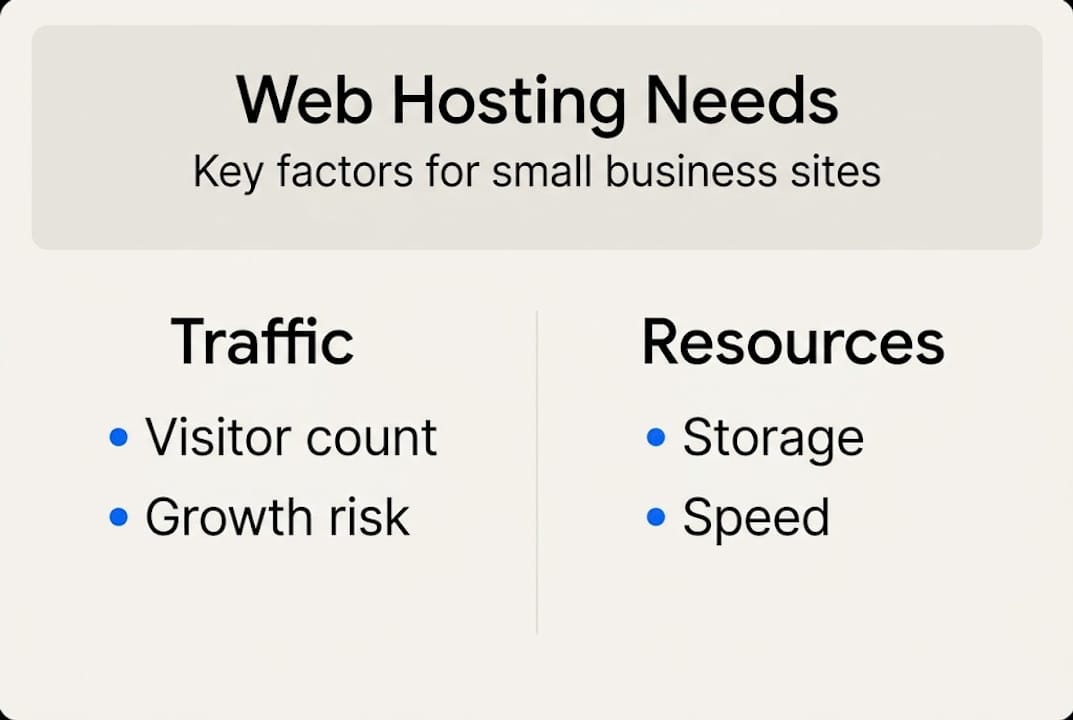
Finally, think about growth. Will your traffic stay flat, or do you expect seasonal spikes? Planning for growth now prevents a painful emergency migration six months down the road.
Here is a quick look at common hosting types and their best-fit use cases:
- Shared hosting: Best for new sites, blogs, and low-traffic business pages with tight budgets
- Managed WordPress hosting: Ideal for growing WordPress sites that need speed, security, and hands-off server management
- VPS hosting: Suited for businesses with rising traffic, custom software needs, or e-commerce stores
- Cloud hosting: Great for sites with unpredictable traffic spikes or a global audience needing multi-location delivery
| Hosting type | Best business stage | Key features |
|---|---|---|
| Shared | Startup, low traffic | Low cost, easy setup, limited resources |
| Managed WordPress | Growth phase | Auto-updates, caching, WP support |
| VPS | Scaling, e-commerce | Dedicated resources, more control |
| Cloud | Global or high-traffic | Scalability, redundancy, CDN-ready |
As PCMag's hosting research confirms, low-traffic startups do well on shared plans, while growing stores and global audiences need managed, VPS, or cloud options. Understanding the types of web hosting available helps you avoid paying for features you will never use.
Pro Tip: Start with shared hosting when you launch. It is affordable and more than enough for most new sites. Upgrade only when your traffic data tells you to, not because a sales page says you should.
Compare core hosting features for reliability and speed
With your requirements clear, let's break down how to make sense of technical hosting features and match them with your most pressing business needs.
The single most important number in hosting is uptime. Insist on a 99.9% uptime SLA (Service Level Agreement) at a minimum. That translates to less than 43 minutes of downtime per year. Top performers like WP Engine and DreamHost advertise 100% SLAs, while Kinsta holds 99.99% and Hostinger 99.98%. These are not just marketing numbers. They represent real revenue protection for your business.

Next, look at speed infrastructure. Hosts using SSD or NVMe storage load data significantly faster than older hard drives. Pair that with server-level caching and a CDN (Content Delivery Network), which stores copies of your site closer to your visitors worldwide, and you have a strong performance foundation.
The technical metric to watch is TTFB, or Time To First Byte. This measures how quickly a server starts sending data to a visitor's browser. Excellent TTFB benchmarks sit under 200ms, with Cloudways averaging around 128ms and Kinsta near 142ms. Hostinger clocks in at approximately 223ms globally, which is still solid for most small business needs.
Here is how technical features translate into real business benefits:
- SSD/NVMe storage = faster page loads and better Google rankings
- CDN integration = consistent speed for visitors in any location
- Server caching = reduced load times even during traffic spikes
- HTTP/2 and PHP8 = modern protocols that speed up data transfer
- Free SSL certificate = encrypted connections and browser trust signals
| Provider | Uptime SLA | Avg. TTFB | Infrastructure highlights |
|---|---|---|---|
| Kinsta | 99.99% | ~142ms | Google Cloud, CDN, NVMe |
| Cloudways | 99.99% | ~128ms | Multi-cloud, CDN, SSD |
| Hostinger | 99.98% | ~223ms | LiteSpeed, NVMe, CDN |
| WP Engine | 100% | ~200ms | AWS/Google Cloud, CDN |
For a deeper look at how your server choice affects load times, the website speed optimization guide and the breakdown of how hosting affects speed are worth reading. Solid hosting reliability is not a bonus feature. It is the baseline.
Pro Tip: Ignore "unlimited" bandwidth or storage claims. Focus on real performance benchmarks and uptime track records. Unlimited plans often come with hidden throttling that kicks in exactly when you need speed the most.
Balance cost, support, and hidden fees
Even when features look right, costs and support can make or break your hosting experience. Here is how to budget wisely without surprises.
Hosting pricing has two faces: the introductory rate and the renewal rate. Shared and WordPress-optimized plans typically start between $2.99 and $11.99 per month for the first term, with providers like Hostinger and Bluehost leading on intro pricing. Managed options from WP Engine or Kinsta run $20 to $35 per month. The renewal price, however, can be two to three times the intro rate. Always check the renewal cost before you sign up.
Beyond the headline price, watch for these common add-on fees:
- SSL certificates: Many hosts charge extra after the first year, even though free SSL via Let's Encrypt is widely available.
- Automated backups: Some plans only offer manual backups or charge monthly for daily automated ones.
- Site migration: Moving from another host can cost $100 to $200 if it is not included in your plan.
Here is a realistic cost breakdown for a small business website:
| Cost item | Budget option | Mid-range option |
|---|---|---|
| Hosting plan | $3/mo (shared) | $25/mo (managed WP) |
| Domain name | $0 (free first year) | $15/yr |
| SSL certificate | $0 (free) | $0 (free) |
| Backups | $2/mo extra | Included |
| Email hosting | $3/mo extra | Included |
For context on what fits different business sizes, the shared hosting pricing breakdown and the dedicated vs shared hosting comparison both offer useful guidance.
Support quality matters just as much as price. Does the host offer 24/7 live chat? Can they help with WordPress-specific issues, or do they only handle server-level resets? Test their response time before you commit.
"Value matters more than the absolute lowest price. It is about reliable service and transparent billing."
Ask these three questions before committing to any plan:
- What is the renewal price after the first term?
- Are SSL, backups, and email included, or billed separately?
- What does the support team actually cover for WordPress issues?
How to shortlist, test, and select your ideal web host
Armed with pricing, features, and support insights, follow this simple step list to finalize a hosting provider you can trust.
The selection process does not have to be overwhelming. Break it into five clear actions:
- Build your shortlist. Pick three to five hosts that meet your must-have features and fit your budget. Do not start with ten options.
- Request a trial or money-back window. Most reputable hosts offer a 30-day money-back guarantee. Use it to set up a test site and run real checks.
- Monitor speed and uptime. Use free tools like UptimeRobot or GTmetrix for at least three to seven days. Real data beats any marketing claim.
- Read third-party reviews. Look at expert test results from sources like PCMag and user feedback on Trustpilot. Avoid review sites that only list affiliate partners.
- Submit a support ticket before you buy. Ask a technical question and measure how fast and how helpfully they respond. This single test reveals more about real service quality than any spec sheet.
As PCMag's analysis notes, budget shared hosts like Hostinger deliver excellent value and speed for small sites, while premium managed hosts like Kinsta are better for mission-critical operations that need guaranteed SLAs and scaling room. More small business hosting examples can help you see how real businesses matched their needs to a plan.
Watch out for these warning signs when reading third-party feedback:
- Overwhelmingly positive reviews with no mention of any negatives
- Support complaints that go unresolved or unanswered publicly
- Repeated mentions of unexpected price hikes at renewal
- Vague answers to technical questions in community forums
- No verifiable uptime data from independent monitoring tools
Pro Tip: Send a support ticket to your shortlisted hosts before you pay for anything. The speed and quality of that first reply tells you everything about how they will treat you when something actually breaks.
What most guides miss: It's about support, not just specs
Most hosting comparison articles spend 90% of their space on speed benchmarks and pricing tables. That information matters, but it misses the factor that business owners talk about most after they have been hosting for a year: support quality during a crisis.
When your site goes down at 11 PM before a product launch, a 142ms TTFB means nothing. What matters is whether a knowledgeable human picks up your chat within minutes and actually fixes the problem. We have seen businesses lose thousands of dollars not because their host was slow, but because support took 18 hours to respond to a critical outage ticket.
The essential hosting features that protect your business go beyond server specs. Prioritize hosts that offer WordPress-trained support staff, proactive monitoring, and clear escalation paths. A slightly slower TTFB from a host with outstanding support will serve your business far better than a blazing-fast server with a ticket queue that stretches for days.
You are not just buying server space. You are buying peace of mind for your business's most important digital asset.
Ready to launch? Explore reliable web hosting solutions
Now that you know what to look for, the next step is finding a host that checks every box without stretching your budget.

InSave Hosting is built specifically for small and medium-sized businesses that need affordable, reliable performance without the complexity. With transparent pricing, free SSL, one-year free domain registration, and WordPress-optimized infrastructure powered by LiteSpeed and free CDN, you get everything covered from day one. Explore shared hosting plans if you are just starting out, or step up to WordPress-optimized hosting for faster performance and hands-on WordPress support. Every plan includes free migration, so switching is simple.
Frequently asked questions
What type of web hosting is best for a new small business website?
For most new small business websites, shared hosting for startups is the smart starting point because it covers essential needs and keeps monthly costs low. Upgrade to managed or VPS hosting only when your traffic and feature needs outgrow the basics.
How much downtime is acceptable for a business website?
A 99.9% uptime SLA allows for less than 43 minutes of downtime per year, which is the minimum standard you should accept from any hosting provider.
How can I check if a web host's speed is good enough?
Look for a TTFB under 200ms and verify it with real-world speed testing tools like GTmetrix or Pingdom before committing to a plan.
Are there hidden fees I should watch for when buying hosting?
Yes. Always check renewal pricing and add-on fees for SSL certificates, automated backups, email hosting, and site migration before you sign up.
Is WordPress hosting different from regular web hosting?
WordPress hosting is specifically optimized for WordPress sites and typically delivers faster load times, easier management, and WordPress-specific support that general hosting plans do not include.