TL;DR:
- Building a small business website can cost as little as 100 to 200 annually.
- Prioritizing security and speed from the start ensures long-term trust and performance.
- Using the right hosting and minimal plugins simplifies management and reduces vulnerabilities.
Thousands of small business owners lose customers every day simply because they don't have a website. The good news? You don't need a developer, a big budget, or a computer science degree to fix that. With the right hosting plan, a free domain, and WordPress, you can go from zero to a live, secure business website in a single afternoon. This guide walks you through every step, from picking your tools to protecting your site from hackers, so you can launch with confidence and start growing your business online.
Table of Contents
- What you need before you start
- Step-by-step: Launching your business website with WordPress
- Security and performance essentials: Get it right from day one
- Common mistakes and expert hacks for new business websites
- What most website guides miss: Small business reality checks
- Ready to launch? Get secure, high-performance hosting today
- Frequently asked questions
Key Takeaways
| Point | Details |
|---|---|
| Affordable startup costs | Launching a professional business website can start at just $100 to $200 for the first year. |
| Step-by-step simplicity | Using WordPress and the right hosting, you can have your site online in about 1 to 2 hours. |
| Security is essential | Activate SSL, keep plugins updated, and set automated backups to safeguard your business. |
| Speed impacts sales | Sites that load in under three seconds attract more customers and increase conversions. |
What you need before you start
Before you touch a single setting, get clear on what you actually need. Skipping this step is why most first-timers end up frustrated halfway through. Think of it like packing for a trip: the right checklist saves you from turning back.
The must-have tools:
- A domain name (your website address, like yourbusiness.com)
- A hosting plan with WordPress support and SSL included
- A device with a reliable internet connection
- About 1 to 2 hours of focused time
- Basic computer skills, no coding required
Your budget breakdown:
| Item | Estimated cost |
|---|---|
| Domain name | $10–$15/year |
| Hosting plan | $3–$10/month |
| Premium theme or plugin | $0–$100/year |
| Total (first year) | ~$100–$200 |
According to real-world startup cost data, a complete first-year setup including domain and hosting typically runs $100 to $200, which is far less than most business owners expect. That's less than a single newspaper ad.
Your platform choice matters too. WordPress powers over 43% of all websites on the internet, and for good reason: it's free, flexible, and backed by thousands of free themes and plugins. You don't need to build anything from scratch.
Two other choices you'll make upfront are your SSL certificate (which encrypts data between your site and visitors) and your theme (the visual template for your site). Both should be locked in before you start adding content. When it comes to choosing web hosting, look for a provider that bundles SSL, one-click WordPress install, and a free domain in one affordable plan.
Pro Tip: Don't overthink your domain name. Keep it short, easy to spell, and close to your actual business name. Avoid numbers and hyphens in the address.
Step-by-step: Launching your business website with WordPress
With everything ready, you're set to begin the actual website build process. Let's walk through each key step.
- Choose your hosting plan. Pick a host that offers one-click WordPress installation, a free SSL certificate, and a free domain for the first year. Pricing typically runs $3 to $10 per month. Check out these WordPress hosting tips to find the right fit for your needs.
- Install WordPress. Most quality hosts include a one-click installer in their control panel. The whole process takes under five minutes. No file uploads, no manual database setup.
- Select a lightweight theme. Speed matters from day one. Themes like Astra are built for performance and mobile responsiveness. Avoid bloated themes loaded with features you'll never use.
- Install essential plugins. You need at minimum: an SEO plugin like Yoast SEO, a security plugin like Wordfence, and a caching plugin like LiteSpeed Cache. Each one addresses a specific vulnerability or performance gap.
- Create your core pages. Every business website needs a Homepage, About page, Services or Products page, and a Contact page. These four pages cover 90% of what visitors need to make a decision.
- Configure basic settings. Set your site title, tagline, permalink structure (use the "Post name" option for clean URLs), and connect Google Analytics.
- Optimize for mobile and speed. Test your site on a phone before you publish. Over 60% of web traffic now comes from mobile devices, so a site that looks broken on a phone is a business problem.
| Feature | Basic free setup | Optimized setup |
|---|---|---|
| Theme | Default WordPress | Astra or GeneratePress |
| SEO | None | Yoast SEO plugin |
| Security | None | Wordfence + SSL |
| Speed | Standard | LiteSpeed Cache + CDN |
Pro Tip: Write your Homepage headline before you pick a theme. Your message should drive your design, not the other way around. Explore best hosting types to match your site's growth stage.
Security and performance essentials: Get it right from day one
Website setup is only half the battle; keeping your site safe and fast is critical to long-term success and trust.
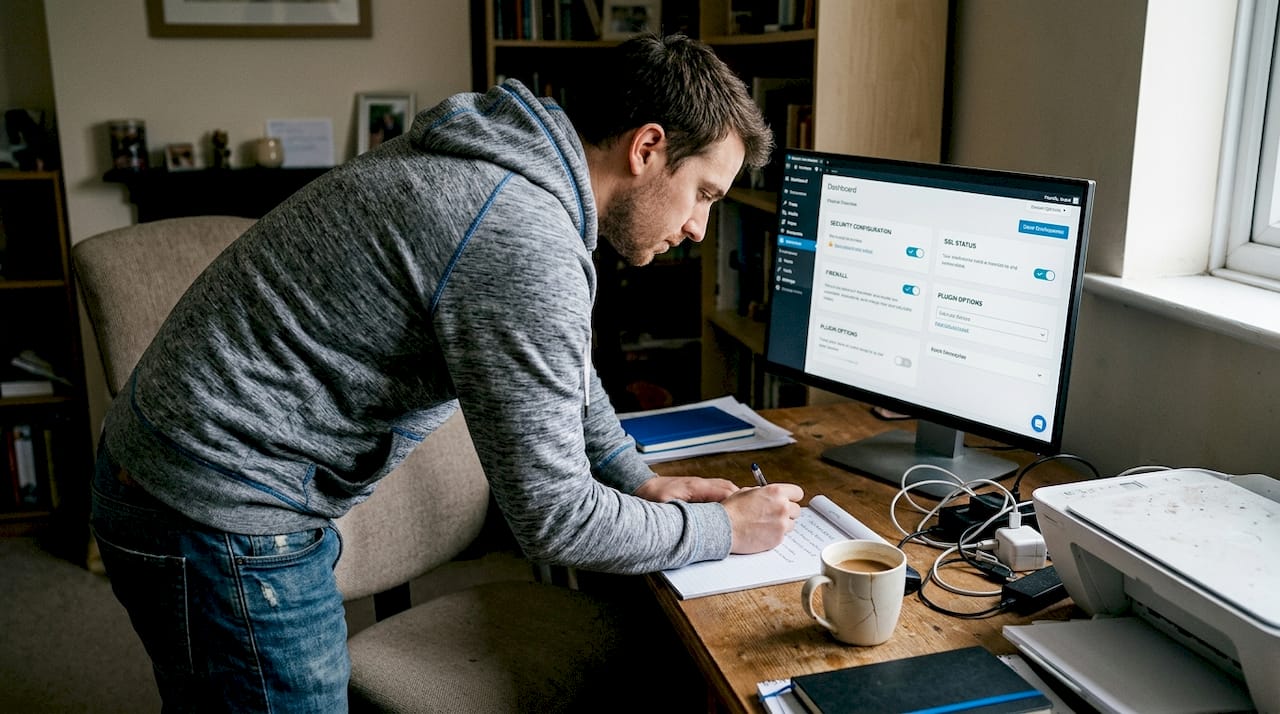
Security is not optional for a business website. Customers share contact forms, email addresses, and sometimes payment details with you. If your site gets hacked, you lose their trust instantly and possibly their data permanently.
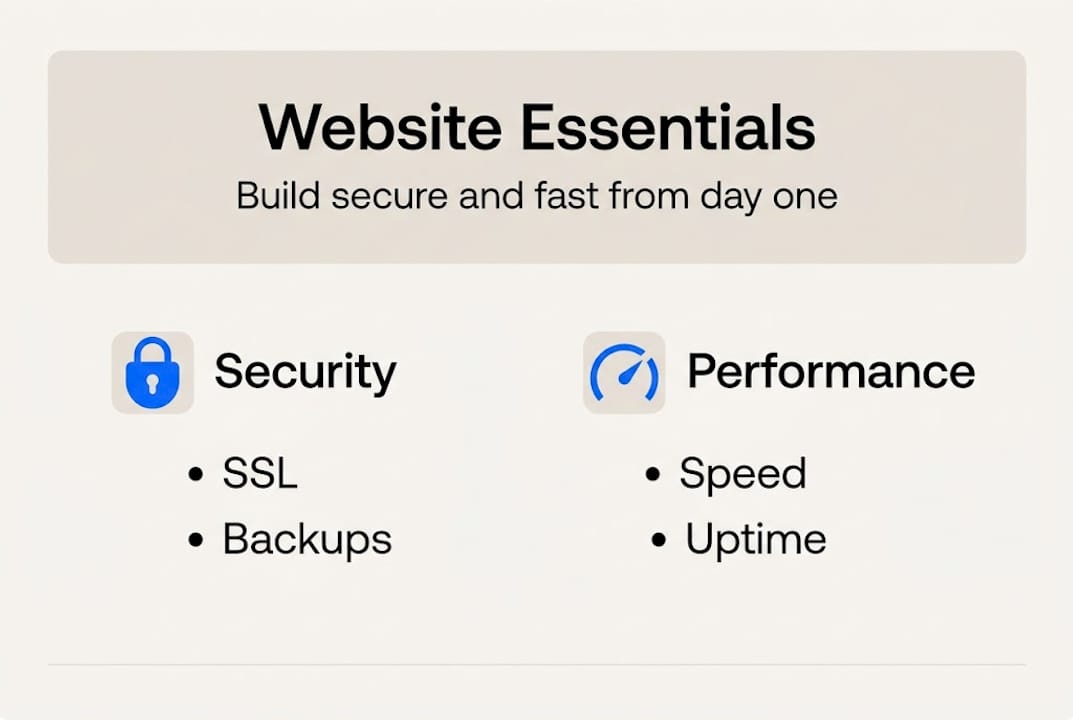
Minimum security requirements for every business website:
- Free SSL certificate (look for the padlock icon in the browser bar)
- Daily automated backups stored offsite
- Malware scanning and removal
- Web application firewall (WAF) to block malicious traffic
- Automatic WordPress core and plugin updates
- Two-factor authentication (2FA) on your admin login
The numbers are sobering. 56% of WordPress hacks trace directly to outdated plugins, and applying proper security hardening reduces your overall risk by up to 95%. That means the single most powerful thing you can do is keep everything updated and audit your plugins every quarter.
"Most small business owners assume their site is too small to be a target. Hackers don't think that way. Automated bots scan millions of sites daily looking for any vulnerability, regardless of site size."
Speed is equally non-negotiable. A slow site doesn't just frustrate visitors; it actively costs you sales. Aim for a page load time under three seconds. Technologies like LiteSpeed, free CDN integration, and PHP8 make this achievable even on affordable shared hosting plans.
For a deeper look at protecting your investment, the secure hosting guide covers exactly what to look for in a host. And if you want a full checklist, the WordPress security steps article walks you through every layer of protection.
Common mistakes and expert hacks for new business websites
Now that you know how to secure your site, avoid these common mistakes and leverage proven tips to keep your site growing strong.
The most costly mistakes first-time website owners make:
- Plugin overload. Every plugin you add is a potential security gap and a performance drag. Keep plugins under 15 and audit them every quarter. Delete anything you haven't used in 30 days.
- Skipping backup tests. Setting up backups isn't enough. If you never test a restore, you don't actually know if your backup works. Test quarterly.
- Ignoring mobile. Over 60% of traffic is now mobile. Every time you make a design change, check it on your phone immediately.
- Choosing shared hosting without understanding the risks. On shared hosting, a compromised neighbor site can sometimes affect yours. Look for hosts with account isolation and managed security features.
- Skipping Google Business Profile. For local businesses, this free listing is one of the fastest ways to appear in local search results. Set it up the same week you launch.
"Staging environments are one of the most underused tools in small business web management. Test every major update on a staging copy before pushing it live. One bad plugin update can take your site down."
Pro Tip: Use the 3-2-1 backup rule: keep 3 copies of your data, on 2 different storage types, with 1 stored offsite. Many quality hosting plans automate this for you.
For a full breakdown of what to look for in a plan, the WordPress hosting features guide covers everything from storage to staging tools in plain language.
What most website guides miss: Small business reality checks
Here's what the typical step-by-step guide leaves out: building a website is less about the tools and more about knowing what you want to say and who you're saying it to. Most first-timers spend days picking fonts and colors before they've written a single sentence of real content. That's backwards.
Security and speed advice is everywhere, but almost no guide acknowledges that small business owners are running on limited time and tight budgets. You're not a developer. You shouldn't have to act like one. The right hosting plan handles the technical heavy lifting so you can focus on your actual business.
The other thing nobody tells you: your first website won't be perfect, and that's completely fine. Launching an imperfect site beats waiting six months for a perfect one. Momentum matters more than polish in the early stages.
We've seen clients switch to managed WordPress hosting and cut their site downtime to zero, not because they became technical experts, but because they stopped trying to manage everything manually. The right infrastructure, paired with WordPress hosting realities you can actually act on, makes all the difference. Ask for help early, use the support resources your host provides, and iterate fast.
Ready to launch? Get secure, high-performance hosting today
You now have a clear roadmap for building a business website that's affordable, secure, and built to perform. The next step is putting it into action with a hosting solution that does the hard work for you.

At InSave Hosting, we bundle everything you need into one simple plan: easy WordPress installation, free SSL, daily backups, and a free domain for your first year. Our WordPress hosting plans are built specifically for small business owners who want results without complexity. If you're just getting started, our affordable shared hosting gives you enterprise-grade security at a price that makes sense. Ready to claim your address online? Register your domain today and get your business visible in minutes.
Frequently asked questions
How much does it cost to create a small business website?
A basic DIY website typically costs $100–$200 for the first year, covering domain registration and hosting, with optional theme or plugin costs on top.
What are the most important security features for a business website?
Free SSL, malware protection, daily backups, a web application firewall, and automatic WordPress updates are the five features every business site must have from day one.
Why is speed so important for a business website?
Every extra second of load time can drop conversions by 7%, and sites loading in under three seconds consistently outperform slower competitors in both rankings and sales.
How many plugins should I use on my WordPress website?
Stay under 15 plugins total; audit plugins quarterly and remove anything unused to reduce security exposure and keep your site running fast.
Recommended
- How to choose web hosting: smart steps for small businesses
- Web hosting security guide for small business owners
- How to secure your WordPress site: proven steps for SMBs
- How to Install WordPress: Step-by-Step Guide for Business Owners
- Make a Free website for Business - Web Design Dubai - Website Design Company Dubai | NetSoft