
TL;DR:
- Focus on performance, security, SEO, and usability; avoid unnecessary features or plugins.
- Essential pages include Homepage, About, Services or Products, and Contact for conversions and trust.
- Use lightweight themes, limit plugins, and prioritize simplicity to ensure a fast, secure, and scalable site.
Building a WordPress site for your business or blog sounds straightforward until you open the dashboard and face a wall of options. Themes, plugins, settings, security, SEO—it never seems to end. The truth is, WordPress powers 43% of websites, making it the go-to platform for small businesses and bloggers. But that massive ecosystem is also where most people get lost. Ignore the wrong things and your site stays invisible. Over-complicate it and you end up with a slow, broken mess. This guide cuts through the noise and shows you exactly what every successful WordPress site needs.
Table of Contents
- What makes a WordPress website truly essential?
- Critical pages every site needs
- Theme and plugin selection: Speed, simplicity, and essentials
- Performance, security, and SEO: Protect and grow your site
- Summary comparison: The essentials checklist at a glance
- Our perspective: The overlooked truth about WordPress essentials
- Build your WordPress essentials with inSave Hosting
- Frequently asked questions
Key Takeaways
| Point | Details |
|---|---|
| Focus on essentials | Only the pages, plugins, and features that add real value belong on your WordPress site. |
| Choose lightweight tools | Fast themes and carefully chosen plugins are critical for great user experience and results. |
| Security and performance matter | Protect your site and business with strong security practices and speeds under three seconds. |
| Keep it simple | Simplicity reduces risk, cost, and stress, making growth much easier. |
What makes a WordPress website truly essential?
Not every feature or plugin deserves a spot on your site. Before adding anything, ask yourself four questions: Does it improve performance? Does it protect my visitors? Does it help people find me? Does it make the site easier to use over time? If the answer is no, skip it.
Your first major decision is which WordPress platform to use. Self-hosted WordPress.org gives you full control over your code, data, and design, while WordPress.com handles the technical side but limits your flexibility significantly. For most SMBs and serious bloggers, self-hosted is the smarter long-term choice. Pair that with the right WordPress hosting types and you set yourself up for growth from day one.
Here are five criteria to evaluate every WordPress decision:
- Performance: Will this choice keep your site fast and lightweight?
- Security: Does it protect against common vulnerabilities?
- Usability: Can your team manage it without a developer on call?
- SEO readiness: Does it help search engines understand your content?
- Scalability: Will it still work when your traffic doubles?
One more essential tool that most beginners skip entirely: a staging site. A staging environment is basically a private copy of your site where you test changes before they go live. Break something there? No harm done.
"Staging sites prevent live breaks and let you safely test themes, plugins, and updates without risking your real visitors' experience."
Pro Tip: Don't install every plugin that sounds useful. Install one, test it, and confirm it actually solves a real problem before adding another. Quality beats quantity every time.
Critical pages every site needs
Once you understand the essentials framework, it's time to dive into the foundation: site structure. A site without the right pages is like a store with no signs. People show up, get confused, and leave.
Essential pages for business sites include a Homepage that delivers your core pitch within three seconds and includes a clear call to action (CTA). After that, you need an About page to build trust, a Services or Products page to show what you offer, and a Contact page so people can reach you. For bloggers, the About and Contact pages are non-negotiable minimums.
Here's a quick breakdown of what each page must accomplish:
- Homepage: Your three-second pitch. One clear CTA above the fold. No clutter.
- About page: Build credibility. Share your story, your team, your mission.
- Services/Products page: Explain what you sell and why it matters to them.
- Contact page: Make it effortless to reach you. Include a form, email, phone, and location if relevant.
- Privacy policy: Required legally in most regions and builds trust.
For a detailed walkthrough of how to structure each page for conversions, see these business website setup steps. You can also use a WordPress site builder to create these pages without touching code.
"Visitors decide within three seconds whether to stay or leave—your homepage has one job: make them stay."
Pro Tip: Always place your primary CTA button above the fold. That means visitors see it without scrolling. Test button colors and text using a staging site before pushing to production.
Theme and plugin selection: Speed, simplicity, and essentials
With your site's structure in place, the next challenge is selecting the right tools for performance and simplicity. This is where most SMBs lose the plot, installing heavy themes and stacking plugins until the site crawls.
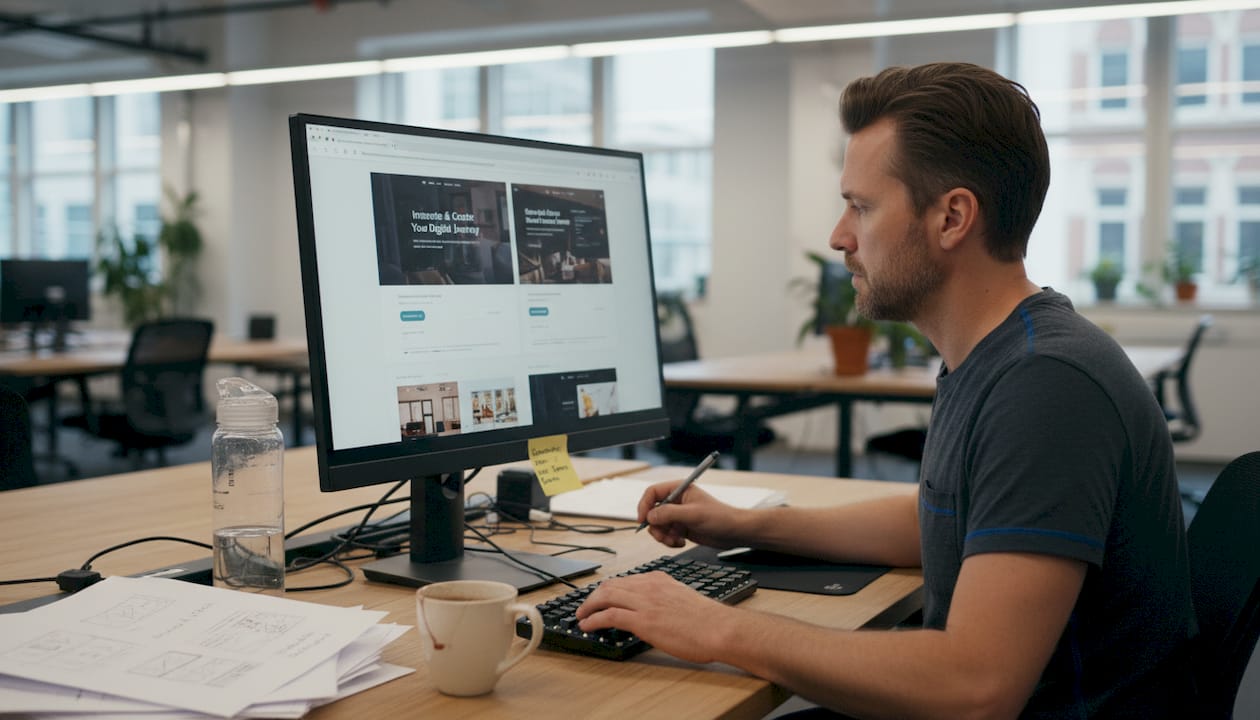
Theme selection matters more than most people realize. Lightweight themes under 3 seconds load time outperform heavy alternatives by a wide margin. GeneratePress loads in 0.8 seconds at just 45KB. Astra comes in at 1.1 seconds. Bloated themes like Divi or Avada can push past 2.5 seconds, which costs you visitors and search rankings before you even publish your first post.
| Theme | Load time | File size | Best for |
|---|---|---|---|
| GeneratePress | 0.8s | 45KB | Performance-focused sites |
| Astra | 1.1s | ~55KB | Versatile SMB and blog use |
| Divi | 2.5s+ | 500KB+ | Feature-heavy, but slow |
| Avada | 2.5s+ | 600KB+ | Agency sites, not lean builds |
For plugins, core plugins covering SEO, forms, security, caching, and backups are your starting five. The top picks are Rank Math or Yoast for SEO, WPForms or Contact Form 7 for forms, Wordfence for security, WP Rocket for caching, and UpdraftPlus for backups. Add Imagify if image optimization isn't already handled by your host.
For proven tips on combining plugin and hosting speed, check out our dedicated guide. Also compare the hosting features for SMBs that pair best with lightweight theme setups.
Pro Tip: Stay at or under six core plugins. Beyond that, conflicts and speed issues multiply fast. If you want to add a seventh, remove one first.
Performance, security, and SEO: Protect and grow your site
The right theme and plugins set the foundation—now, let's protect, grow, and accelerate your results. These three pillars determine whether your site actually earns money or just sits there collecting digital dust.
Performance starts with load time. Every extra second of load time drops conversions by 7%, and over 60% of web traffic now comes from mobile devices. Your site must load under three seconds on a phone, every time. Use caching, which can improve load times by 35 to 38%, compress images with a tool like Imagify, and activate a CDN to serve files from servers closer to your visitors.
"Each extra second of load time drops your conversion rate by 7%—that's real revenue walking out the door."
Security is not optional. Follow these non-negotiable steps:
- Enable automatic updates for WordPress core, themes, and plugins
- Use strong passwords and turn on two-factor authentication (2FA)
- Limit failed login attempts to block brute force attacks
- Set correct file permissions (644 for files, 755 for directories)
- Add HTTP security headers to block common exploits
For a full breakdown, explore our WordPress site security steps guide.
SEO starts with basics that many business owners skip. Set your permalinks to "post name" format, submit an XML sitemap to Google Search Console, claim your Google Business Profile, and write content that actually answers your customers' questions. Add schema markup so Google can display rich results for your business.
See our website speed optimization guide for specific technical steps to hit that sub-3-second target.
| Essential | Impact |
|---|---|
| Caching enabled | 35-38% faster load time |
| Image optimization | 40-70% smaller file sizes |
| CDN active | Up to 50% reduced latency |
| SSL certificate | Required for trust and rankings |
| 2FA + login limits | Blocks majority of brute force attacks |
Summary comparison: The essentials checklist at a glance
With the actionable steps clear, here's a one-page essentials checklist to make implementation easier. Use this every time you launch or audit a WordPress site.
| Category | Must-have | Why it matters |
|---|---|---|
| Hosting | LiteSpeed, 99.9% uptime | Foundation for everything |
| Theme | GeneratePress or Astra | Speed and mobile performance |
| SEO plugin | Rank Math or Yoast | Visibility in search |
| Security plugin | Wordfence | Block attacks and malware |
| Caching plugin | WP Rocket | Faster load for every visitor |
| Backup plugin | UpdraftPlus | Recover from disaster fast |
| Pages | Home, About, Services, Contact | Trust and conversion structure |
| SSL certificate | Active and auto-renewing | Encryption and user trust |
| Staging site | Enabled before changes | Safe testing environment |
| SEO setup | Sitemap, schema, permalinks | Organic growth foundation |
WP Rocket caching improves load performance by about 36% across all major themes, and managed hosting environments achieve a time to first byte (TTFB) of 110 to 198ms compared to 300ms or more on shared hosting. Lightweight themes are consistently 2 to 4 times faster than heavy page builder themes.
Quick action list to implement right now:
- Choose a fast, lightweight theme from the list above
- Install only your five to six core plugins
- Set up a staging environment before making any changes
- Activate SSL and confirm your domain redirects to HTTPS
- Submit your XML sitemap to Google Search Console
- Enable daily backups stored off-site
Our perspective: The overlooked truth about WordPress essentials
Here's something most guides won't tell you: the biggest reason WordPress sites fail is not missing a feature. It's having too many.
After working with dozens of small business owners, the pattern is almost always the same. They install 20 plugins in the first week, pick a theme packed with 40 demo pages, and then wonder why the site is slow, broken, or impossible to update. The fix is never adding more. It's removing what doesn't belong.
Simplicity is the actual essential that makes every other essential work better. A clean site with six focused plugins, a fast theme, and three well-written pages will outperform a bloated site with thirty plugins and a flashy design every single time. Faster. Safer. Easier to maintain. Cheaper to host.
"Less is more—when in doubt, remove."
Our WordPress simplicity tips go deeper into what to cut and what to keep. Start there before you start adding.
Build your WordPress essentials with inSave Hosting
Equipped with your essentials checklist, take the next step with a solution designed for SMBs. Getting the right hosting underneath your WordPress site is the single move that makes every other essential easier to achieve.

inSave Hosting bundles WordPress hosting with free SSL certificates, one-year free domain name registration, one-click WordPress installation, and 99.9% uptime in one affordable plan. You also get LiteSpeed technology, built-in CDN, and staging tools—so every item on your essentials checklist is covered from day one. Explore our SSL certificate solutions if your current site is still running on HTTP. Everything a small business or blogger needs, without the bloat or the confusion.
Frequently asked questions
What are the absolute must-have plugins for a business WordPress website?
Every business site should include plugins for SEO, forms, security, caching, and backups. Keep your total to 5-6 plugins to avoid slowing your site, as exceeding that count creates conflicts and performance problems.
How important is website speed for small business WordPress sites?
Speed directly affects your bottom line. Every extra second of load time lowers conversion rates by about 7%, meaning a slow site is actively costing you customers.
How do I secure my WordPress site against hackers?
Use strong passwords, enable two-factor authentication, apply all updates promptly, and set correct file permissions to close the most common attack vectors.
Which pages are essential for business and blog WordPress sites?
Business sites need a Homepage, About page, Services or Products page, and Contact page. Blogs need at minimum an About and Contact page to establish credibility and allow reader communication.
Should I use WordPress.com or self-hosted WordPress.org?
Self-hosted WordPress.org gives you full control, unlimited plugins, and real ownership of your site, making it the better choice for any SMB or blogger with growth plans.
Recommended
- Hosting features list for SMB WordPress sites in 2026
- How to secure your WordPress site: proven steps for SMBs
- How advanced hosting tech boosts website performance
- Why secure hosting matters for small business protection
- Business website essentials: 7 must-haves for 2026 success
- The ultimate website redesign checklist for SMBs | Kickass Online