TL;DR:
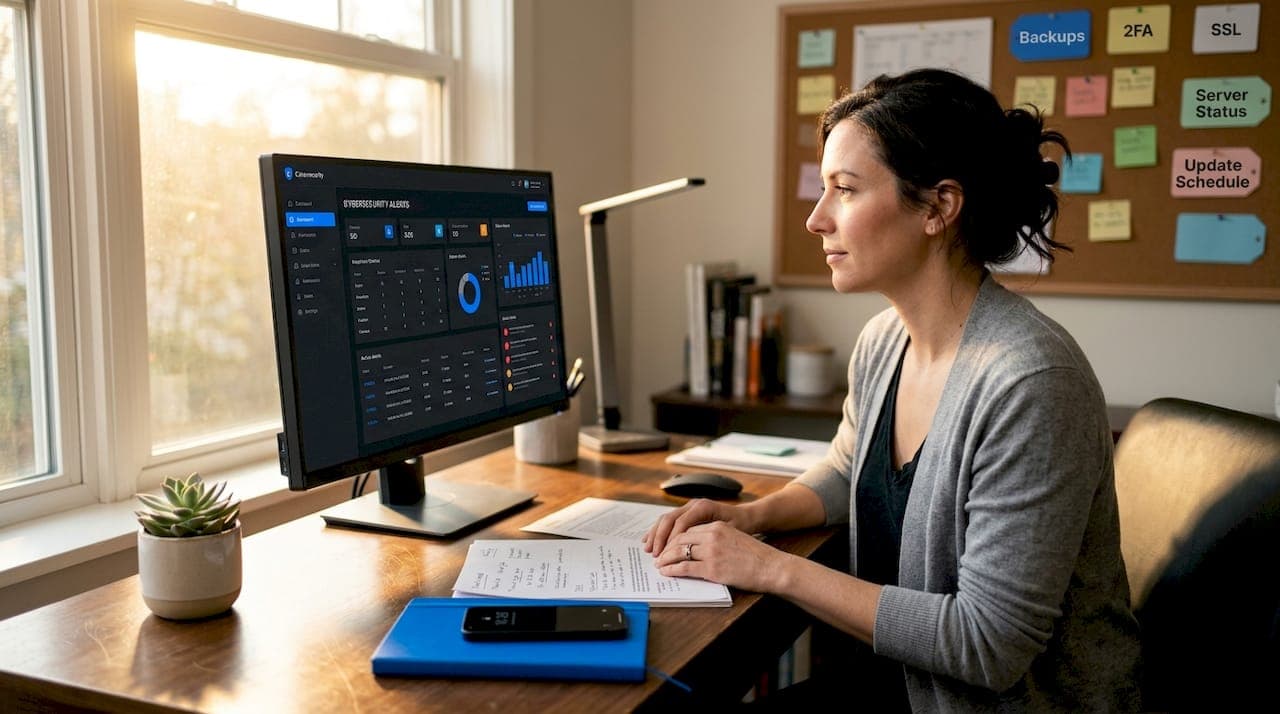
- Small and medium-sized businesses are frequent targets of cyberattacks due to their thinner defenses, making layered security essential. Implementing multiple protections like HTTPS, WAFs, 2FA, automated backups, and proper access controls significantly reduces the risk of breaches and data loss. Relying on a single security measure is insufficient; a comprehensive, redundant approach built into your hosting environment enhances overall resilience.
Automated bots, credential-stuffing attacks, and malware injections do not just target enterprise corporations with giant IT budgets. Small and medium-sized businesses are frequent targets precisely because attackers know their defenses are thinner. If you run a website for your business, understanding practical examples of site security features is not optional anymore — it is the difference between keeping your customers' trust and dealing with a breach that costs you both money and reputation. This article walks through the specific layers of protection available to SMB owners and how to apply them effectively.
Table of Contents
- Key criteria for evaluating site security features
- Essential examples of network and server-level security features
- Application layer and access control security features
- Browser-level security features that complement site protections
- Advanced identity and account hardening techniques
- Comparing site security features: effectiveness and suitability
- Why layered site security beats relying on single solutions
- Secure your website with inSave Hosting's trusted solutions
- Frequently asked questions
Key Takeaways
| Point | Details |
|---|---|
| Layered security approach | Multiple complementary features like HTTPS, WAF, and 2FA create a robust defense against common attacks. |
| Essential network features | Enforce HTTPS with SSL, use web application firewalls, and maintain automated offsite backups. |
| Strong access controls | Apply two-factor authentication, password protection, and rate limiting on admin access. |
| Browser-level protections | User-side defenses like SmartScreen help reduce exposure to malicious sites before connecting. |
| Advanced account security | Phishing-resistant hardware keys and secure recovery methods strengthen admin account protection. |
Key criteria for evaluating site security features
Before you start installing plugins or paying for tools, you need a clear framework for deciding which site security features actually matter for your situation. Not every business carries the same risk profile. An e-commerce store processing payments faces different threats than a portfolio site with a contact form. But some principles apply universally.
The most important concept here is defense in depth. It means building multiple, complementary layers of security so that if one control fails, others still hold. Security works best as layered controls including HTTPS, updates, strong authentication, backups, a web application firewall (WAF), and regular scanning. No single feature is a complete answer.
When evaluating your options, prioritize features that address these criteria:
- Encryption: Is data protected in transit and at rest?
- Authentication: How difficult is it for an unauthorized person to access admin areas?
- Access control: Can you limit what each user or role can do?
- Backup and recovery: If something goes wrong, how quickly can you restore?
- Traffic filtering: Are malicious requests blocked before they reach your server?
- Monitoring and updates: Are you notified of problems and keeping software current?
Here is a practical order of operations for SMBs setting up site protection:
- Secure the server and hosting environment first.
- Enforce HTTPS with a valid SSL certificate.
- Lock down authentication with strong passwords and 2FA.
- Add a WAF and rate limiting to filter automated attacks.
- Set up automated backups stored offsite.
- Run regular vulnerability scans and keep all software updated.
Understanding why secure hosting matters for your business is step one. Your hosting environment is the foundation everything else is built on. You can follow a website security checklist to track progress across all these layers.
Essential examples of network and server-level security features
This is where most website security examples begin, and for good reason. Network and server-level protections form the base layer of any secure site. Get these wrong and nothing above them matters.
HTTPS and SSL/TLS certificates are non-negotiable. When your site uses HTTPS, all data exchanged between your visitor's browser and your server is encrypted. Without it, login credentials and payment details travel in plain text. Beyond security, core features like HTTPS with a valid certificate, web application firewalls, and offsite backups are the baseline every site should have. Google also flags non-HTTPS sites in Chrome as "Not Secure," which visibly erodes customer trust. You can explore your SSL certificate options to find the right fit for your site.
Web Application Firewalls (WAFs) sit between incoming traffic and your server, inspecting each request for known attack patterns. They block common exploits like SQL injection (where attackers insert database commands into form fields) and cross-site scripting, or XSS (where malicious scripts get injected into your web pages). A WAF works in real time, which means it catches threats before they ever touch your application.
Automated offsite backups are one of the most underestimated site protection features. Ransomware can encrypt your entire site. A bad plugin update can corrupt your database. Hardware failure happens. If your only backup lives on the same server as your site, it is not a real backup. You should read about the types of website backups available so you understand what "real" backup coverage looks like.
Server hardening means reducing the attack surface of your server itself. This includes setting strict file permissions, disabling unused services, keeping your PHP version current, and removing default installation files. Many SMBs skip this step because it feels technical, but your web hosting security guide can walk you through what to check.
Pro Tip: If your hosting plan includes automated daily backups with offsite storage, turn them on immediately. Set them to run during off-peak hours and verify a test restore at least once per quarter.
| Security feature | What it protects against | Complexity | Priority |
|---|---|---|---|
| HTTPS/SSL certificate | Data interception | Low | Critical |
| Web application firewall | SQL injection, XSS, bots | Medium | Critical |
| Automated offsite backups | Data loss, ransomware | Low | Critical |
| Server hardening | Unauthorized access | Medium | High |
| Malware scanning | Injected malicious code | Low | High |
Application layer and access control security features
Network defenses stop a lot. But attackers who get past them will target your application directly, especially your admin login. This is where access control becomes essential.
Two-factor authentication (2FA) is one of the most impactful security features for websites you can add today. Even if an attacker steals your password, 2FA requires a second verification step, usually a time-sensitive code from an authenticator app or a text message. That second factor is what makes the stolen credential useless on its own.
Rate limiting controls how many requests a single IP address can make in a given time window. Without it, automated scripts can try thousands of password combinations against your login page in minutes, a technique called brute-force attack. Rate limiting slows these scripts down enough to make the attack impractical. 2FA on admin accounts, rate limiting, and WAF rules are vital to control access and defend against credential attacks.
Password-protecting admin areas adds a second authentication gate before users even reach your login form. On WordPress sites, this means requiring HTTP authentication at the directory level, before WordPress itself loads.
Role-based access control (RBAC) limits each user to only the actions they actually need. A blog editor does not need database access. A contractor updating product images does not need the ability to install plugins. Granting minimum necessary permissions, often called the principle of least privilege, dramatically shrinks your attack surface.
- Enable 2FA on every admin account, including vendor and contractor logins
- Block login attempts after a set number of failures, then require email verification
- Restrict wp-admin or equivalent admin directories to known IP addresses where possible
- Audit user roles quarterly and remove accounts that are no longer needed
Pro Tip: For WordPress specifically, change the default admin username. Attackers run automated scripts that try "admin" as the first guess on every WordPress site they find. Removing that username from the equation alone cuts automated attack success rates significantly. More detail is available in these WordPress security steps. You can also apply these controls using the full access control checklist.
Browser-level security features that complement site protections
Your site-level defenses protect what happens on your server. But threats also target users before they even reach your site. Browser security features act as an upstream layer of defense that reduces the volume of threats your infrastructure needs to handle.
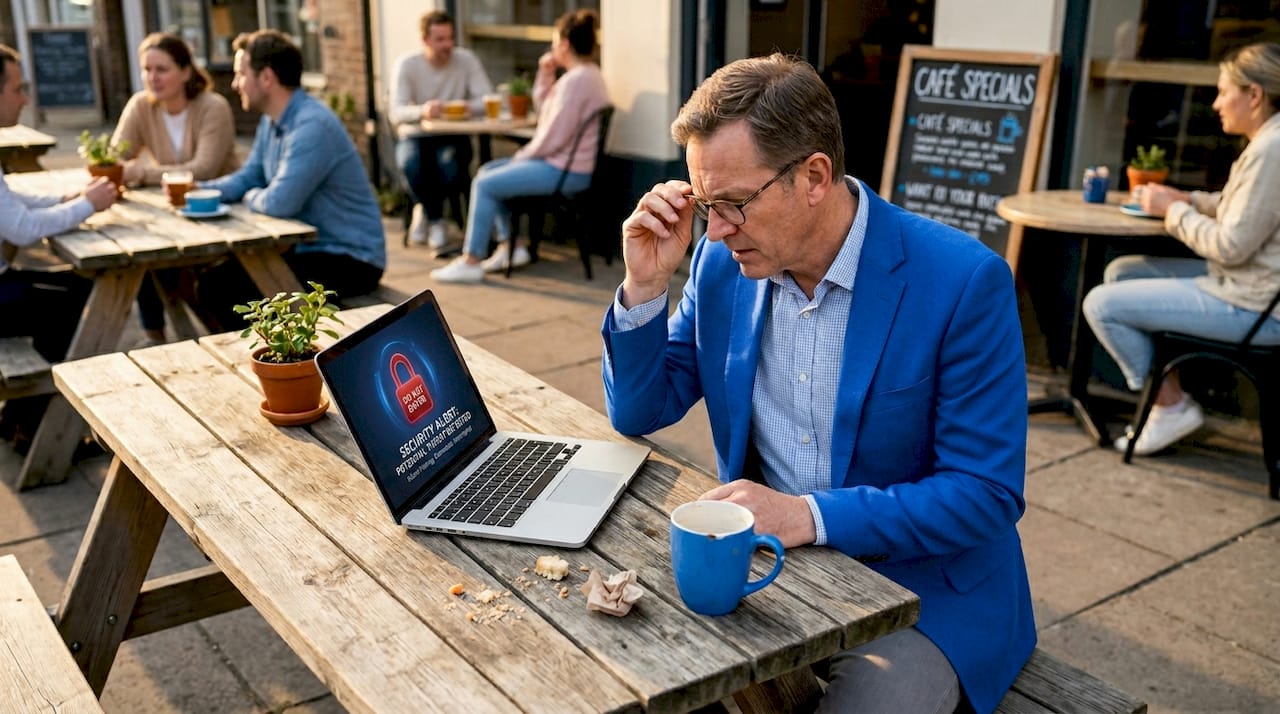
Microsoft Edge is one example of a browser that has built several notable protections directly into the product. Browser security features reduce risk from phishing, malware, scams, and unwanted ads using reputation systems and typo protection. While you cannot control which browser your visitors use, understanding these tools helps you set realistic expectations for user-side exposure.
Key browser-level security features include:
- SmartScreen: Warns users when they navigate to a site flagged as malicious or a known phishing destination, before any page content loads.
- Typosquatting protection: Alerts users when a URL they typed closely resembles a known legitimate site but is actually a spoofed version designed to steal credentials.
- Enhanced security mode: Applies stricter JavaScript and memory protections when users visit unfamiliar sites, limiting the damage a malicious page can do.
- Password monitor: Alerts users when their saved credentials appear in known data breaches.
How these features benefit your SMB specifically:
- Fewer of your legitimate customers get intercepted by phishing sites that mimic your brand.
- Users who land on typosquatted versions of your domain get warned before they enter their details.
- Malware distributed through advertising networks gets flagged before it executes.
- Trust signals increase when your site passes browser reputation checks cleanly.
Understanding browser security relevance in the broader context of SMB website protection helps you communicate more clearly with customers about why security matters to the whole experience, not just your server.
Advanced identity and account hardening techniques
Once your basic access controls are in place, the next level of protection involves hardening the accounts that have the most power over your site. Admin accounts and vendor accounts deserve stronger protection than standard user accounts because compromising them gives attackers the keys to everything.
Hardware security keys are physical devices (USB or NFC) that generate a cryptographic response during login, one that cannot be phished because it is tied to the specific domain you are authenticating on. Phishing works when users are tricked into entering credentials on a fake site. A hardware key simply will not authenticate on a fake domain, making the phishing attempt fail. OpenAI's Advanced Account Security uses passkeys and physical security keys to prevent phishing and enforce stronger recovery processes, a model that any SMB can borrow.
Additional account hardening measures worth implementing:
- Stronger recovery options: Replace SMS-based account recovery with authenticator apps or backup codes stored securely offline.
- Shortened session timeouts: Force admin users to re-authenticate after a set period of inactivity. A hijacked session that expires in 15 minutes does far less damage than one that stays open for hours.
- Active session monitoring: Maintain visibility into which devices and locations have active sessions. Unexpected sessions from unfamiliar locations are a clear signal of compromise.
- Vendor account audits: Third-party developers or freelancers often retain access long after their work is done. Review and revoke vendor credentials regularly.
The goal of advanced identity hardening is not to make login inconvenient. It is to make unauthorized access effectively impossible, even when attackers have partial information like a password or a recovery email.
Strong account security at the admin level is what separates a site that recovers quickly from an incident and one that loses everything.
Comparing site security features: effectiveness and suitability
To help you make informed decisions, here is a side-by-side comparison of the discussed security features. Use this as a starting point when deciding where to allocate time and budget. The full feature comparison checklist gives you a more detailed action plan.
| Feature | Layer | Protects against | Complexity | SMB suitability |
|---|---|---|---|---|
| HTTPS/SSL | Network | Data interception, trust | Low | All sites |
| WAF | Network/App | Injection attacks, bots | Medium | E-commerce, forms |
| 2FA | Access | Credential theft | Low | All admin accounts |
| Rate limiting | Access | Brute-force, DoS | Low-Medium | All sites |
| Offsite backups | Recovery | Data loss, ransomware | Low | All sites |
| Role-based access | Access | Insider risk, over-privilege | Medium | Multi-user sites |
| Hardware security keys | Identity | Phishing, account takeover | Medium | High-value accounts |
| Server hardening | Server | Unauthorized server access | High | Managed via host |
| Browser protections | User-side | Phishing, malware delivery | None (user-side) | All audiences |
The pattern is clear. Low-complexity features like SSL, 2FA, rate limiting, and backups should be implemented immediately. Medium-complexity features like WAFs and role-based access deserve attention next. High-complexity server hardening is best handled by choosing a hosting provider that manages it for you.
Why layered site security beats relying on single solutions
Here is the uncomfortable truth that most security checklists do not say clearly enough: any single security feature, no matter how good, will eventually be worked around. Attackers are not static. They study defenses, find edge cases, and adapt their tools. A WAF that blocks today's known attack signatures will not catch a zero-day exploit. A strong password policy fails the moment a user reuses a credential from a breached third-party site.
A WAF and rate limiting block some attacks but do not replace the need for application hardening and strong authentication. This is not a knock on those tools. It is a recognition of what they are designed to do and where they stop.
The importance of layered security is that each layer compensates for the weaknesses of the others. HTTPS protects data in transit but does nothing if your admin password is "password123." 2FA stops credential theft but does not protect against a malicious file upload if your server permissions are too open. Backups save you from ransomware but only if they are stored offsite and actually tested.
What we have learned from watching SMBs deal with security incidents is that the businesses that recover fastest are not the ones who spent the most. They are the ones who built redundancy into every layer, kept their software updated, and did not assume one tool was enough. The businesses that suffer the worst outcomes typically had one strong control and nothing else backing it up.
The practical takeaway: treat your site security like building a house. The foundation, walls, locks, and alarm system all serve different purposes. You would not skip the locks because you have an alarm, and you would not skip the alarm because the doors are solid. Each layer has a role.
Secure your website with inSave Hosting's trusted solutions
After reading through these examples of site security features, you have a clear picture of what effective protection looks like. The next step is making sure your hosting environment supports every layer you want to implement.

inSave Hosting bundles many of these critical protections directly into its hosting plans. Free SSL certificates are included so HTTPS is set up from day one. Automated website backups with offsite storage give you a real recovery option when something goes wrong. The platform runs on LiteSpeed with built-in security technologies, and the WordPress-specific hosting is configured with security best practices already applied. You can also explore SSL certificate options for your specific domain needs. Expert support is available to help you configure access controls, review your setup, and make sure no layer is left uncovered.
Frequently asked questions
What are the most important site security features for small businesses?
The essentials include HTTPS with a valid SSL certificate, two-factor authentication on all admin accounts, regular software updates, automated offsite backups, and a web application firewall. Core features like HTTPS, 2FA, backups, and WAF cover the most common attack vectors small businesses face.
How does a web application firewall (WAF) protect my site?
A WAF filters every incoming request and blocks known attack patterns like SQL injection and cross-site scripting before they reach your server. A web application firewall inspects every request and blocks common attacks automatically, reducing your exposure to automated threats.
Why should I consider hardware security keys for account protection?
Hardware keys tie authentication to a specific domain, so phishing attacks that redirect users to fake login pages simply fail. Hardware keys provide the strongest defense against phishing and unauthorized account access, making them worth considering for any high-privilege account.
Can browser security features help protect my website users?
Yes, indirectly. Features like SmartScreen and typo protection warn users about suspicious sites before they interact with them. Browser security features reduce risk via reputation warnings and typo protection, which means fewer of your customers fall for phishing sites that spoof your brand.
Is one security layer enough to protect my website?
No. A single control always has gaps that attackers can find and exploit over time. Layered site security creates redundancy that compensates for individual weaknesses, which is why combining encryption, access controls, firewalling, backups, and monitoring gives you the most resilient defense.