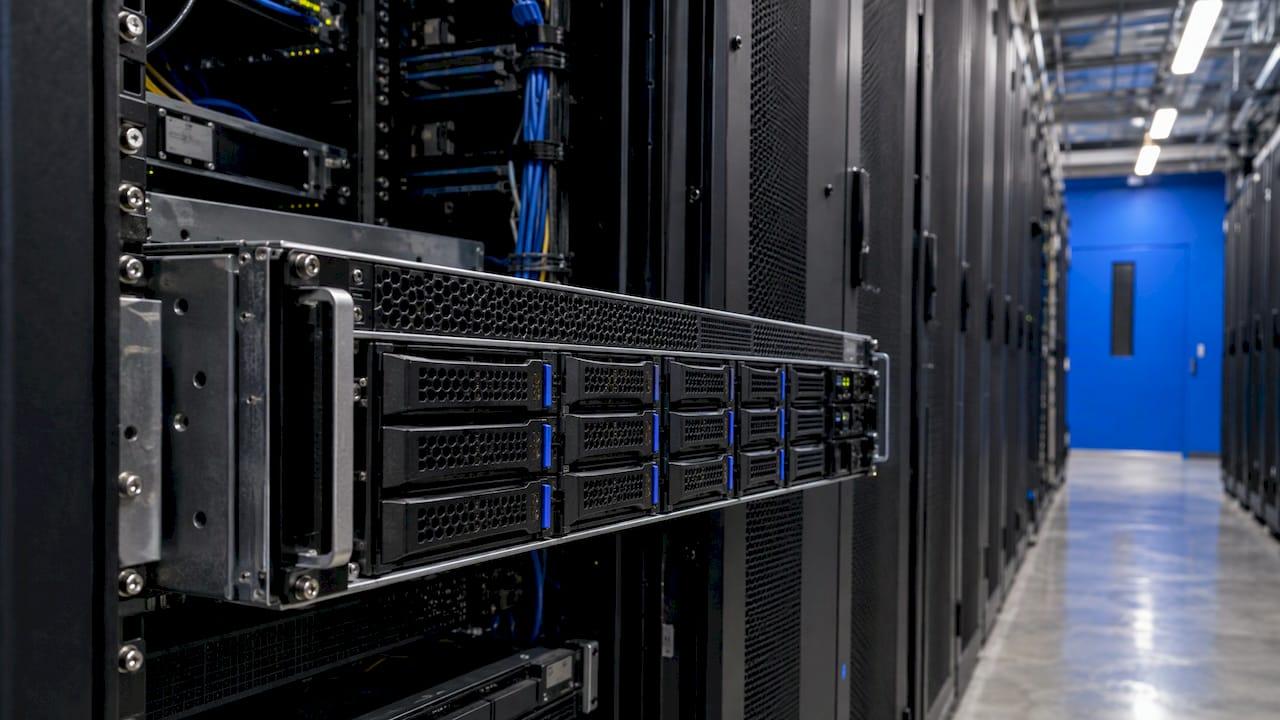
A dedicated server in the US typically costs from a few dozen dollars to several hundred dollars a month, and high-end machines run well past $1,000. Forbes Advisor puts the average range at $38 to $199.99 per month. Where you land depends on the processor, memory, storage, bandwidth, location and, above all, whether someone else manages the machine for you.
This guide breaks the price into the parts you control, shows the extra line items that surprise first-time buyers, and walks through a simple way to size a server and set a budget before you shop.
TL;DR
- Published averages for dedicated hosting in the US run from roughly $38 to $199.99 per month. Specialized or high-memory machines cost much more.
- Four things set the price: CPU, RAM, storage type (HDD or NVMe SSD) and bandwidth.
- Management is the biggest swing factor. Managed service costs a multiple of the same hardware unmanaged, and it replaces the cost of hiring someone to run the server.
- Budget for the whole bill: setup, control panel and OS licenses, backups, IP addresses, bandwidth beyond the included amount and support.
- Size the server from your real traffic and data, then compare the total monthly cost, not the headline price.
Table of Contents
- What a dedicated server costs in the US
- The four hardware factors that set the price
- Managed or unmanaged: the biggest swing in price
- The costs that do not appear in the headline price
- Renting versus buying your own server
- How to size a dedicated server and set a budget
- When a dedicated server is worth the cost
- Perspective
- Dedicated servers from inSave Hosting
- FAQ
- Sources
What a dedicated server costs in the US
The honest answer is a range, because "dedicated server" covers everything from a small single-CPU box to a multi-processor machine with terabytes of storage. The Forbes Advisor hosting cost guide gives $38 to $199.99 per month as the average for dedicated hosting. That covers most small and mid-size business needs.
It helps to think in four bands:
| Band | What you get | Who it suits |
|---|---|---|
| Entry | Older or modest CPU, limited RAM, one or two drives, usually unmanaged | Developers, test environments, low-traffic projects with an in-house admin |
| Balanced business | Modern multi-core CPU, more RAM, SSD or NVMe storage, solid bandwidth | Busy business sites, online stores, databases, internal apps |
| High performance or managed | Fast CPUs, plenty of RAM, redundant NVMe, monitoring and engineer support included | Teams that want uptime without hiring a sysadmin |
| Enterprise and specialized | Large memory, many cores, GPUs, very high bandwidth, custom networking | Virtualization hosts, analytics, streaming, large databases |
The bands overlap, and prices move with hardware supply. Memory and storage costs have been volatile, so a quote you saw six months ago may not hold. Always check the provider's current configurator before you plan around a number.
The four hardware factors that set the price
Most price differences between two servers trace back to four components.
Processor
The CPU is the largest single hardware cost. More cores and higher clock speeds cost more, and so does a second CPU socket. Workloads that run many things at once, such as a hypervisor hosting several virtual machines, benefit from high core counts. Workloads that depend on one fast thread, such as some game servers and older single-threaded applications, benefit more from high clock speed than from a long list of cores.
RAM
Memory is where many buyers overspend or underspend. Databases, caching layers and virtualization are memory hungry. A plain content site is not. Because RAM prices have risen and fallen sharply in recent years, it is also the line that varies most between quotes.
Storage: HDD or NVMe SSD
Spinning hard drives are cheap per terabyte and fine for archives and backups. NVMe SSDs are much faster for databases, stores and anything with many small reads and writes. Many servers pair a small NVMe drive for the system and database with larger HDDs for bulk data. Mirrored drives (RAID) cost more but keep the server running if one drive fails.
Bandwidth and port speed
Two numbers matter: the port speed (1 Gbps, 10 Gbps and so on) and the monthly traffic allowance. A server with a capped allowance can look cheap until your traffic grows. If you stream video, deliver large downloads or run a busy game community, unmetered or high-allowance plans are worth pricing from the start. Our unmetered dedicated servers with 10 to 100 Gbps ports are built for exactly those cases.
Managed or unmanaged: the biggest swing in price
An unmanaged server gives you the hardware and a network connection. You install the operating system, harden it, patch it, monitor it, handle backups and respond when something breaks at 3 a.m. A managed server includes some or all of that work.
Managed service costs a multiple of the unmanaged price for similar hardware, and that is not a markup for nothing. You are paying for engineer hours. The question to ask is what an hour of that work costs you otherwise. If nobody on your team is comfortable with Linux security updates, firewall rules and backup restores, an unmanaged server is cheap only until the first incident.
A useful comparison: take the unmanaged price, add the fully loaded cost of the time you or an hired administrator will spend each month, add backup storage and monitoring tools, then compare that total with the managed quote. For many small businesses the managed option wins once time is counted honestly. If you want a deeper look at the trade-offs, our guide to choosing managed or unmanaged servers walks through three questions that settle it.

The costs that do not appear in the headline price
The monthly price on a product page is rarely the whole bill. Go through this checklist before you compare quotes.
- Setup fee. Some providers charge a one-time fee to provision hardware, especially for custom builds. Others waive it on longer terms.
- Contract term. Month-to-month plans usually cost more per month than one-year or longer commitments. Ask what happens at renewal, and whether the renewal price matches the sign-up price.
- Operating system license. Linux distributions are generally free. Windows Server and some enterprise Linux versions carry a license fee, often added monthly.
- Control panel license. If you want a panel such as cPanel, it is usually licensed separately and billed per month, with the price tied to the number of accounts.
- Bandwidth overage. Going past the included traffic can be billed per terabyte. Check the allowance against your real usage.
- Additional IP addresses. A handful are typically included. More cost extra, and so do some SSL setups that need dedicated addresses.
- Backups. Off-server backups protect you from a failed drive or a bad update. Confirm whether they are included, how often they run and how long they are kept.
- DDoS protection and firewalls. Basic mitigation is common. Advanced protection can be an add-on.
- Support level. Hardware replacement is usually covered. Anything inside the operating system may not be unless you pay for management.
- Remote hands and reinstalls. Reboots, OS reinstalls and hardware swaps can be free, limited per month or billed.
Write each line next to each candidate server and total it. A server that looks $30 cheaper often ends up $30 more expensive after licenses and add-ons.
Renting versus buying your own server
Buying hardware sounds cheaper because you stop paying rent. In practice the comparison has more parts than the sticker price.
When you buy, you pay up front for the server, then you still need somewhere to put it. That means a rack, reliable power, cooling, fast network connectivity and physical security. Most small businesses lack these, so owned hardware usually goes into a colocation facility that charges for space, power and bandwidth. You also own the spare parts problem: a failed drive or power supply means a trip to the data center or paying for remote hands, and you carry the risk of hardware ending its useful life.
When you rent, the provider owns the hardware and replaces failed parts as part of the service. You can usually upgrade or move to a different configuration without selling anything. You trade a lower long-term cost on owned gear for flexibility and no capital outlay.
Buying can make sense when you run stable, predictable, heavy workloads for years and already have staff to maintain the hardware. Renting makes sense for nearly everyone else, especially for businesses whose needs may change within two or three years. If your workload is still growing or uncertain, the flexibility of a monthly term is worth real money.

How to size a dedicated server and set a budget
Buying too much is the most common way to overpay. Buying too little wastes time on migrations. This approach keeps both in check.
- Measure what you run today. Record peak CPU use, memory use, disk space used and monthly bandwidth from your current host or hosting dashboard. Peaks matter more than averages.
- Add growth. Plan for the next 12 to 24 months. If traffic has doubled each year, assume it may again.
- Identify the bottleneck. Databases and caching need RAM and fast storage. Compute-heavy jobs need cores. Media delivery needs bandwidth. Spend where the bottleneck is.
- Decide who manages it. Be realistic about your team's time and skills, as described above.
- Pick a term. Compare month-to-month with a longer commitment and decide how sure you are about your needs.
- Total the real bill. Server, licenses, backups, bandwidth, support. Then add a 10 to 20 percent cushion for traffic spikes and extras.
If you are not sure a dedicated machine is the right step at all, a virtual server or cloud setup may carry you further. Our comparison of VPS and cloud for small businesses and our guide to cloud dedicated servers lay out where each fits.
Remember the server is only part of the web budget. If you are also pricing the site that will run on it, a guide to website cost for businesses can help you plan the design and build side next to the hosting line.
When a dedicated server is worth the cost
A dedicated server earns its price when sharing resources becomes the problem. Typical signs:
- Your site or store slows down at peak times even on a well-sized VPS.
- You handle sensitive data and want isolation from other tenants.
- You run a database, application or virtualization stack that needs guaranteed CPU, RAM and disk speed.
- You host many client sites and want predictable performance. In that case also look at reseller or managed options.
- You run a busy game community. Our game servers page covers the options built for that.
If none of these apply, a smaller plan costs less and may do the job. The practical overview in our dedicated server hosting guide for SMBs helps you check which side of the line you are on.
Perspective
We run infrastructure for a living, and the pattern we see most often is simple: people compare the monthly sticker price and forget the work behind it. A cheap server that nobody patches, monitors or backs up is not cheap for long.
That is why we put experienced SRE and DevOps engineers, in the EU and the US, behind our customers' servers, and why we include free migrations and daily backups instead of selling them as surprises. We also believe in honest renewal pricing. The number you see when you sign up should be a number you can plan around.
Our advice: size the server from real measurements, pick the management level that matches your team, and compare the total monthly cost. When you do the math that way, a well-managed dedicated server usually turns out to be the calmer and often the more economical choice.
Ihor
Dedicated servers from inSave Hosting
If you have a workload in mind, our dedicated servers range from the Ryzen 7 Start and Ryzen 9 Ultra 3D to the Hypervisor Node 48C and Big NVMe Node 48C for virtualization and storage-heavy projects. Pricing is shown on the configurator, so you can see current figures for your build.
Want engineers to handle patching, monitoring and incident response? Take a look at our managed servers. Our plans come with free migration, daily backups and a 30-day money-back guarantee, so moving over does not mean starting from scratch. If you want to compare costs across hosting types first, our pricing articles cover each one.
FAQ
How much does a dedicated server cost per month?
Most published averages for the US fall between about $38 and $199.99 per month, according to Forbes Advisor. Managed plans, large memory, GPUs and very high bandwidth push the price well above that. The final figure depends mainly on hardware and management level.
Is a dedicated server cheaper than a VPS?
No, a VPS is usually cheaper per month because you share the physical machine. A dedicated server can be better value when you need guaranteed resources, strong isolation or sustained heavy load. If one VPS is enough, you do not need to move up.
What extra fees should I expect?
Look for setup fees, control panel and operating system licenses, bandwidth beyond the included allowance, extra IP addresses, backups and paid support or management. Add them to the base price and compare totals. Ask also whether the renewal price matches the sign-up price.
Should I buy a server instead of renting one?
Buying fits stable, heavy workloads with staff who can maintain hardware and a data center space to host it. Renting avoids the upfront cost and includes hardware replacement, which suits most small and mid-size businesses. If your needs may change, renting keeps you flexible.