
Round robin DNS is a load-balancing method where an authoritative nameserver returns a rotating list of A or AAAA records for one hostname, sending each new request to a different server in sequence. It's a solid, free tool for basic traffic distribution across low-traffic, stateless sites, but it's the wrong choice for anything that needs health-aware failover or session persistence. Watch for two red flags before you deploy it:
- Traffic patterns are sensitive to resolver caching, which can bunch users onto one server
- Your app requires active health checks so failed servers get pulled from rotation automatically
Key Takeaways
Round robin DNS distributes traffic by rotating IP addresses at the authoritative nameserver but offers no health checks, no session persistence, and no awareness of server load.
| Point | Details |
|---|---|
| Core mechanism | Multiple A/AAAA records rotate order per query, and clients typically connect to the first IP returned. |
| Biggest weakness | Resolver caching can send a large share of users to one server for the entire TTL window. |
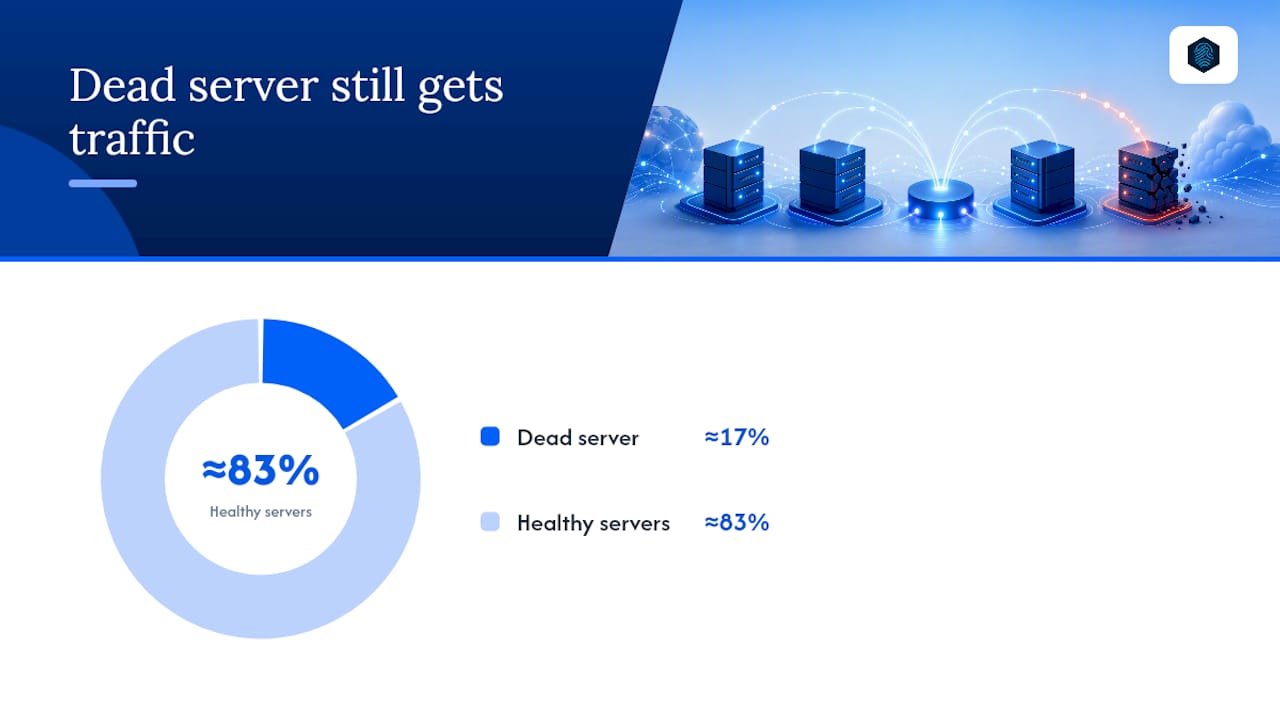
| Failure exposure | With N servers, a downed node still absorbs roughly 1/N of new resolver requests until entries expire. |
| Right use case | Stateless, low-traffic sites needing cheap, basic redundancy without extra infrastructure. |
| Managed alternative | inSave Hosting includes DNS management and uptime guarantees in its hosting plans, reducing the need for a separate load-balancing setup. |
Table of Contents
- What Is Round Robin DNS?
- How Does DNS Round Robin Actually Work?
- What Are the Benefits of Round Robin DNS?
- What Are the Drawbacks of Round Robin DNS?
- When Should You Use Round Robin DNS, and When Should You Avoid It?
- How Do You Set Up Round Robin DNS?
- How Do You Fix Uneven Load and Failover Problems?
- How Much Traffic Does a Failed Server Really Absorb?
- Why I'd Only Recommend Round Robin for Small, Stateless Sites
- How inSave Hosting Supports Reliable DNS Management
- Sources
- FAQ
What Is Round Robin DNS?
An authoritative nameserver holds several A or AAAA records under a single hostname and hands them out in a permuted order. Each time a resolver queries the domain, it typically receives a different sequence, and clients almost always connect to whichever IP address appears first in the response.
Picture www.example.com pointed at three IPs: 203.0.113.10, 203.0.113.11, and 203.0.113.12. The nameserver rotates which address appears first, spreading new connections across all three servers over time.
- No specialized load-balancing hardware required
- Works with standard DNS record types (A for IPv4, AAAA for IPv6)
- Distribution happens at the resolution layer, not the network layer
How Does DNS Round Robin Actually Work?
The mechanics are simple on paper. You add multiple A or AAAA records under one hostname, the authoritative server permutes their order for each query, and the resolving client typically tries the first IP address it sees.
Recursive resolvers complicate that simplicity. A large ISP or corporate resolver caches whatever IP it receives for the length of the TTL, then serves that same cached answer to every user behind it. That's how DNS caching turns theoretically even rotation into lopsided real-world traffic.
A sample zone file entry looks like this:
www.example.com. 300  IN  A     203.0.113.10
www.example.com. 300  IN  A     203.0.113.11
www.example.com. 300  IN  AAAA  2001:db8::10
www.example.com. 300  IN  AAAA  2001:db8::11
The 300 here is the TTL in seconds. Drop it lower and you shrink how long a stale answer sticks around, but you also drive up query volume against your authoritative servers.
Round robin DNS does not monitor server load, transaction time, or network congestion. It just rotates addresses and hopes distribution evens out.
Pro Tip: Set an initial TTL between 60 and 300 seconds for round robin records. Anything higher and a single overloaded or downed server can hold a meaningful share of traffic long after you've fixed the problem.
Windows Server DNS policy, available since Windows Server 2016, goes a step further by supporting weighted responses like a 50/25/25 split across zone scopes, something plain round robin can't do on its own.
What Are the Benefits of Round Robin DNS?
The appeal is cost and simplicity. You don't buy hardware, license software, or manage a separate control plane.
- Zero additional infrastructure cost; it runs on DNS you already have
- Basic redundancy for stateless content like static pages or read-heavy APIs
- Configured through the same DNS panel you use for every other record
For a small site running on a couple of identical web servers, that's often enough.
What Are the Drawbacks of Round Robin DNS?
The failure modes are where round robin DNS earns its reputation as a stopgap rather than a real solution. Caching is the biggest culprit: once a resolver stores an answer, every user behind it hits the same server until the TTL expires, regardless of how the authoritative server permuted the list.
Round robin has no concept of server health. If a backend crashes, its IP address stays in rotation until someone manually removes it, meaning a portion of new connections keep failing until you intervene. There's also no session persistence. A shopping cart or logged-in session tied to server A can suddenly route to server B on the next request, breaking stateful applications outright. And round robin has no awareness of geography or current load; a user in Tokyo can get routed to a server in Ohio purely because that's whose turn it was.
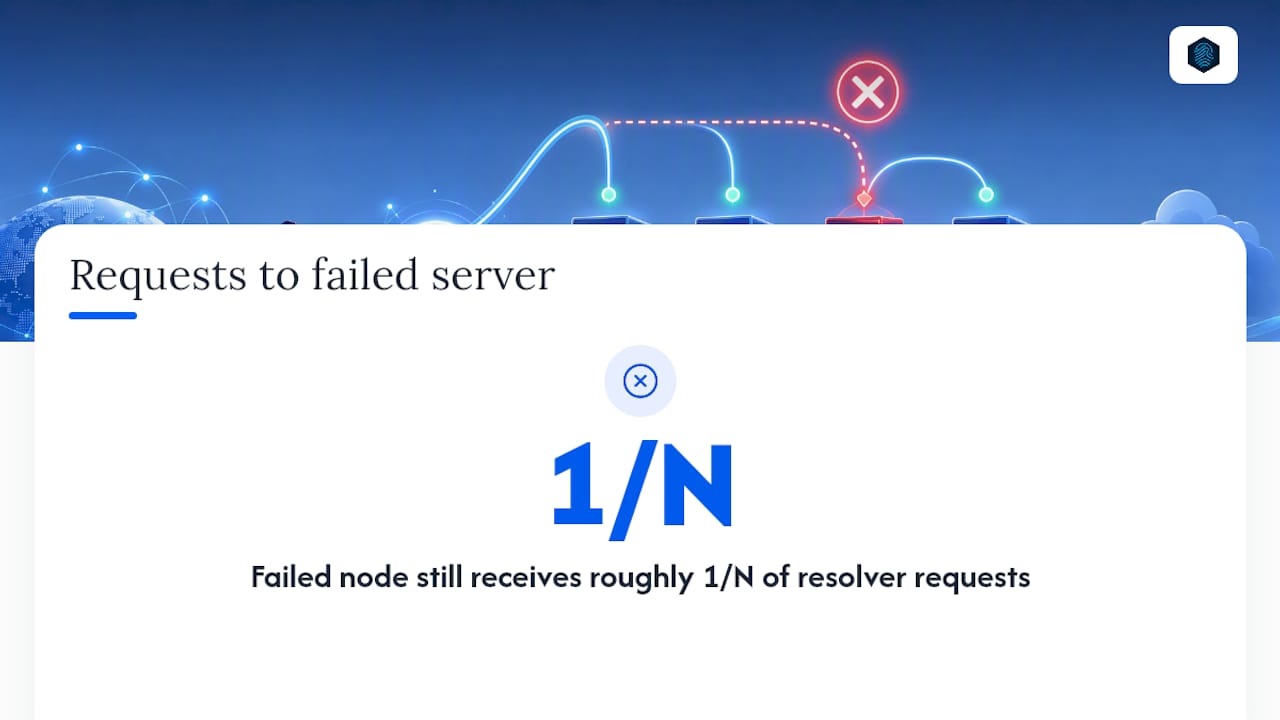
The math on server failure is worth internalizing: with six servers in rotation, losing one still sends roughly one-sixth of new resolver queries toward that dead IP until cached entries age out.
- Uneven distribution from resolver-level caching
- No automatic removal of failed servers
- Session state breaks across requests
- No latency or load awareness
Pro Tip: Lowering TTL to reduce caching pain comes with a real tradeoff: shorter cache life means more repeat queries hitting your authoritative servers, so budget for the added query volume before you drop TTL aggressively.
When Should You Use Round Robin DNS, and When Should You Avoid It?
Round robin fits stateless, low-to-moderate traffic sites where basic redundancy across a couple of identical servers is enough. It's also fine as a stopgap while you evaluate something more capable.
Avoid it for anything stateful, anything that needs automatic failover, or multi-datacenter deployments where latency matters. Signs you've outgrown it:
- Users report intermittent errors tied to one specific backend
- Sessions or shopping carts break unpredictably
- You're manually pulling dead IPs out of DNS during incidents
How Do You Set Up Round Robin DNS?
Configuring round robin takes three concrete steps.
- Add multiple records. Create two or more A (or AAAA) records pointing the same hostname at different server IPs, as shown in the zone file example above.
- Set your TTL. Start around 60 to 300 seconds. Lower values shrink the window where a dead server stays in rotation but raise query load on your authoritative nameservers.
- Test the rotation. Run
dig @<authoritative-nameserver> www.example.com +shortrepeatedly and confirm the order of returned IPs changes. Usedig +traceto follow resolution from the root down and confirm your DNS records resolve as expected from multiple vantage points.
Checklist before you call it done:
- Confirm rotation changes across repeated queries, not just once
- Query from at least two different recursive resolvers to spot caching hot paths
- Simulate a server failure and time how long stale traffic keeps arriving
Pro Tip: Test from a resolver outside your own network, like a public DNS service, not just your local machine. Your ISP's resolver caching behavior can hide problems that only show up for users elsewhere.
How Do You Fix Uneven Load and Failover Problems?
Most round robin pain traces back to caching and stale records. Lower TTL where your query budget allows, run external health checks that alert you the moment a server drops, and pull dead IPs from the rotation immediately rather than waiting for the next deploy window. If you're on Cloudflare, never mix proxied and unproxied records for the same hostname since that combination produces unpredictable routing.
- Reduce TTL to shrink the caching window
- Run health checks outside DNS to catch failures DNS can't see
- Remove failed IPs from the zone the moment they're confirmed down
Once you're doing this manually more than occasionally, it's time to look at Load Balancing AI Services: A Complete Infrastructure Guide that covers weighted and capacity-aware load balancing solutions beyond round robin DNS.
How Much Traffic Does a Failed Server Really Absorb?
With N servers in rotation, a single failed node still attracts roughly 1 divided by N of new resolver-level requests, since round robin performs "blind" rotation with no awareness of which server is actually up.
Why I'd Only Recommend Round Robin for Small, Stateless Sites
Round robin DNS earns its keep on simple, low-stakes deployments where a bit of uneven traffic doesn't matter. Once sessions, health checks, or multi-region latency enter the picture, DNS policy or a real load balancer does the job round robin was never built for.
How inSave Hosting Supports Reliable DNS Management
If round robin DNS is starting to feel like duct tape on a bigger problem, you don't need to build a separate load-balancing stack to fix it.

That matters most for small and mid-sized teams who want fewer moving parts, not more vendors to manage. Instead of stitching together a separate DNS provider, a CDN, and a hosting account, you get shared hosting plans built on LiteSpeed and free CDN integration that handle the traffic distribution work round robin DNS struggles with. Check current plans and see which tier fits your traffic before your next DNS change.
Sources
Before changing production DNS, check vendor documentation directly rather than relying on secondhand summaries.
- Round-robin DNS - Wikipedia
- Round-robin DNS · Cloudflare DNS docs
- Use DNS Policy for Application Load Balancing - Microsoft Learn
DNS-based balancing is simple but prone to stickiness from caching; for fine-grained control, moving to a load-balancing layer with health checks and session controls is the more durable path.
FAQ
What Is DNS Round Robin?
DNS round robin is a technique where an authoritative nameserver returns multiple IP addresses for one hostname in rotating order, spreading new connections across several servers.
Does 8.8.8.8 Make Your Internet Faster?
Google's 8.8.8.8 resolver can speed up DNS lookups if your ISP's default resolver is slow, but it has no effect on round robin's core limitations like caching-driven uneven distribution.
Is 1.1.1.1 the Fastest DNS?
Independent speed varies by location and network, and no single public resolver is fastest everywhere; the bigger factor for round robin performance is how long that resolver caches your records.
Should I Use Round Robin DNS for a Gaming Server?
Round robin DNS isn't built for gaming workloads that need low latency and session stability, since it has no awareness of player location or server load; a dedicated game server setup with proper routing performs far better.
When Should I Move Beyond Round Robin DNS?
Move to DNS policy, GSLB, or a managed load balancer once you need health-aware failover, session persistence, or geographic routing, all of which plain round robin DNS cannot provide.