
Finding reliable wordpress hosting that balances expert support, predictable resource limits, and workflow tools can block business growth. Cheap shared hosts lack expert response, clear resource limits, or built-in agency and workflow features, leading to surprises and operational pain. This comparison covers engineering approach, backup policies, and support quality for four wordpress hosting alternatives so agencies and teams can pick a fit without trial runs.
Table of Contents
inSave Hosting
At a Glance
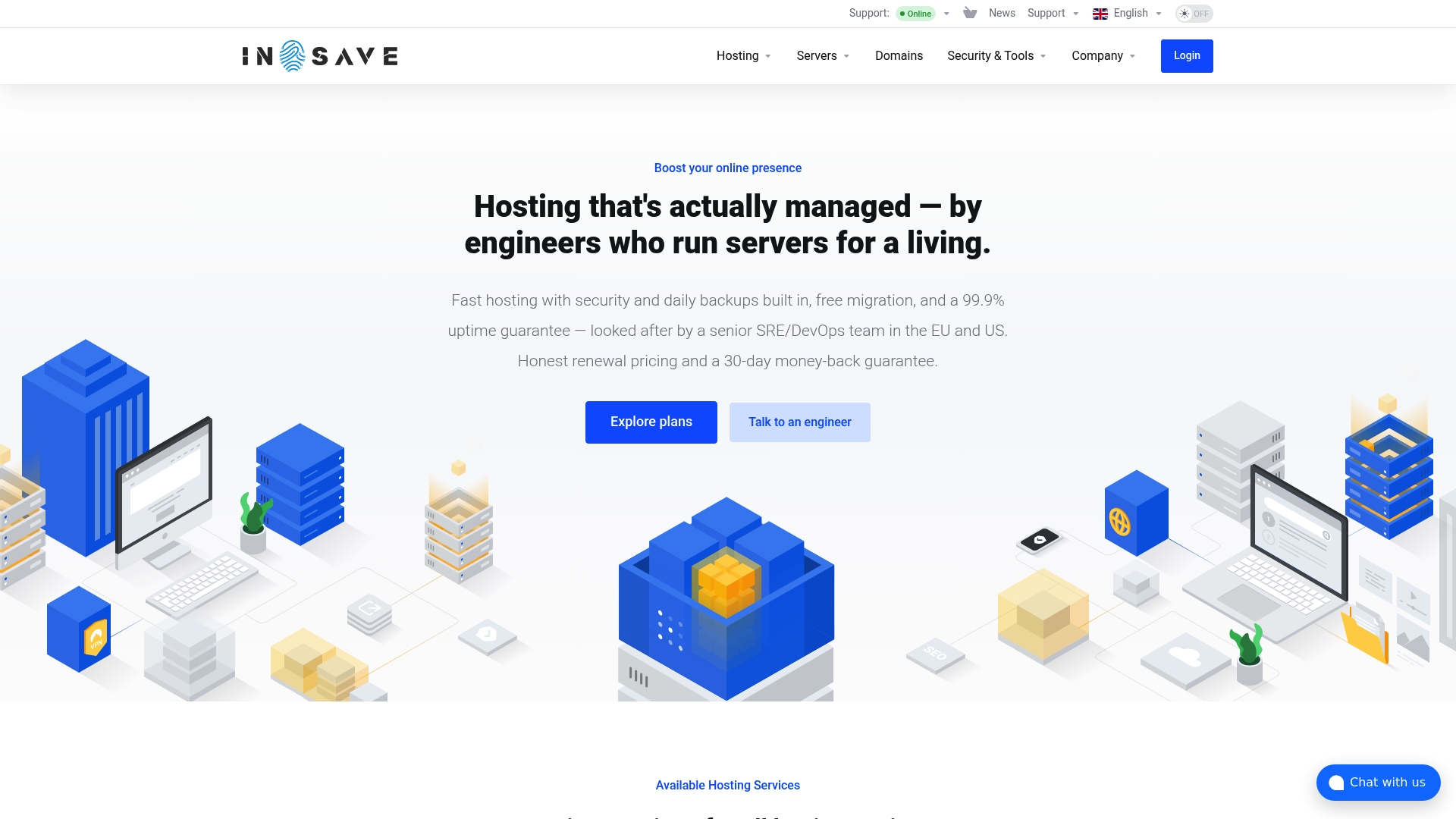
According to the company, inSave Hosting carries a 99.9% uptime guarantee, daily automatic backups, and a 30-day money-back policy. The service is run by senior SRE and DevOps engineers who handle platform management and incident work. That operational model aims to reduce noisy support tickets and keep sites stable under traffic spikes.
Core Features
inSave Hosting combines several hosting types into one control plane, including shared, WordPress, VPS, dedicated, and cloud server options, plus domain registration and SSL management. The stack uses modern server technologies such as LiteSpeed, NVMe storage, HTTP 3, and PHP 8, with optional Cloudflare CDN for edge caching. Security features include server side web application firewall, malware monitoring, containerized isolation, and a range of SSL choices from DV to EV and wildcard certificates.
Key Differentiator
The platform pairs senior engineering staff with transparent resource limits and containerized isolation to protect neighbors on shared hardware. That engineering-first approach means incidents are triaged by experienced SREs rather than general support agents. Transparent limits reduce surprise resource throttling. Container isolation reduces noisy neighbor risk while preserving predictable performance. This focus on engineering and clarity targets people who need predictable behavior from their host.
Pros
Experienced engineers manage the environment, so complex operational tasks like patching, backups, and incident response are handled by staff with DevOps backgrounds. The control panel unifies server, domain, and certificate management, which speeds tasks like staging and migrations and keeps operational overhead low. The platform advertises free migration during onboarding and daily backups, which simplifies moving WordPress sites and restores after errors. Pricing is presented with real resource limits, which helps avoid surprise overage charges. Support is available around the clock and staffed with engineers rather than generalists.
Cons
- Pricing can be higher than entry level shared hosts, making it less suited to personal hobby projects or ultra low budget sites.
Who It's For
Tech savvy small to medium sized business owners, developers, and digital agencies will get the most from inSave Hosting. Teams that need predictable performance for WordPress and e commerce sites will benefit from container isolation and daily backups. Agencies that manage multiple client sites will appreciate unified billing, domain registration, and the migration support offered during onboarding.
Unique Value Proposition
The control plane covers multiple service types while keeping operational work with senior SRE and DevOps engineers. That means you buy hosting and buy day to day operations from experienced operators, not a large pool of junior support staff. For businesses that value uptime and clear resource limits, this model reduces administrative time and gives predictable behavior during traffic surges.
Real World Use Case
A medium sized online retailer moved its store to inSave Hosting and used the free migration service to cut launch time. Daily backups and containerized hosting let the retailer handle sale day traffic without site crashes. When a plugin update broke checkout, the team restored the previous daily backup and rolled back in minutes.
Pricing
Plans vary by service type and resource level, with shared hosting starting at $4.16/month and higher tiers for VPS and dedicated servers. Billing supports monthly subscriptions and multi year plans. Exact pricing for custom high frequency or enterprise servers is available during plan selection.
Website: https://insave.hosting
Pressable Managed WordPress Hosting
At a Glance
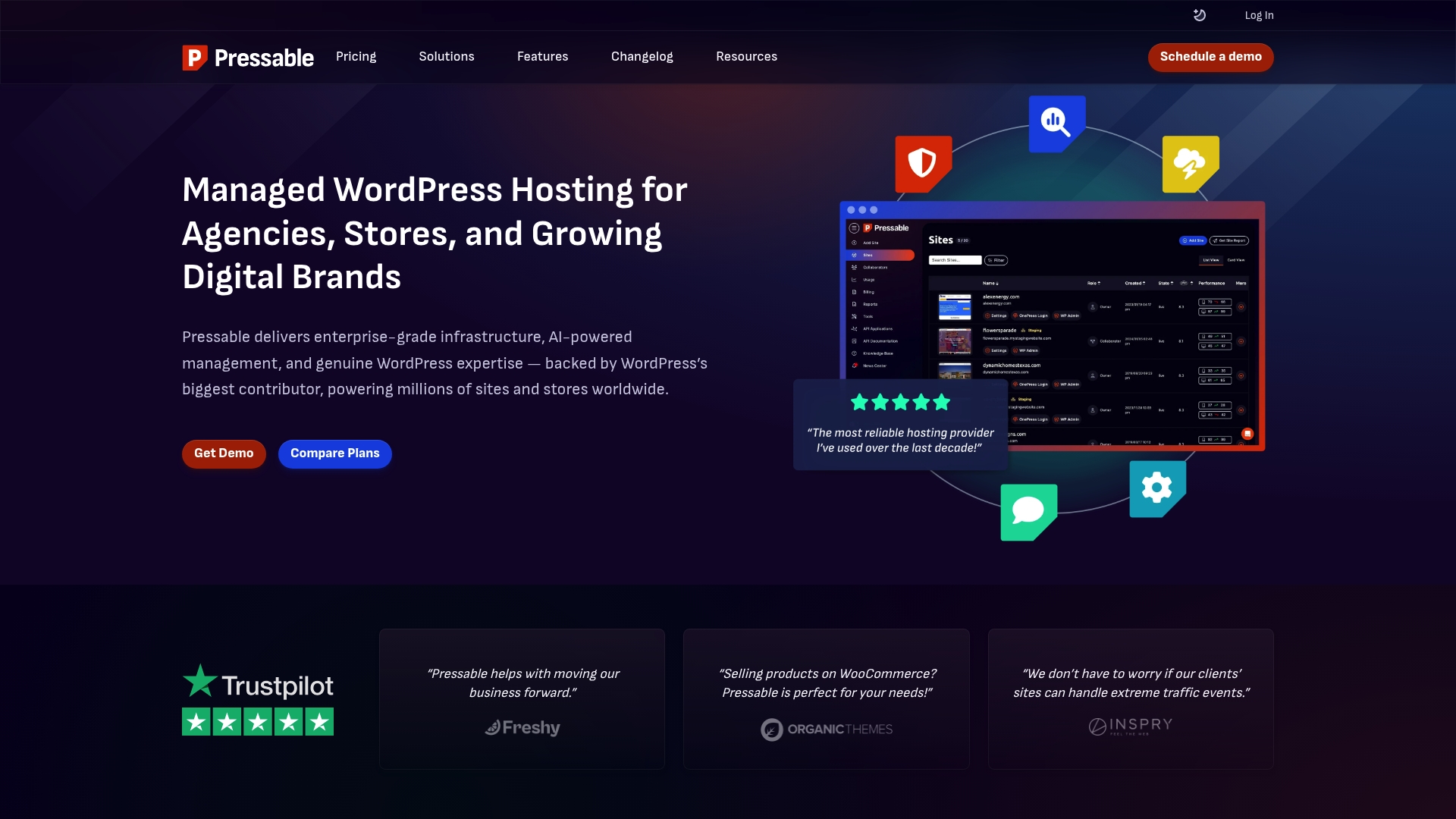
Pressable reports a 100% uptime SLA. That claim pairs with AI-powered site management through Pressable MCP and infrastructure built on Automattic’s WP Cloud. Plans start at $25/month and extend to enterprise levels for agencies and high-traffic stores.
Core Features
Pressable runs on enterprise infrastructure and pairs automated site management with developer tools. The platform includes a global CDN, automated backups, failover, a web application firewall, and Jetpack Security for malware protection. Developer workflows are supported with SSH, WP-CLI, Git integrations, staging sites, and API access.
Key Differentiator
The main advantage is the combination of Automattic’s WP Cloud and AI-driven management. That mix shortens deploy and troubleshooting cycles for larger WordPress operations. It targets agencies and stores that need rapid scaling and predictable platform behavior.
Pros
Pressable is built and backed by Automattic, which aids WordPress compatibility and ongoing platform improvements. Pressable advertises an average response time under 4 minutes for support, which matters when sites go offline. The platform also simplifies multi-site management, offers WooCommerce‑focused tooling, and scales automatically for traffic spikes.
Cons
- Pricing can be higher than shared hosting, reflecting premium features and managed services.
- Some site owners prefer more granular control or a self-managed environment.
- Advanced features create a learning curve for beginners and solo bloggers.
When It May Not Fit
Pressable’s premium pricing may be prohibitive for very small websites or hobby projects. The platform’s feature set assumes technical familiarity, which can overwhelm new site owners. Teams that want full server control or the lowest possible hosting cost will likely look elsewhere.
Notable Integrations
- Web application firewall (WAF) for request filtering and attack mitigation.
- Jetpack Security for malware scanning and activity logging.
- API access for scripted site management and automation.
- WP-CLI for command line WordPress operations.
- Git for version controlled deployments.
Who It's For
Pressable fits WordPress agencies managing many client sites and developers who need staging and automation. It also fits WooCommerce store owners who require uptime and security during peak sales. Larger teams that value vendor support and automated scaling will find it practical.
Real World Use Case
A digital agency running hundreds of client sites uses Pressable’s unified dashboard to deploy templates and manage updates. The agency relies on automated backups and the staging environment to test major changes before pushing live. AI workflows reduce routine maintenance tasks and free the team to focus on development.
Pricing
Plans start at $25/month for single sites and scale to $6,750/month for high-capacity or agency tiers. Custom enterprise agreements are available for large fleets and bespoke SLAs.
Website: https://pressable.com
Flywheel
At a Glance
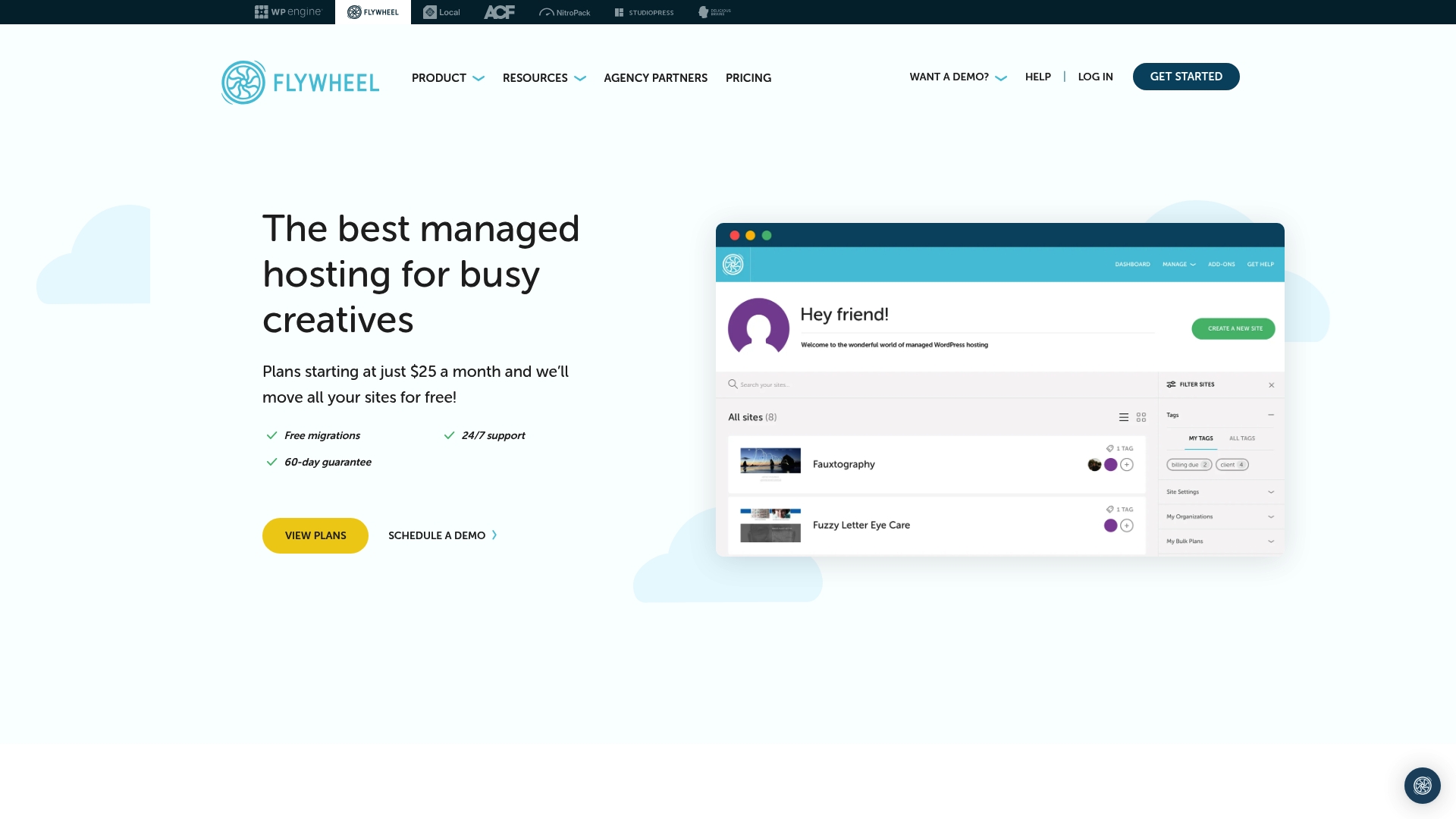
Flywheel's marketing materials state a 99.9% uptime guarantee. The vendor advertises plans starting at $15/month and highlights free migrations and nightly backups. That positioning targets agencies and freelancers who need managed WordPress hosting with workflow tools and expert support.
Core Features
Flywheel handles performance with managed caching and server level optimization so you do not need extra caching plugins. The platform runs automatic WordPress and plugin updates, nightly backups, and proactive malware scans at the server level. A custom control panel adds staging, team collaboration tools, and 24/7 expert support for WordPress issues.
Key Differentiator
Flywheel focuses exclusively on WordPress hosting while baking collaboration and agency workflows into the dashboard. White label options and site management tools make it easier for agencies to hand off sites to clients without exposing vendor branding. That workflow focus separates it from generic shared hosts.
Pros
Specialization in WordPress yields support from WordPress experts and features aligned to common agency tasks. Free site migrations, staging, and nightly backups simplify client updates and rollback when needed. Managed caching and server level security reduce the time you spend tuning performance and responding to attacks.
Cons
-
Primarily focused on WordPress, so it does not support non WordPress platforms. This limits flexibility for mixed technology stacks.
-
Pricing is higher than basic shared hosting for comparable storage and traffic. Agencies with tight budgets may find basic hosts cheaper.
-
Overages apply for traffic and storage beyond plan limits, which can increase monthly costs if a site spikes.
When It May Not Fit
Flywheel is not a good match if you host non WordPress sites or static HTML properties. It also poorly fits projects with unpredictable traffic where overage charges could become a major expense. Teams that need the lowest possible hosting cost for simple blogs will likely prefer a budget shared host instead.
Who It's For
Creative professionals, agencies, freelancers, and in house marketing teams running WordPress sites will get the most value from Flywheel. Teams that require collaboration tools, white label options, and a dedicated WordPress expert line will find the workflow features useful. Users seeking a multi platform host should look elsewhere.
Real World Use Case
A digital marketing agency hosts over 30 client WordPress sites on Flywheel and uses staging and collaboration tools to prepare changes. The team relies on nightly backups to restore client sites after plugin updates. Centralized management reduces time spent switching between hosts and speeds client approvals.
Pricing
The vendor advertises plans starting at $15/month, with customized options for larger or mission critical sites. That starting price covers core managed features like migrations, SSL, and backups. Larger agencies can negotiate custom plans for high traffic or enterprise needs.
Website: https://getflywheel.com
WPMU DEV
At a Glance
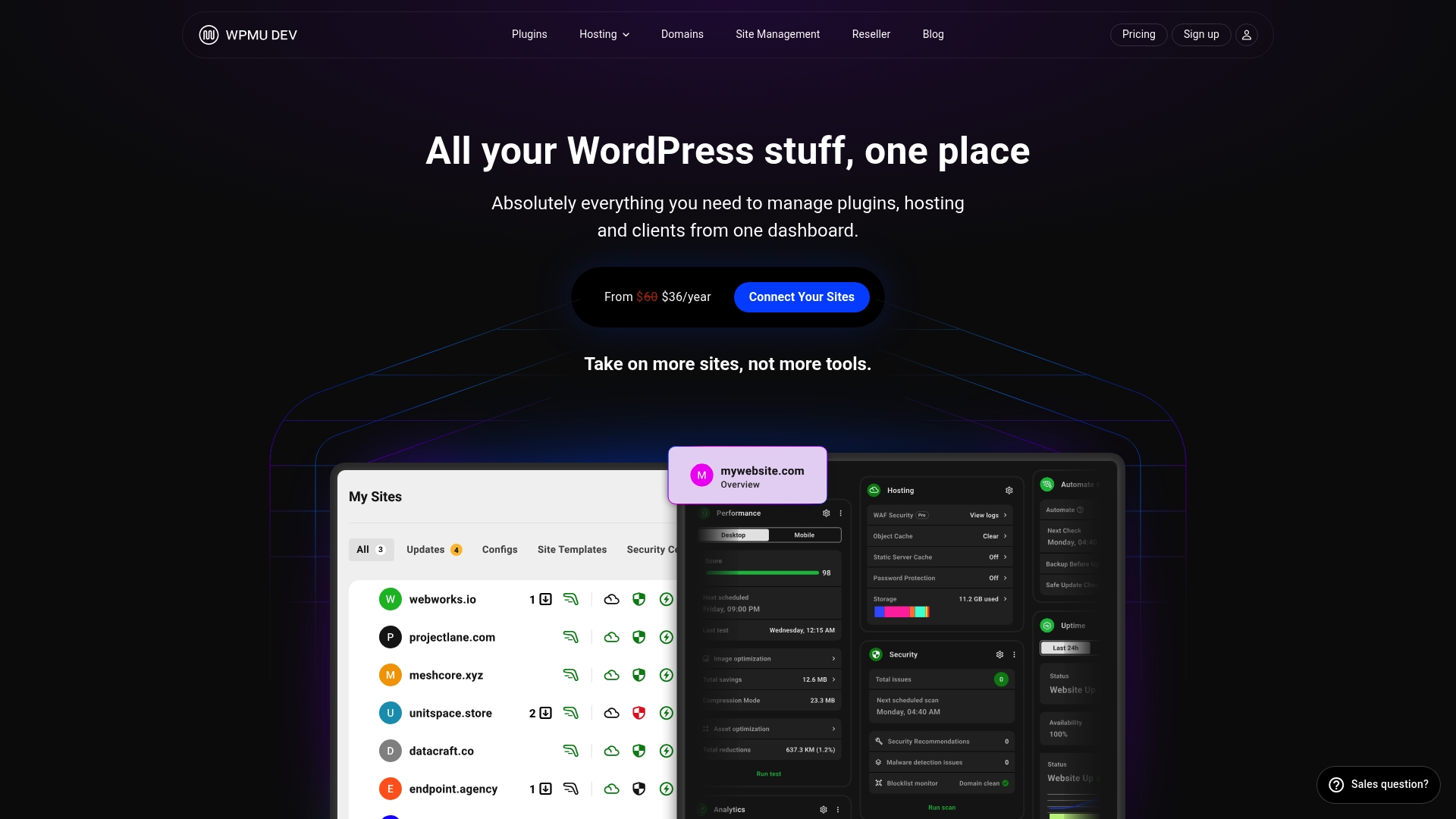
WPMU DEV lists pricing from From $3/month for Pro Basic to $250/month for Premium, billed annually. The platform combines plugins, hosting, domain management, and support into a single management dashboard for WordPress professionals. That consolidation targets agencies and freelancers who manage many client sites and want fewer moving parts.
Core Features
WPMU DEV centralizes plugin management, security, backups, SEO, and marketing tools inside a unified dashboard that ties directly to hosting. The service offers built in hosting options including dedicated and unlimited plans plus a Global CDN to improve delivery worldwide. Migration support includes free migration credits with qualifying hosting plans or membership tiers.
Key Differentiator
The primary distinction is the single dashboard that covers plugins, hosting, domains, and white label support for client work. That setup reduces the number of vendor accounts and simplifies billing for multi site operations. The package is purpose built for WordPress professionals rather than casual site owners.
Pros
WPMU DEV provides a comprehensive toolset tailored to managing many WordPress sites from one control panel. The unified platform cuts the need for separate backup, security, and SEO plugins and keeps configuration in one place. Support is a strong point; the company advertises quick response times and dedicated help for agency workflows.
Cons
- Subscription pricing can be relatively high for individuals who run only a few sites.
- Advanced features and larger plan options add complexity for beginners learning the system.
- Migration and premium support add buy in that increases total cost for some projects.
When It May Not Fit
This platform is not ideal if you prefer free plugins or one time purchases rather than a subscription model. Small hobby projects with a single site will likely find the pricing too large for their needs. Agencies that need only hosting without bundled plugins may pay for features they will not use.
Who It's For
WPMU DEV fits web developers, digital agencies, and freelancers who manage numerous WordPress sites. It suits teams that need white label reporting, centralized backups, and integrated client billing. If you run many client sites, the single dashboard reduces admin time.
Real World Use Case
A digital agency oversees 20 client websites using the dashboard to push plugin updates, schedule backups, and generate white label reports for clients. The team uses dedicated hosting and CDN to keep client pages fast under traffic spikes. Migration credits speed onboarding for new client sites and reduce initial setup labor.
Pricing
WPMU DEV sells access on an annual subscription model. Plans range From $3/month for Pro Basic up to $250/month for a Premium tier, billed annually. Higher tiers bundle hosting, advanced plugins, and priority support.
Website: https://wpmudev.com
Comparison of alternatives
When selecting the ideal hosting for WordPress sites, considerations like predictability, technical management, and tailored support differentiate top-tier services. Below, the offerings of inSave Hosting, Pressable, Flywheel, and WPMU DEV are compared to highlight their strengths and target audiences.
Predictable Performance and Resource Allocation
inSave Hosting stands out by emphasizing operational transparency and engineering involvement. Its daily backups and containerized isolation ensure consistent site performance and minimize interruptions caused by neighboring sites. Pressable, while marketing AI-powered tools and scaling mechanisms, focuses on premium-level management, suiting agencies and stores needing high capacity. Meanwhile, Flywheel accentuates its simplicity with nightly backups and managed caching, though it lacks multi-platform applicability.
Collaboration and Ease of Use
Flywheel distinctly targets agencies and freelancers with its white-label options and advanced collaboration tools, allowing project handoffs. On the other hand, WPMU DEV appeals to developers managing multiple client sites due to its centralized dashboard offering plugin, hosting, and domain administration. While inSave Hosting provides a unified management platform covering several essential hosting operations, agency-specific tools remain a key strength of competitors.
Best fit
- Users working on advanced WordPress sites seeking transparent resource limits and stability under traffic spikes benefit from inSave Hosting.
- Agencies requiring team collaboration environments and white-label options will appreciate Flywheel.
- Developers focusing on plugin integration and central management will find WPMU DEV's unified dashboard for multi-site control.
Our pick
inSave Hosting delivers a balanced platform incorporating managed hosting with senior engineering expertise. While competitors cater to specific niches effectively, inSave Hosting's containerized isolation and operational transparency make it ideal for advanced users and businesses prioritizing site stability during traffic surges. Although it may not suit beginners or strictly budget-conscious users, its unique features offer a noteworthy choice for high-demand circumstances.
These hosting platforms provide diverse features and capabilities for WordPress sites.
| Platform | Core Feature | Key Differentiator | Best For | Pricing | Notable Limitation |
|---|---|---|---|---|---|
| inSave Hosting | Multiple hosting types with one control panel | Engineering-first management focus | Small to medium businesses and agencies | Starts at $4.16/month | Pricing higher than entry-level shared hosting |
| Pressable | AI-driven site management with global CDN | Built on Automattic’s WP Cloud infrastructure | Agencies and high-traffic WooCommerce stores | Starts at $25/month | Learning curve for beginners |
| Flywheel | WordPress-specific workflow tools | White-label collaboration and staging tools | Creative professionals and agencies | Starts at $15/month | Exclusively focused on WordPress |
| WPMU DEV | Unified dashboard with hosting and plugins | Integrated tools tailored for agencies | WordPress developers and freelancers | From $3/month (annual) | Higher cost for individual users |
What Makes a Hosting Provider Truly Reliable for WordPress Sites?
Many small to medium sized business owners, developers, and digital agencies find that unpredictable performance and limited technical support are common issues when choosing the best hosting for WordPress sites. inSave Hosting solves these problems by combining 99.9% uptime with experienced SRE and DevOps engineers managing your hosting environment. Their containerized isolation and clear resource limits prevent noisy neighbor effects and surprise throttling, ensuring your WordPress or e-commerce site runs smoothly under traffic spikes.
Benefit from features like free migration, daily backups, managed security, and one-year free domain registration. Learn how inSave Hosting can provide affordable, reliable, and performance-optimized WordPress hosting tailored just for you at https://insave.hosting.
Take a closer look at how inSave Hosting delivers uptime and predictability that your WordPress projects require. Visit inSave Hosting and make hosting a worry-free part of your digital work.
FAQ
What is inSave Hosting's uptime guarantee?
InSave Hosting carries a 99.9% uptime guarantee. This metric underscores the platform's commitment to maintaining stable site performance even under traffic spikes, making it suitable for small to medium sized business owners and developers.
How does inSave Hosting compare to Pressable for WordPress hosting?
Pressable reports a 100% uptime SLA, making it an excellent choice for users requiring maximum reliability. InSave Hosting is ideal for tech savvy teams needing predictable performance with containerized isolation, which helps reduce neighbor issues on shared hardware.
What support does inSave Hosting offer for site migration?
InSave Hosting advertises free migration during onboarding. This service simplifies the transition for agencies managing multiple client sites and ensures a smoother setup for new customers.
Can I expect lower costs when choosing inSave Hosting?
While inSave Hosting's pricing can be higher than entry-level shared hosts, it is justified by the senior engineering support and features like daily backups, making it a strong choice for businesses that prioritize performance and reliability.
What security measures does inSave Hosting provide?
InSave Hosting offers a range of security features, including a server-side web application firewall and malware monitoring. This high level of protection is beneficial for small to medium sized business owners and agencies looking to safeguard their sites against various threats.