
Choosing a web hosting service that keeps sites online, scales affordably, and offers responsive human support often turns into a chore when providers restrict live help or block needed features behind premium plans. Many popular hosts impose limits on regional data center choices, charge extra for essentials like SSL or migration tools, or only offer strong performance at higher price tiers. This comparison covers entry pricing, support quality, security tools, and ease of migration across six real alternatives so you can pick a hosting service that aligns with your technical needs and budget without compromise.
Table of Contents
- inSave Hosting
- InMotion Hosting
- ScalaHosting
- GreenGeeks
- Unlimited Web Hosting UK Limited
- Hustly
- Comparative Analysis of Web Hosting Providers
inSave Hosting
At a Glance
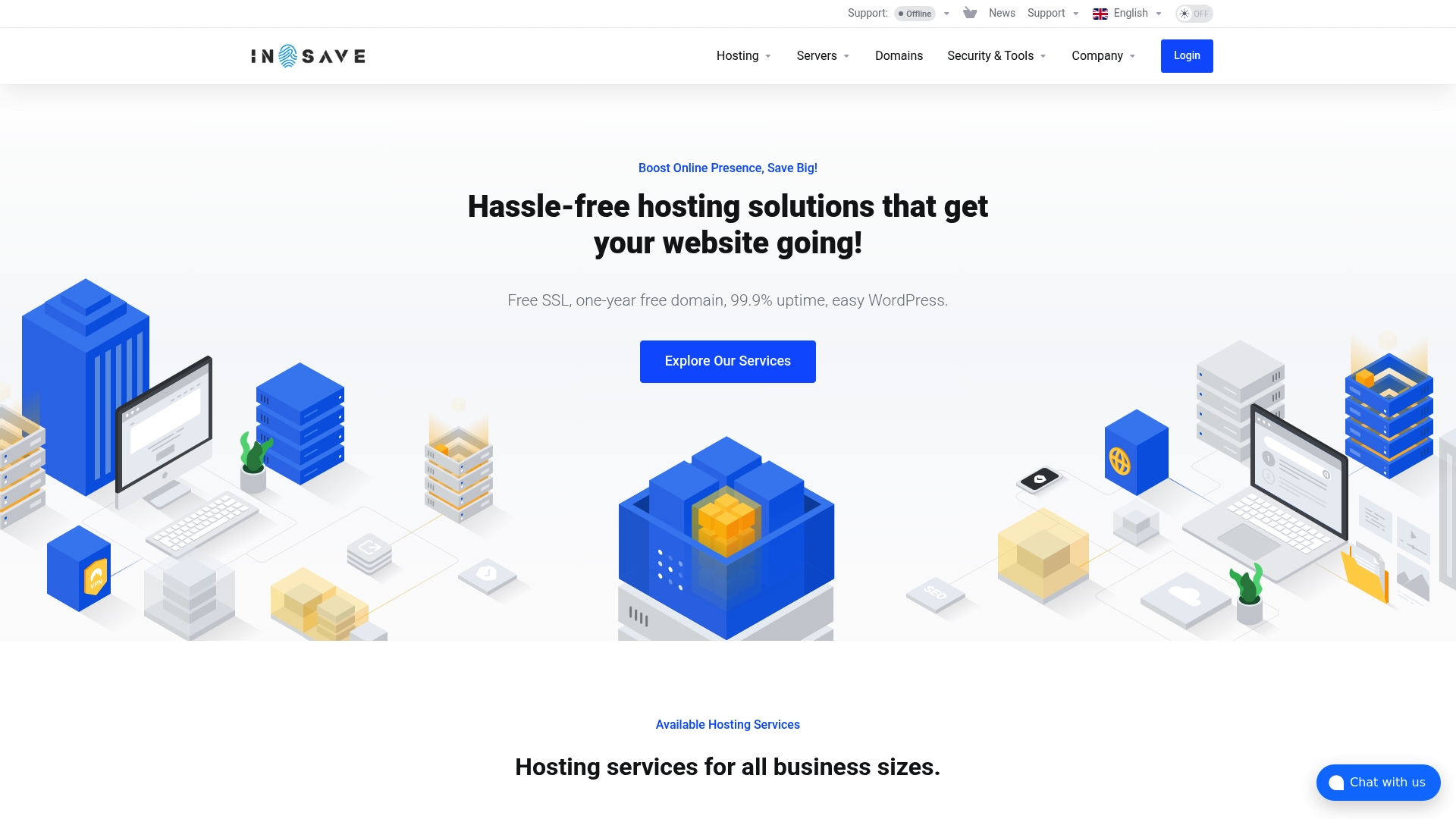
The vendor advertises 99.9% uptime along with free SSL certificates and a one-year free domain included on hosting plans. That positioning makes first-year cost and basic security simple for small shops and new projects.
Core Features
- Shared hosting for low-traffic sites and simple landing pages.
- WordPress hosting optimized for faster installs and managed workflows.
- Reseller hosting with WHM style management for agencies and resellers.
- Cloud VPS and dedicated servers with SSD storage, root access, and easy scaling options.
- Global data centers with optional edge caching and a vendor advertised 24/7 support offering.
- Migration tools, staging environments, daily backups, and managed security features.
Key Differentiator
Placing servers in multiple regions while bundling WordPress optimizations and security features is the main lever here. The combination of global data centers, WordPress tuned stacks, and things like LiteSpeed, LSCache, PHP8, and a free CDN aim to reduce latency and page weight for visitor markets outside a single region.
Pros
-
Reliable uptime claim and standard security basics. The 99.9% uptime claim above gives you a clear availability target to measure against.
-
Low friction WordPress onboarding. Free SSL, staging tools, and migration support cut the time from development to live site, which matters when launching stores or agency builds.
-
Broad product mix. Shared plans, WordPress plans, VPS, cloud servers, and reseller options allow you to move between tiers without changing providers.
-
Global footprint. Multiple data centers plus free CDN integration reduce regional lag and make international traffic handling easier.
Cons
- Support is currently offline at times mentioned in the vendor material, which limits live assistance when you need urgent troubleshooting.
Who It's For
Small to medium sized businesses, independent site owners, and agencies that want entry level costs with an upgrade path to VPS or dedicated hosting. If you need WordPress specific features, free migration, and regional delivery, this aligns with those needs.
Unique Value Proposition
A one year free domain together with free SSL and WordPress focused tools lowers the economic and operational friction of launching new sites. For agencies onboarding multiple small clients, that first year of bundled services reduces initial setup time and budget pressure.
Real World Use Case
A small e commerce shop relies on cloud servers with auto scaling during promotional spikes. The site uses free SSL, daily backups, and regional servers so checkout stays responsive across target markets while the store owner avoids complex configuration work.
Pricing
Pricing details were not specified in the provided content. Plans and exact tiers are not listed here, so you should check the vendor site for current rates, promotions, and any one time or renewal fees.
Website: https://insave.hosting
InMotion Hosting
At a Glance
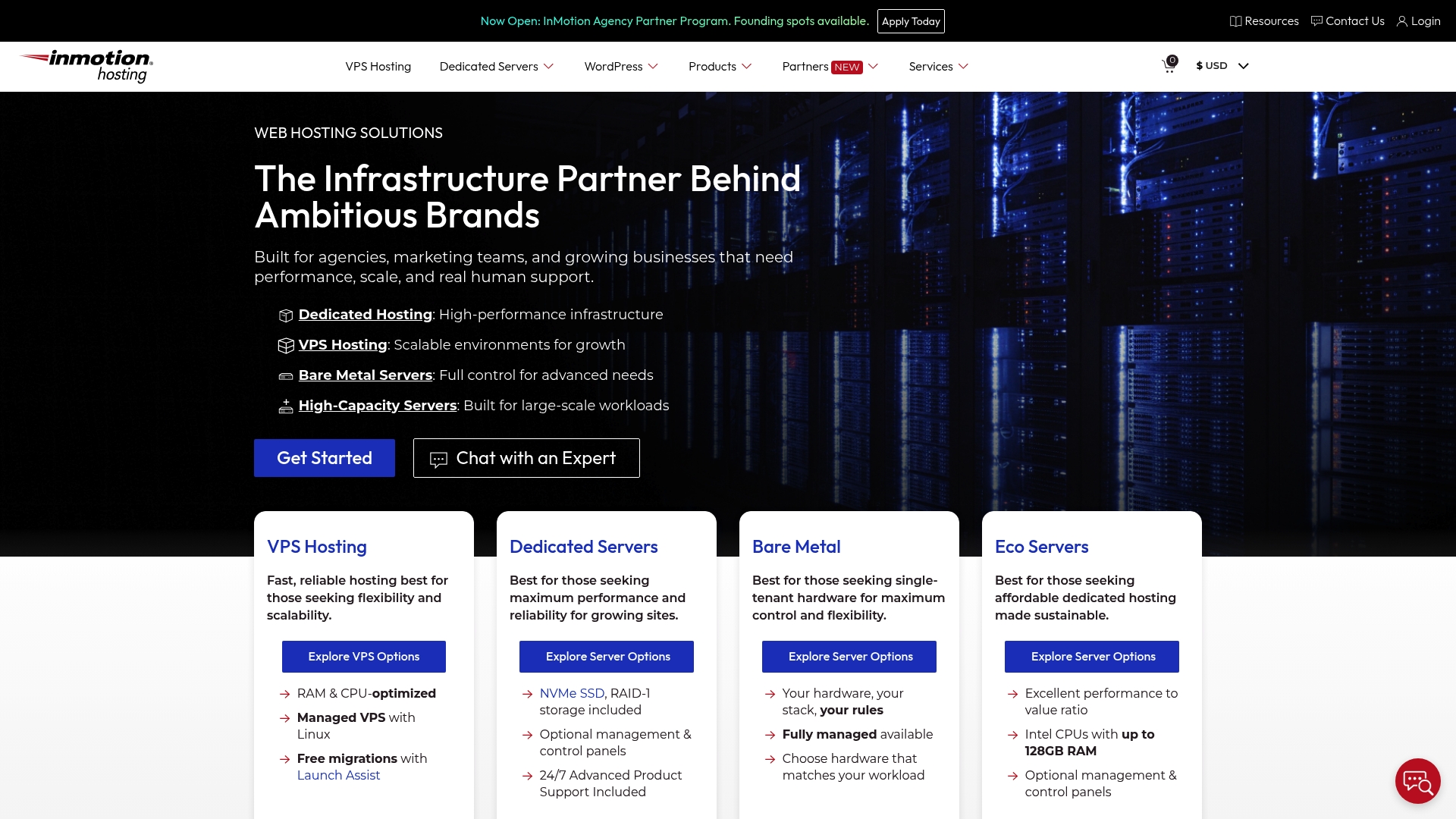
InMotion Hosting reports more than 170,000 customers and runs data centers in Los Angeles, Virginia, and Amsterdam. The vendor highlights SSD hosting, 24/7 expert support, and eco-friendly practices while citing longstanding industry recognition.
Core Features
- SSD hosting available across shared, VPS, dedicated, and WordPress plans.
- Owns and operates data centers in Los Angeles, Virginia, and Amsterdam for direct network control.
- 24/7 expert customer support staffed by trained professionals.
- Open source technology compatibility and migration assistance for common stacks.
- Eco-friendly data center practices and energy conscious operations.
Key Differentiator
Owning and operating physical data centers gives InMotion more control over routing, hardware refreshes, and peering choices than many resellers. Pairing that infrastructure with a stated open source focus and human support makes it practical for teams that prefer predictable hosting behavior and direct troubleshooting.
Pros
-
Knowledgeable and helpful support. Support staff typically resolve common server issues without repeated handoffs, which saves agency time during incidents.
-
Responsive technical assistance. When a problem occurs the team can escalate to in-house engineers rather than relying on an outsourced queue.
-
Fast and reliable performance. SSD-backed plans and dedicated routing reduce noisy neighbor effects for medium traffic sites.
-
Intuitive control panel for beginners. Users report getting small sites online quickly without deep sysadmin skills.
-
Good value for money. The feature set aligns with standard MSP and agency needs at competitive entry prices.
Cons
-
Inconsistent support response times. Some tickets take longer to resolve than others, which can frustrate urgent remediation.
-
Technical issues with certain database setups. Complex or nonstandard DB configurations may require additional tuning or paid support.
-
Occasional email delivery failures. Users who rely heavily on transactional email may need external SMTP routing.
-
Confusing website interface for some users. Finding the right plan or control panel area can be unclear for newcomers.
When It May Not Fit
If your project demands guaranteed rapid support SLAs for mission critical e-commerce or if you run unusual database engines that need specialist tuning, InMotion may create friction. Teams that need built-in enterprise email reliability or a streamlined self-serve interface could find the experience limiting.
Who It's For
Businesses, digital agencies, and entrepreneurs who want high performance hosting with hands-on human support. It suits developers managing multiple client sites and store owners who value direct control over hosting hardware and routing.
Real World Use Case
A digital marketing agency consolidates client sites onto scalable VPS instances and a couple of dedicated servers. That setup gives predictable uptime during campaigns and a single vendor to call when a database or DNS issue threatens a launch.
Pricing
Plans start as low as $4.79 per month for entry shared hosting and scale up to over $200 per month for dedicated servers. Exact pricing varies by plan and configuration and is listed on the vendor website.
Website: https://inmotionhosting.com
ScalaHosting
At a Glance
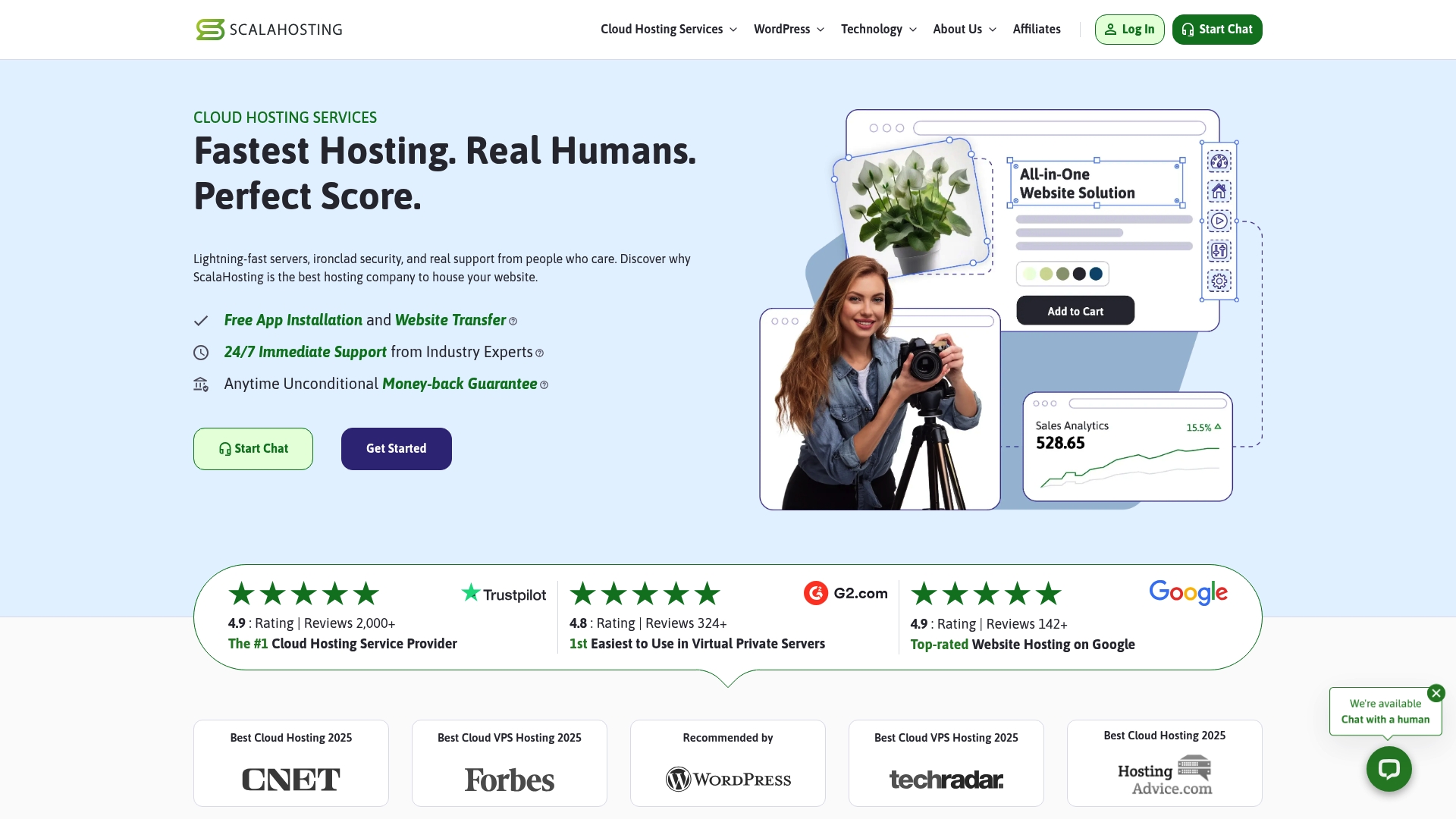
The vendor's marketing materials report user satisfaction scores above 4.8/5, a notable claim that accompanies ScalaHosting's push for managed cloud simplicity. The platform pairs high-speed infrastructure with a cPanel alternative aimed at cutting day-to-day admin time.
Core Features
- Managed and unmanaged cloud hosting plans that scale from basic web sites to VPS and enterprise clusters.
- SPanel control panel for one-click WordPress management, site analytics, and account administration.
- NVMe SSD storage, high-speed network, and load balancing to reduce page load times under realistic traffic.
- SShield AI protection plus daily backups, SSL certificates, firewall rules, and malware scanning for proactive security.
Key Differentiator
ScalaHosting combines high-performance cloud infrastructure with a control panel built by the vendor and a strong emphasis on support. That blend reduces platform friction for teams that do not want to manage cPanel licensing and server tuning.
The support focus is as important as the tech. For managers who prefer an opinionated control panel and vendor-backed help, ScalaHosting offers a single place to both host and operate sites without juggling third-party control panels.
Pros
- Exceptional support available around the clock according to the product data. This helps when migrations hit unexpected snags after hours.
- The homegrown control panel lowers licensing overhead and simplifies WordPress and WooCommerce workflows for agencies juggling dozens of client sites.
- Performance features such as NVMe storage and load balancing deliver measurable improvements for typical small business traffic patterns.
- Migration assistance and a clear onboarding path reduce downtime during cutovers.
- Layered security tools protect sites from common automated attacks and make basic hardening accessible to non-experts.
Cons
- There are occasional reports of server downtime and slower page loads from some users, a limitation the vendor acknowledges in parts of its documentation.
- A subset of users report frustrating experiences when troubleshooting complex performance issues with support.
- Database errors and intermittent email delivery problems have been reported by some customers, indicating edge cases in the managed stack.
When It May Not Fit
If you require five nines uptime guarantees backed by an enterprise SLA, ScalaHosting's occasional downtime reports make it a poorer match. Large ecommerce platforms with complex database scaling needs may find the managed tiers limiting.
Teams that insist on cPanel or have existing tooling tightly coupled to another control panel will face migration friction and potential rework.
Who It's For
Small business owners, developers, and digital agencies that want affordable cloud hosting with built-in management tools and available help. Choose ScalaHosting when you want fewer platform decisions and more support while you focus on site content and client delivery.
Real World Use Case
A digital agency migrated multiple client sites to ScalaHosting's managed cloud, using the vendor's migration assistance and SPanel to centralize updates. That setup reduced time spent on routine maintenance and let the agency concentrate on optimizations that improve conversion.
Pricing
Plans start at $2.95 per month for basic web hosting and begin at $19.95 per month for unmanaged cloud instances. Higher tiers are available for VPS and enterprise solutions and scale with resources and managed services.
Website: https://scalahosting.com
GreenGeeks
At a Glance
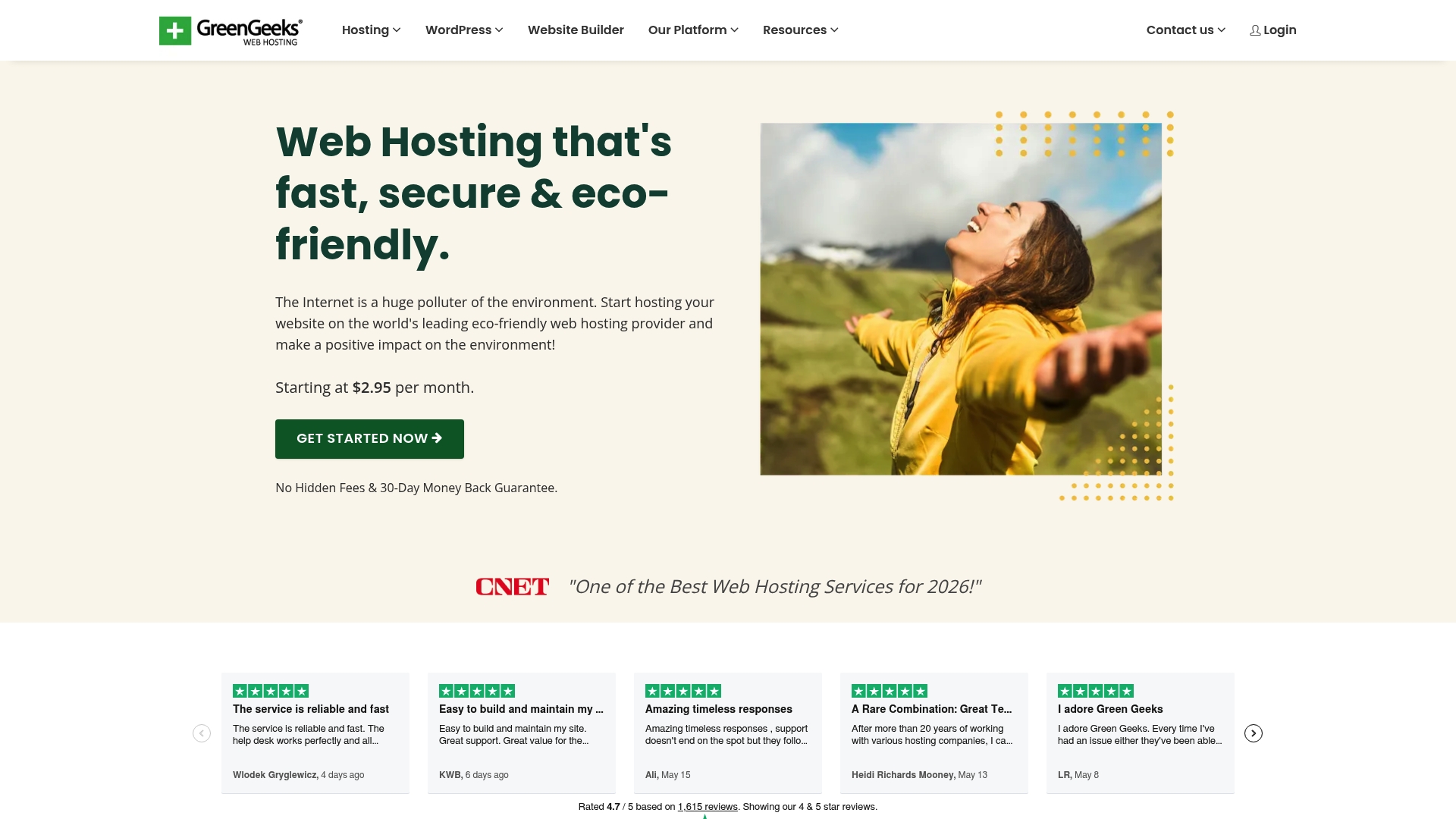
GreenGeeks's marketing states it matches energy use with renewable sources and plants a tree for every account, a visible sustainability claim that appeals to eco-minded site owners. The company pairs that mission with migration assistance and entry-level pricing aimed at new webmasters.
Core Features
Fast SSD storage and caching protocols aimed at consistent page loads. Regular security updates and active monitoring reduce common attack vectors.
- Eco-friendly hosting with renewable energy matching and tree-planting commitments.
- Fast SSD storage and advanced caching for quicker page rendering.
- 24/7 expert support plus free migration tools to move sites with less friction.
Key Differentiator
That sustainability claim above is the product's headline. GreenGeeks frames hosting choices around measurable environmental initiatives rather than feature lists alone. For buyers who want hosting with a clear green narrative, that positioning is the primary reason to pick GreenGeeks over commodity hosts.
Pros
-
The vendor advertises 99.9% uptime, which gives you a defensible SLA figure to cite during planning and client conversations.
-
Helpful onboarding and migration services reduce the time you spend moving a WordPress site. New sites are often live in a few hours once files and DNS are in order.
-
24/7 expert support is generally praised for patient, step-by-step help that benefits people who are not hosting experts.
-
Strong price-to-feature value for basic to midrange sites. That makes GreenGeeks economical for small businesses and blogs running on modest resource plans.
-
The green mission is not just marketing. It provides a public-facing narrative you can use in client proposals or sustainability reporting.
Cons
-
Customers report friction with cancelling auto-renewals. Expect to follow specific support steps if you plan to stop recurring billing.
-
Some interactions with support are reported as brusque or unhelpful. Experiences vary by agent and time of day.
-
Advanced users note limits on server customization, which can block deep tuning for specialized applications.
-
Several users describe the domain transfer process as more complex than other hosts, adding time to migrations.
When It May Not Fit
If you need full root access or deep server tuning for bespoke applications, GreenGeeks may feel restrictive. Also, if your workflow relies on painless domain transfers or fully automated billing cancellation, those are documented pain points and may cost you time.
Who It's For
Individuals, bloggers, and small to medium businesses that want affordable web hosting with a clear environmental stance. It fits teams that prioritize straightforward WordPress deployment and human support over raw server-level control.
Real World Use Case
A small retail shop moved its WooCommerce store to GreenGeeks to lower hosting costs and add a sustainability story for customers. The migration team moved product pages, SSL, and redirects. Load times improved and the owner used the green claim in social posts.
Pricing
Plans start at Starting at $2.95 per month for shared hosting. Pricing scales by plan type and resources with separate tiers for reseller, VPS, and managed WordPress options.
Website: https://greengeeks.com
Unlimited Web Hosting UK Limited
At a Glance
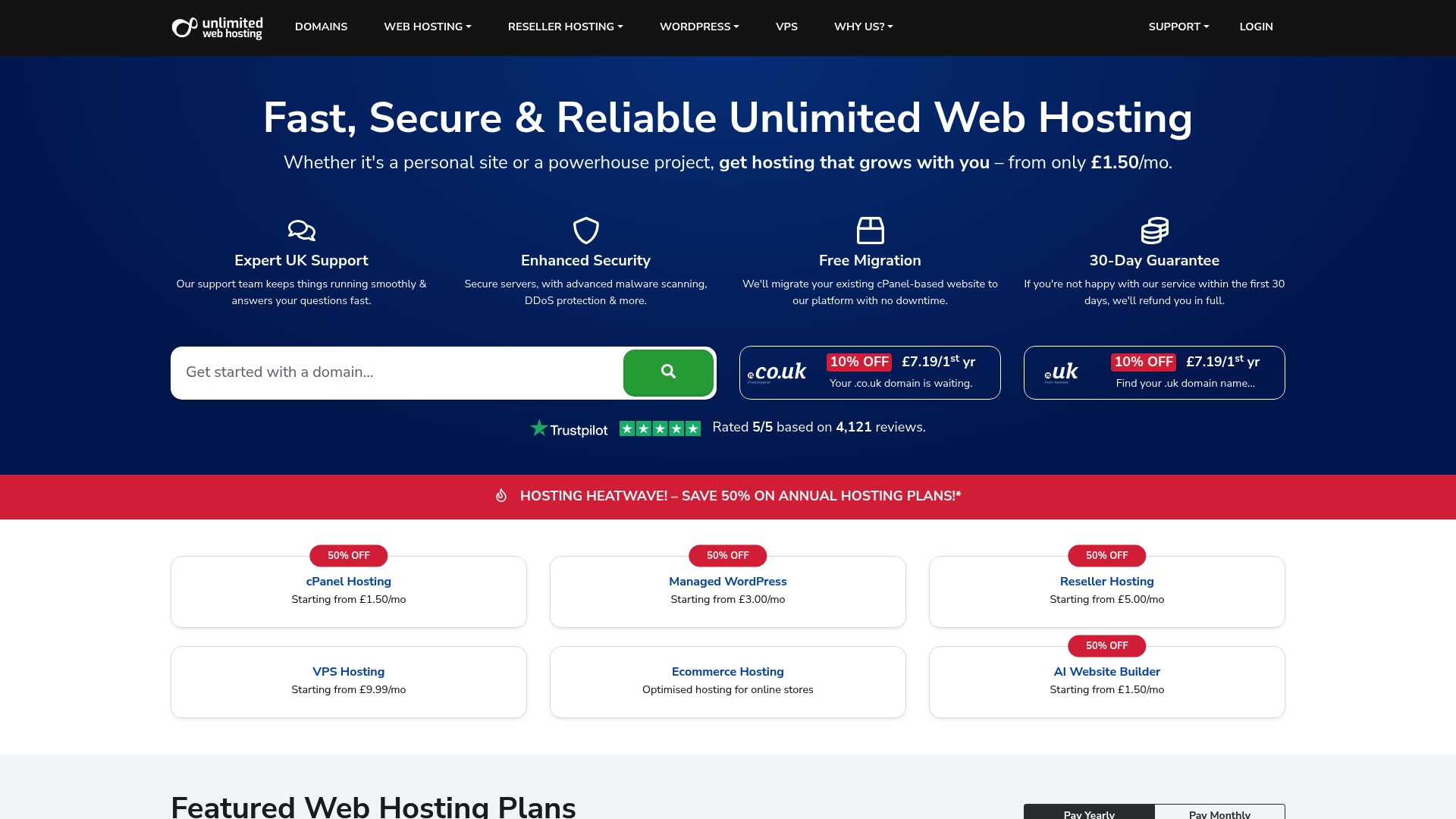
From £1.50/mo for cPanel Solo Hosting sits alongside managed WordPress, reseller, VPS, and dedicated cloud options, making entry-level cost a standout detail for budget sites. The vendor advertises strong UK-based support and hosting powered by 100% renewable energy, a point they emphasize in marketing.
Core Features
- cPanel hosting with free SSL, automated backups, an AI website builder, and one-click installs for popular apps.
- Managed WordPress plans with speed and security optimizations and caching tuned for WP sites.
- Scalable reseller hosting offering white-label control so agencies can rebrand and bill clients directly.
- VPS and dedicated cloud solutions for projects that need isolated resources and custom stacks.
- Domain registration and site builder tools included to keep domain and hosting management in one dashboard.
Key Differentiator
Support centered in the UK ties directly to their selling point: cPanel certification plus local support staff who speak British hosting norms and billing. That combination is useful when weekday support matters and when GDPR and local domain rules affect your workflow.
Pros
-
Fast UK performance built on SSD storage and server-side caching reduces page load time for regional audiences.
-
Affordable pricing across entry plans lowers the barrier for personal blogs and small shops to launch quickly.
-
Reseller plans provide full white-label control, letting agencies present hosting under their own brand while centralizing client sites.
-
Domain registration for .co.uk and .uk at competitive rates keeps renewal and DNS work in one place.
-
The vendor advertises proactive eco friendly hosting, so you can align hosting choices with sustainability goals.
Cons
-
Strict server security rules limit some custom server configurations, which can frustrate developers who need SSH access or bespoke modules.
-
Users report slower or generic support responses at peak times, so complex migrations may take longer than expected.
-
Managing PHP versions and deep technical customization is not as flexible as unmanaged VPS providers offer.
-
Some review reports point to occasional technical issues that can affect site stability; these appear sporadic rather than systemic in the feedback.
When It May Not Fit
If your stack requires frequent server-level changes or custom PHP builds, their security posture and limited PHP management will feel restrictive. Teams needing guaranteed enterprise SLAs or dedicated 24/7 engineering support should look to higher tier providers.
Who It's For
Small businesses, solo entrepreneurs, and UK digital agencies that want straightforward hosting with local support and affordable reseller options. Good for e-commerce stores focused on a UK audience that need fast regional performance without heavy DevOps overhead.
Real World Use Case
A London digital agency uses reseller hosting to manage 30 client sites from a single cPanel dashboard. They deploy WordPress quickly with one-click installs, handle domain renewals centrally, and hand off site edits to clients while keeping account billing under the agency brand.
Pricing
Entry-level hosting starts From £1.50/mo for cPanel Solo Hosting with discounts for annual billing. Additional tiers cover managed WordPress, reseller bundles, VPS, and Premium hosting; pricing scales by resources and management level.
Website: https://unlimitedwebhosting.co.uk
Hustly
At a Glance
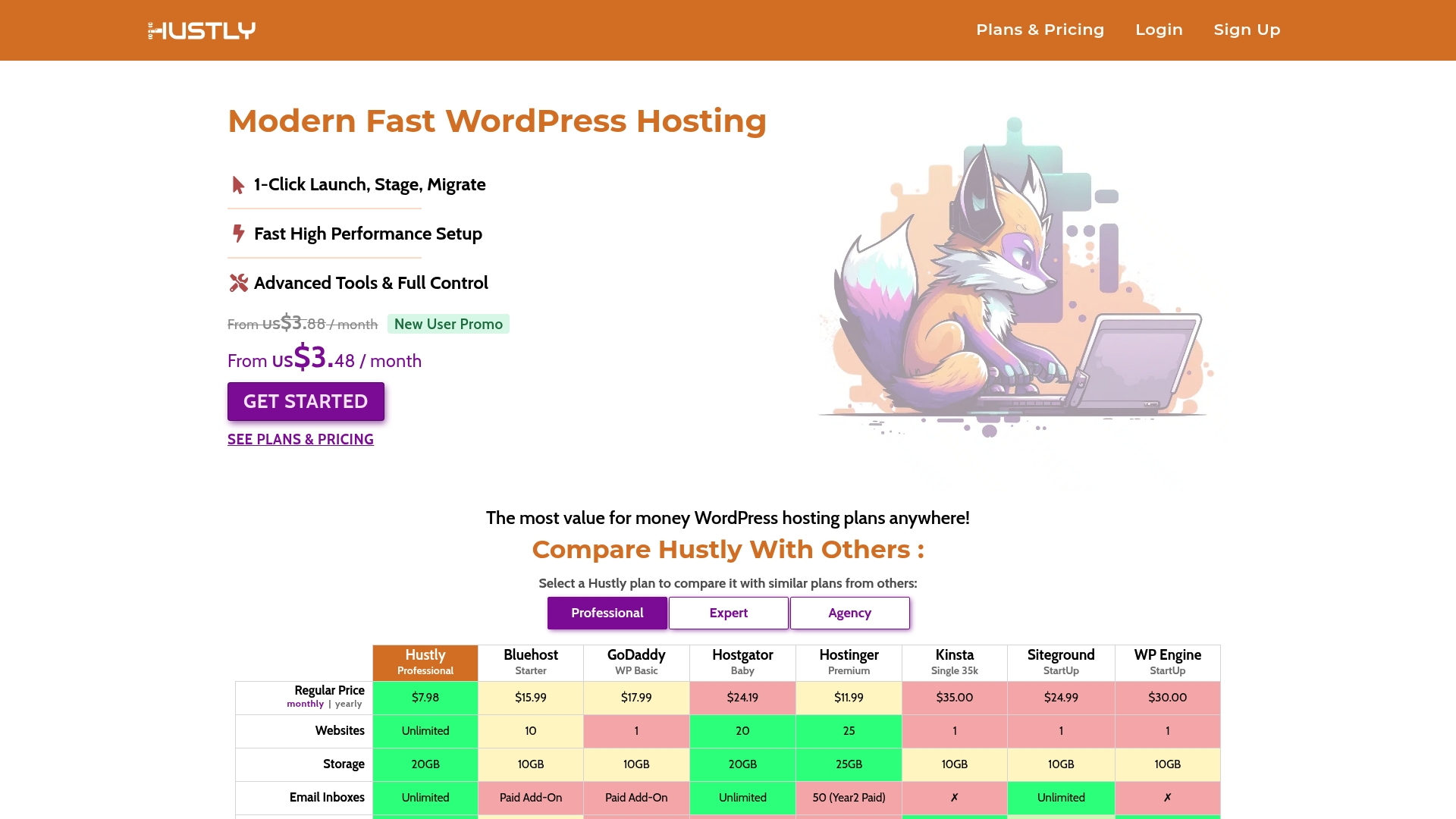
Plans start from US$3.48/month with promotional discounts; regular plans are advertised between about $3.98 and $13.88 per month. Hustly pairs NVMe SSD and Redis caching with multi location WordPress hosting and a Plesk control panel aimed at developers and small agencies.
Core Features
- 1-Click WordPress launch, staging, and migration for fast site rollouts.
- Advanced server controls through the Plesk panel for developers who like direct environment access.
- NVMe SSD storage, Nginx, Redis caching, and CDN integration for page speed improvements.
- Multi location hosting across US, UK, Europe, and Asia Pac to reduce latency for regional audiences.
- Website containers isolated per site and automatic security updates; full remote backup integration is planned for upcoming releases.
Key Differentiator
Hustly combines multi location deployment with a developer focused control panel at a low entry price. That mix makes it easier to place sites near their audience while keeping direct server controls for staging, caching, and tuning without enterprise pricing.
Pros
- Affordable premium features with flat renewal costs. The pricing structure claims predictable billing that helps small teams budget hosting across multiple client sites.
- User friendly control panel suitable for small businesses and developers. Plesk gives direct access to server settings without RDP or SSH for common tasks.
- Performance optimizations such as Nginx, Redis, and NVMe SSDs reduce TTFB and cache pressure on busy WordPress installs.
- Dedicated support from WordPress engineers is offered, which shortens troubleshooting cycles compared with generic shared hosting email queues.
- Multi location hosting and isolated containers improve security posture and lower regional latency for geographically distributed visitors.
Cons
- Buyer reviews call out brand confusion with unrelated retail sites sharing the Hustly name, which has created onboarding friction for some customers.
- Premium tiers do not include traditional telephone support; support is primarily email based, which can slow urgent incident handling for some teams.
- Several features such as enhanced resource management and email account controls are described as upcoming rather than available today.
- Limited third party hosting reviews specific to Hustly make it harder to validate long term reliability independently.
When It May Not Fit
If you need phone based emergency support or a long public track record of third party reviews, Hustly may not meet your requirements today. Large enterprises that require immediate enterprise grade resource controls should wait until the platform ships the planned management features.
Who It's For
Small business owners, freelance developers, and agencies who need developer access plus regional hosting without enterprise pricing. Good fit when you manage multiple WordPress client sites and value staging plus control panel access.
Real World Use Case
A freelance developer hosts a set of client WordPress sites across US and Europe. They use staging for updates, Redis and CDN for peak traffic pages, and Plesk to adjust PHP settings per site. Email based support handles routine issues and keeps operational overhead low.
Pricing
Starting price advertised at US$3.48/month with promotional discounts. Regular plans are listed from about $3.98 to $13.88 per month depending on plan and billing cycle. Promotional rates are vendor supplied and may require an initial term.
Website: https://hustly.website
Comparative Analysis of Web Hosting Providers
Differentiating between web hosting providers necessitates examining performance, feature breadth, and service reliability. Below is a comparative assessment of six competitive hosting providers.
Pricing and Bundled Features
insave.hosting offers a one-year free domain and complimentary SSL, which lowers initial setup costs, particularly attractive for small businesses and startups. Alternatively, GreenGeeks leads in sustainable practices, as their renewable energy usage and plan for account-specific reforestations appeal to environmentally focused users. Hustly enables affordability by providing predictable tier pricing, advantageous for managing multiple synchronous client projects.
Hardware Performance and Regional Responsiveness
InMotion Hosting relies on proprietary data centers, granting optimized control over hardware and networking, which enhances performance consistency. ScalaHosting furnishes NVMe SSD storage with load balancing, favoring high-volume data applications with significant traffic. Unlimited Web Hosting UK Limited distinguishes itself by centering services catering to UK audiences with regionally optimized data flows.
Best Fit
- insave.hosting: Preferable for small to medium enterprises needing streamlined onboarding for an initial organizational web presence.
- InMotion Hosting: Ideal for businesses requiring dedicated hardware managed by highly accessible support staff.
- GreenGeeks: Suited for projects prominently featuring eco-conscious branding or sustainability goals.
- Hustly: Favorable for developers needing containerized, low-latency hosting across multiple regions.
Our Pick
While competitors excel in unique niches, insave.hosting distinguishes itself for users seeking versatile solutions incorporating managed WordPress hosting, migration tools, and reliable global support, all within a competitive pricing structure. Organizations demanding specialist support in other areas may find alternatives more aligned with their needs.
Web Hosting Services Comparison
Explore options for feature-rich and efficient web hosting solutions, considering global infrastructure and managed services.
| Product Name | Primary Use Case | Key Differentiator | Pricing | Limitation |
|---|---|---|---|---|
| inSave | General and WordPress hosting | Global data centers with WordPress bundle | Not disclosed | Support offline during certain hours |
| InMotion Hosting | VPS and dedicated solutions for agencies | Owns and operates its data centers | Starting at $4.79/month | Inconsistent support response times |
| ScalaHosting | Managed hosting for scalability | Proprietary SPanel for ease of management | Starting at $2.95/month | Occasional server downtime reported |
| GreenGeeks | Eco-friendly shared hosting | Sustainability initiatives and hosting mix | Starting at $2.95/month | Friction with auto-renewal cancellation |
| Unlimited Web Hosting UK | Budget hosting in the UK | Local UK support focused on compliance | From £1.50/month | Strict security rules limit custom server configurations |
| Hustly | Developer-oriented WordPress hosting | NVMe SSD with multi-location deployment | Starting at $3.48/month | Premium features are upcoming rather than present |
Looking for Trusted Innovahosting.net Alternatives for Your Website Hosting Needs
If you are exploring innovahosting.net alternatives, Insave offers a reliable solution that tackles common challenges like uptime uncertainty, complex WordPress setups, and costly domain registrations. Designed with small to medium businesses in mind, Insave guarantees 99.9% uptime, free SSL certificates, plus a complimentary one-year domain registration to simplify launching your site.

Choose Insave to get hassle-free WordPress management, advanced speed technologies like LiteSpeed and LSCache, and secure global delivery through free CDN integration. Don’t let downtime or complicated migrations hold you back. Visit Insave Hosting today and secure your website’s future with hosting built for growth and ease. Claim your free domain and experience true performance with Insave Hosting.
Frequently Asked Questions
What makes Insave a good choice for small businesses?
Insave offers a 99.9% uptime guarantee along with free SSL certificates and a one-year free domain, making it economical and secure for small businesses. These features simplify the launch process, which is crucial for new projects. You can expect a straightforward entry into hosting without significant initial investment.
How does Insave compare to InMotion Hosting for customer support?
InMotion Hosting provides 24/7 expert customer support, ensuring timely resolutions to technical issues. While they excel in direct assistance, Insave's WordPress onboarding and migration support make it an ideal choice for businesses needing a quick setup and user-friendly tools. You can rely on Insave for efficient streamlining of your site launch.
What unique features does Insave provide for WordPress hosting?
Insave’s WordPress hosting is optimized for faster installs with features like staging environments and built-in security tools. These optimizations significantly cut down the development time, allowing users to launch their sites efficiently. If you are focused on quickly getting a WordPress site live, Insave provides an appealing solution.
Can I expect affordable pricing tiers with Insave?
Insave’s pricing details are not explicitly listed but it typically offers competitive rates for shared and WordPress hosting plans aimed at small to medium enterprises. This affordability makes it accessible for businesses aiming for budget-friendly solutions. You should consider checking the vendor’s site for the latest pricing options to ensure they fit your budget framework.
Which platform is better for e-commerce sites, Insave or GreenGeeks?
GreenGeeks emphasizes eco-friendly hosting and also offers a 99.9% uptime guarantee, which is attractive for e-commerce. Insave caters well to e-commerce needs with free SSL and daily backups, ensuring a responsive checkout experience. Think about which features align more closely with your operational goals when making your choice.