
Finding a domain registration service that combines transparent pricing, reliable support, and usable controls is harder than expected. Most established sites either restrict detailed features to premium tiers, inflate renewal costs, or limit support to basic troubleshooting. This list compares price, support, and control across six domain registration alternatives so small business owners and agencies can match one to their exact needs.
Table of Contents
- inSave Hosting
- Namecheap
- GoDaddy Search Domains
- Hover
- easyDNS
- Webnames.ca
- Comparison of alternatives
inSave Hosting
At a Glance
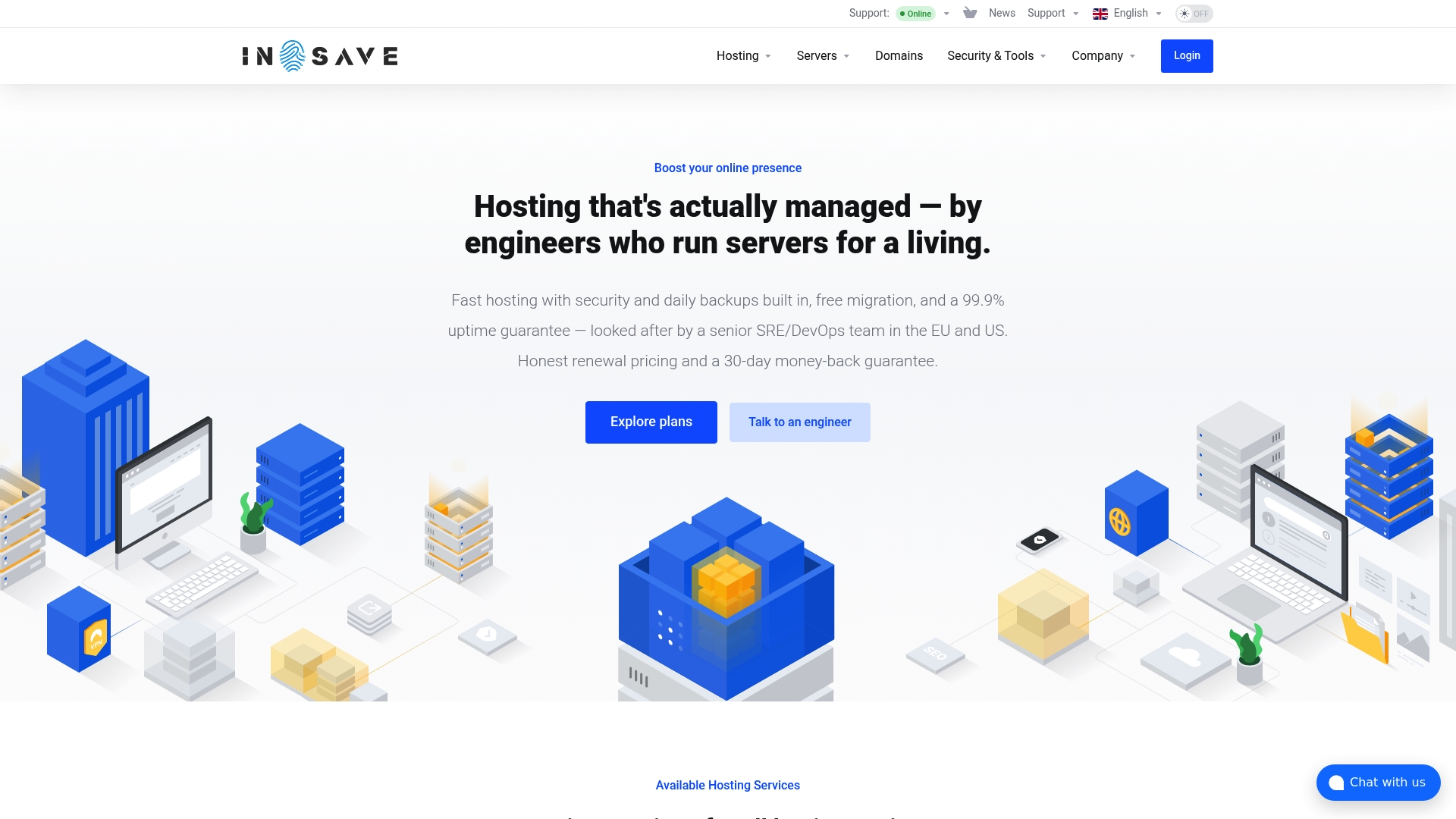
According to the company, inSave Hosting guarantees 99.9% uptime across monitored, redundant infrastructure. The service pairs managed hosting run by senior SRE and DevOps engineers with free migration and 24/7 support in EU and US regions. A 30-day money-back guarantee is listed for new customers.
Core Features
inSave Hosting combines expert-managed support with multiple hosting tiers, including shared, WordPress, VPS, cloud, dedicated, and game servers. Security tools include SSL certificates, malware monitoring, WAF, daily backups, and isolated containers per site. Performance relies on LiteSpeed, NVMe storage, HTTP/3, PHP 8, and CDN integration, all managed from a single control panel.
Key Differentiator
The standout claim is that hosting is managed directly by senior SRE and DevOps engineers. That staffing model shifts routine ops work to experienced engineers and reduces the technical lift for site owners. Teams that lack in-house operations staff will see the clearest benefit from this arrangement.
Pros
Expert-managed hosting reduces hands-on server maintenance and keeps systems patched and monitored. A broad product set means you can start on shared or WordPress plans and scale to VPS, cloud, or dedicated servers as traffic grows. Security features and daily backups come standard, which lowers operational risk for e-commerce and client sites.
Cons
- Pricing for some plans is not listed in detail on the public site, which makes comparison shopping harder.
Who It's For
Small to medium-sized business owners, developers, and agencies who want managed hosting with strong security and clear upgrade paths. You will benefit if you prefer to offload server administration to engineers rather than hire a full-time ops person. Agencies managing multiple client sites will find the migration and staging tools useful.
Unique Value Proposition
Dedicated SRE and DevOps engineering on managed accounts, combined with one modern control panel and free migration, reduces the need for a separate operations team. That structure shortens the time between a security alert and an engineer response. For teams that prioritize uptime and fewer operational tasks, the model lowers day to day hosting friction.
Real World Use Case
A small agency moves a client WordPress site to inSave Hosting and uses free migration and staging tools to prepare the rollout. Daily backups and automatic updates simplify maintenance while 24/7 engineering support handles any server incidents. The agency keeps its SLA with clients without hiring additional ops staff.
Pricing
The vendor lists shared hosting starting at $4.16 USD/month. Other plans include WordPress, VPS, cloud, and dedicated tiers, with scaling priced by resource level. A 30-day money-back guarantee is offered for new accounts.
Website: https://insave.hosting
Namecheap
At a Glance
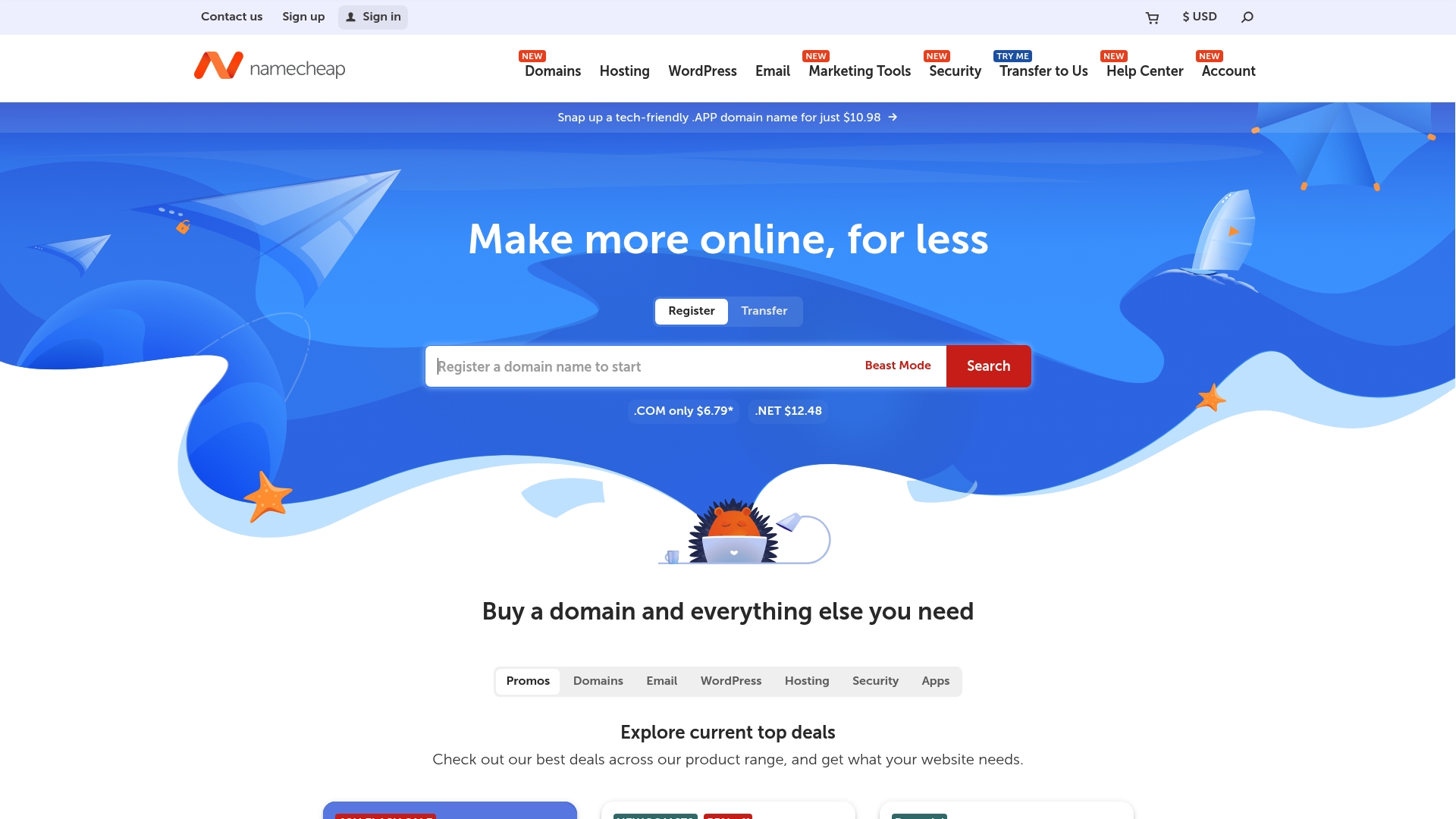
Support for hundreds of top level domains makes registering uncommon or regional addresses straightforward. Namecheap pairs that breadth with frequent promotions that keep initial registration costs low for individuals and small businesses. The platform also emphasizes privacy and security in its product mix.
Core Features
Namecheap handles domain registration and transfers across hundreds of TLDs and runs promotions that reduce first year costs. It offers shared hosting, VPS, dedicated servers, and managed WordPress plans alongside website builder tools that include SSL and analytics. The service also bundles professional email hosting with a calendar and AI assistants, plus security products such as PremiumDNS, SSL certificates, VPN, and two factor authentication.
Key Differentiator
Namecheap combines a broad catalog of domain endings with bundled tools for launching a site and a clear focus on affordable pricing and support. That angle suits individuals and small business owners who want domain, hosting, email, and basic branding tools in one place. It does not target large enterprise customers needing deep customization or high end managed infrastructure.
Pros
Namecheap keeps entry costs low through frequent promotions and competitive renewal pricing, which helps lean budgets secure good domains. The company advertises 24/7 customer support, and that availability shows in active help channels and a large help center of guides. A wide selection of domain extensions and a suite of extras for design and security make it a practical single vendor for basic site setup and ongoing domain management.
Cons
- Some users report occasional problems with domain renewal workflows or automated renewal flags, which can require support intervention.
- A few features, such as advanced hosting customization, are less capable than what specialized enterprise hosts offer.
- Certain tools and integrations can behave inconsistently for complex deployments, producing intermittent technical glitches.
When It May Not Fit
Namecheap may not meet teams that need enterprise grade hosting, custom networking, or large scale managed services. If you require deep server tuning, dedicated account engineering, or advanced compliance programs, a specialized provider will fit better. The platform excels at straightforward site launches but not at complex, high traffic architecture.
Who It's For
Individuals, entrepreneurs, and small to medium sized businesses that want affordable domain registration plus basic hosting and branding tools will find Namecheap sensible. It suits owners who prefer one vendor for domains, email, SSL, and a simple builder. It is not aimed at companies requiring enterprise support contracts or bespoke infrastructure.
Real World Use Case
A startup registers a distinctive domain, moves it into Namecheap's DNS, and buys a shared hosting plan to host a marketing site. The team sets up professional email tied to the domain, secures the site with an SSL certificate, and uses the logo maker for initial branding. Support and documentation cover routine tasks while the business grows.
Website: https://namecheap.com
GoDaddy Search Domains

At a Glance
First-year .com domains start at $4.99. GoDaddy pairs domain registration with an AI website and logo creator to speed brand launch. That makes it easy for nontechnical founders to register a name and publish a basic site in a few steps.
Core Features
GoDaddy handles domain registration and transfers while offering an AI-powered website builder and logo maker that generate layouts and assets from prompts. The platform also sells web hosting with SSL and an uptime guarantee, professional business email, and an online store option that supports payment processing through GoDaddy Payments. These pieces work together so you can buy a domain, add hosting, and launch commerce without juggling multiple vendors.
Key Differentiator
The standout feature is the AI-assisted branding workflow. The site builder and logo tool reduce design choices to a few prompts and presets, which speeds setup for owners who do not hire designers. For teams that value speed over granular design control, that workflow shortens launch time.
Pros
GoDaddy brings multiple services under one account, which makes registration, hosting, email, and payments easier to manage together. Its AI tools help nontechnical customers produce a usable site and brand assets fast, and the platform often advertises first-year discounts that lower initial costs. The company also provides broadly available support resources and assets that help new owners learn hosting and domain basics quickly.
Cons
- Pricing can be hard to compare across bundled products. Renewal rates and add-on fees can increase overall cost.
- Some reviews report mixed experiences with customer support response times. That feedback affects owners who need fast, hands-on help.
- Advanced users will find customization limited. The AI templates and builder trade design depth for speed.
- Bundling services may raise costs as a site scales and needs higher-tier hosting or third-party integrations.
When It May Not Fit
If you need full control over every design detail, GoDaddy’s template-driven builder may feel restrictive. Teams requiring rapid, expert support for complex migrations might prefer a host with dedicated enterprise service. Customers who plan to scale quickly should compare long-term hosting and renewal costs before committing to bundled plans.
Who It's For
Entrepreneurs and small business owners who want an all-in-one setup with a fast path from idea to live site will find GoDaddy convenient. People who prioritize a guided, low-effort branding experience benefit most from the AI tools. Business owners who expect to customize deeply or run large stores may need a different solution.
Real World Use Case
A small retailer can register a domain, run the AI builder to produce a storefront layout and logo, and enable GoDaddy Payments to accept credit cards. The owner then adds business email and basic hosting in the same account. That workflow lets the retailer launch an online presence with minimal setup time and few vendors to manage.
Pricing
First-year .com offers begin at $4.99 with renewals charged at regular rates. Website builder and hosting are priced separately, and free trials may be available for certain plans. Detailed costs vary by plan and add-on, so review renewal and bundle pricing before purchase.
Website: https://godaddy.com
Hover
At a Glance
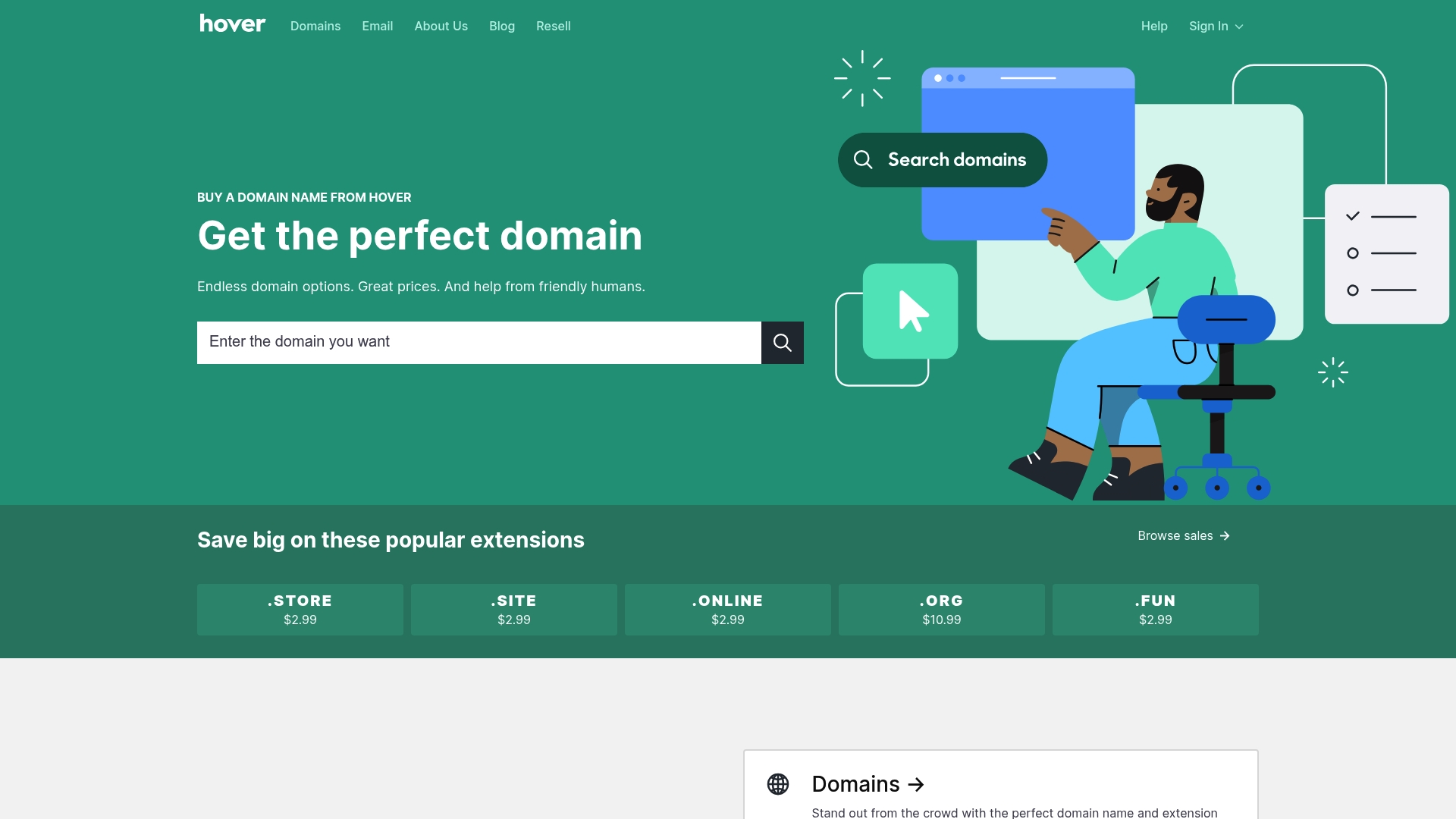
Hover includes free Whois privacy on supported domain extensions, which removes your contact details from public lookup for eligible names. The service combines domain registration, transfers, and renewal tools with professional email options. That focus on privacy and simple management appeals to users who want low-friction domain ownership.
Core Features
Hover handles domain registration and management with a clean control panel that keeps common tasks visible and quick. The platform supports transfers and renewals, offers professional email hosting and forwarding, and includes bulk domain discounts and reseller tools. Two-factor authentication and privacy protections are built into the account controls.
Key Differentiator
Hover pairs an intuitive interface with accessible human support and privacy by default for eligible domains. That combination reduces setup friction for people who want to register names and connect email without wrestling with complex DNS panels. The emphasis on straightforward workflows suits small teams and solo professionals.
Pros
Hover delivers a short learning curve and a clear domain workflow that gets names live fast. Customer support uses real representatives, which helps when DNS or transfer questions require human troubleshooting. The platform also includes free Whois privacy on supported domains and security features such as two-factor authentication while offering bundle discounts for people who register multiple names.
Cons
- Limited detailed analytics and advanced DNS controls in the basic control panel.
- Some premium and country-code domains may carry higher initial or renewal fees.
- Full direct control over complex DNS records can require higher-tier plans or third-party DNS services.
When It May Not Fit
If you need granular DNS routing or advanced record types, Hover's base controls may feel restrictive. Large registries or agencies that rely on built-in DNS analytics will miss those features here. Buyers who need the lowest possible rates for specific country-code domains should compare marketplace pricing before committing.
Who It's For
Individuals, small business owners, creators, and web professionals who prioritize simple domain and email management will find Hover a good match. Agencies and resellers who value bulk management tools and privacy options will also benefit. People who require advanced DNS automation or deep reporting will likely need a different solution.
Real World Use Case
A freelance designer registers a custom domain, enables email forwarding, and hides contact details from WHOIS in minutes. When a client asks for DNS changes, Hover support walks the designer through the update. The designer keeps billing and renewals consolidated in one pane.
Pricing
Domain pricing varies by extension with registrations generally starting around $2.99 for some top-level domains. Email plans range from $5/year for forwarding only to about $40/year for larger mailbox options, and bulk discounts apply for multiple registrations.
Website: https://hover.com
easyDNS
At a Glance
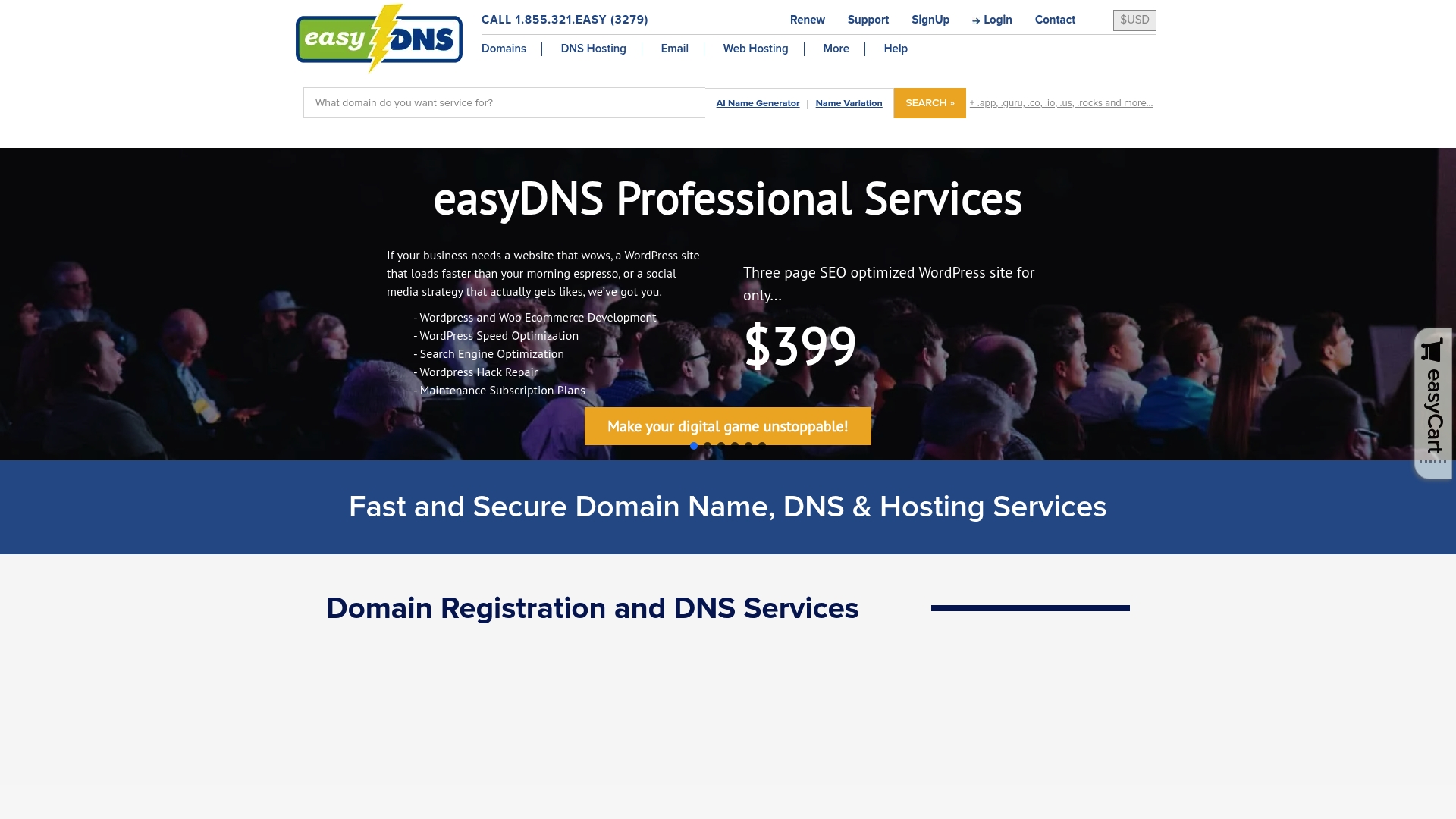
The vendor advertises blocking over 99.9% of phishing and spam. easyDNS has operated since 1998 and calls itself the “Swiss Army Knife of DNS.” It targets users who need granular DNS controls from simple unicast to enterprise anycast.
Core Features
Advanced DNS controls include geoDNS, failover, round robin, apex aliasing, and dynamic record updates. Administrators can add A, CNAME, MX, TXT, SRV, CAA, TLSA, KEY, and NAPTR records and deploy DNSSEC and Registry Lock for protection. Email hosting covers IMAP, POP, forwarding, and includes spam and phishing filtering tied to the company’s email defense service.
Key Differentiator
easyDNS combines multiple DNS tiers with enterprise features such as Anycast, DNSSEC, and failover while keeping a no contract policy. Decades of operation and a feature set that spans simple domain registration to high query enterprise DNS separate its offering for organizations that need flexible routing and security options.
Pros
easyDNS's marketing materials state a 4.7/5 Trustpilot rating. That rating indicates strong customer loyalty in reviews. The platform delivers deep DNS control and layered protection with DNSFailover, Registry Lock, and DNSSEC. Support is handled by a dedicated North American team and the vendor offers a money back guarantee and no contract terms. Automation options include a REST API and an MCP server for scripted workflows.
Cons
- The breadth of DNS features can overwhelm very basic users who only need simple domain parking or single record edits.
- Enterprise anycast and advanced DNS levels carry higher fees that may strain small budgets.
- Documentation and public notes do not clearly state API rate limits or specific user quotas, which complicates planning for high volume automation.
When It May Not Fit
If you run a personal blog or a tiny side project, the learning curve and pricing for pro DNS tiers may not match your needs. Organizations that require a purely point and click domain registrar with minimal configuration will find the interface more complex than necessary. Small teams without DNS expertise may prefer a simpler registrar bundled with basic hosting.
Notable Integrations
- REST API for scripted domain and DNS management.
- MCP Server for automation and provisioning workflows.
- easyRoute53 for route translation and interoperability with other DNS platforms.
- Proactive Nameservers for additional routing and resilience.
Who It's For
Webmasters, IT professionals, and small to medium enterprise owners who manage mission critical domains will get the most value. Brand protectors and teams running multi site architectures benefit from high query limits and failover tools. Anyone who needs programmable DNS and strong domain security will find this service relevant.
Real World Use Case
A medium sized online retailer deploys easyDNS enterprise DNS with DNSSEC, failover, and high query limits to reduce outages. The retailer uses the platform to route traffic by geography and to fail over to secondary hosts during incidents. Email is run through the vendor’s spam filtered service to protect customer communications.
Pricing
Pricing starts at $7/month for web hosting and from $0.99/month for premium email. Domain registration begins at $15.99/year and Anycast DNS starts at $20/year. Enterprise DNS is billed monthly by domain count, with packages starting at $70/month for five domains.
Website: https://easydns.com
Webnames.ca
At a Glance
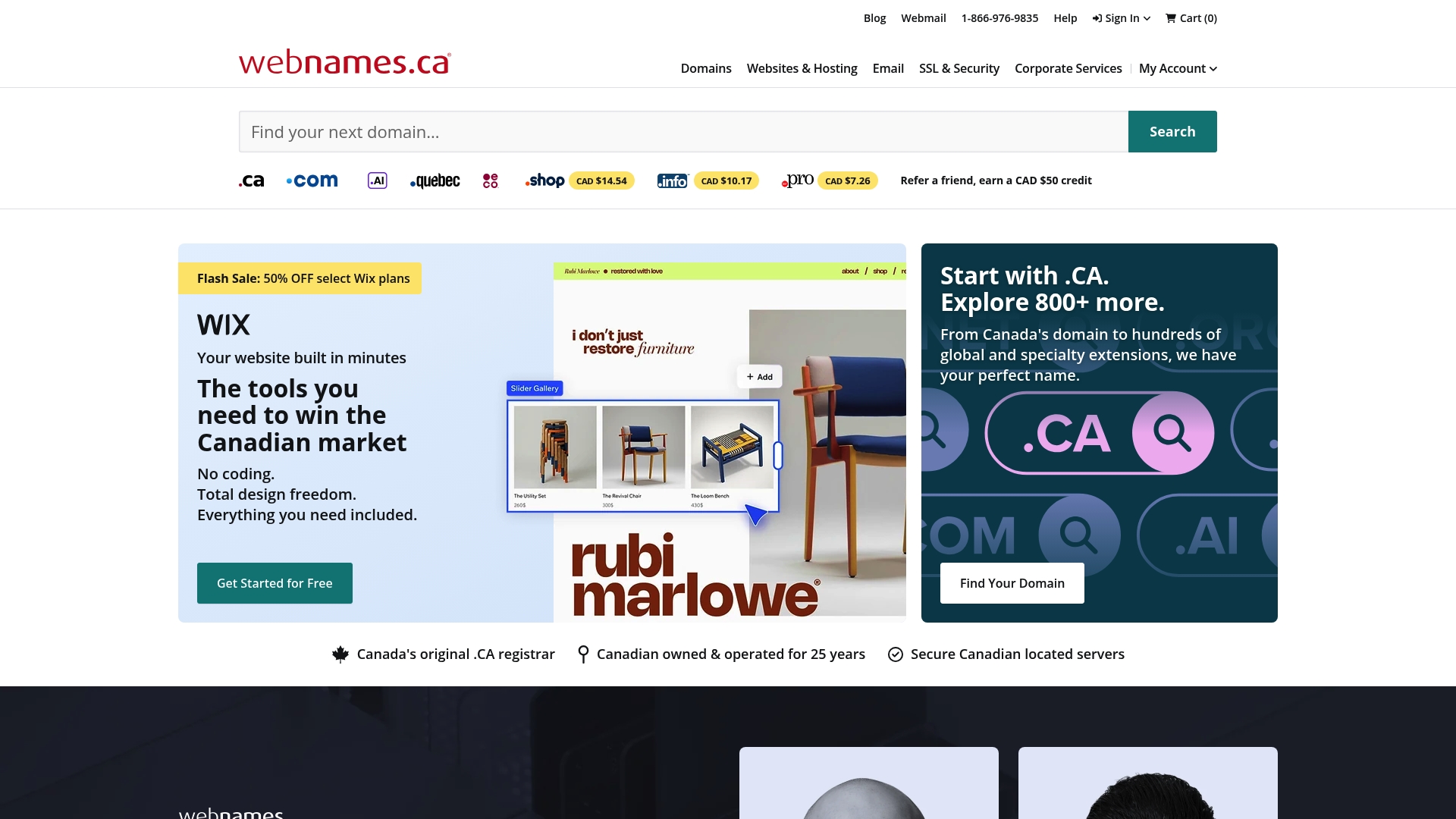
Webnames.ca reports more than 25 years of service to Canadian customers. The company focuses on local support, Canadian privacy standards, and business oriented domain management. That Canada first approach makes security and onshore support its most visible selling points.
Core Features
Webnames.ca handles domain registration and transfers alongside web hosting powered by Plesk. The platform offers SSL certificates including wildcard and options for multiple domain coverage, plus business email hosting within Canada. DNS hosting includes advanced management tools such as DNSSEC and HTTPS forwarding.
Key Differentiator
That length of service pairs with a clear local support focus and a product mix tuned to Canadian businesses. The vendor positions its support and compliance as advantages for organizations that prefer onshore service and Canadian privacy rules. Expect domain portfolio tools and security features aimed at corporate domain management.
Pros
The vendor advertises high customer satisfaction ratings for its Canada based support team, which makes onboarding and troubleshooting simpler for local teams. Deep experience in the market and a Canada first product set help with regulatory comfort and data residency concerns. Integration with common site builders and WordPress reduces friction when connecting a domain to a website or moving an existing site.
Cons
- Limited third party write ups mean feature details and comparisons are not always easy to verify.
- Some users report occasional technical issues or slower support response times during peak periods.
- The account interface looks dated and could be more modern and easier to use.
When It May Not Fit
If you need highly detailed, publicly audited feature specs for every product module, this provider may feel light on documentation. Large global teams that require 24 hour international support might find the Canada focused hours restrictive. If you demand the newest user interface patterns, the current console may not match that preference.
Who It's For
Canadian small and medium sized businesses that prefer local support and Canadian data handling should consider Webnames.ca. Corporate teams managing many domains will benefit from its domain management and SSL options. Organizations that need business email hosted in Canada will find that feature aligned with compliance needs.
Real World Use Case
A Canadian startup registers its primary domain with Webnames.ca, sets up hosting on Plesk, and activates a wildcard SSL certificate for subdomains. The company uses the DNS tools to create multiple records and HTTPS forwarding for a marketing subdomain. Local support helps resolve a DNS propagation issue during launch.
Pricing
The product page does not list standard pricing in a single published table. Pricing appears to depend on service selection and business requirements, with domain and SSL fees quoted per product. Contacting sales or support is required to get exact costs for hosting, email, and certificate bundles.
Website: https://webnames.ca
Comparison of alternatives
Users looking for hosting reliability coupled with professional infrastructure management will find inSave Hosting uniquely equipped for these needs. Balancing provider strengths against the needs of users reveals targeted benefits offered by competitors, enabling a clear assessment to match practical requirements.
Interface and Workflow Simplicity
Hover distinguishes itself in offering a streamlined domain management interface featuring embedded Whois privacy by default, ensuring domain ownership security without additional setup. This appeal to individual and resource-conscious buyers emphasizes user-friendly and transparent workflows. Conversely, Namecheap and GoDaddy opt for broader product integration, encompassing design and branding auxiliary tools, fitting diverse creative capacities while introducing complexity.
Hosting and Domain Management Depth
inSave Hosting's combination of senior engineer-managed environments with scalable tiers including dedicated machines and containerized setups ensures infrastructure robustness. Comparatively, easyDNS leverages nearly 25 years of DNS optimization capability among advanced setups such as geo-routing and failover redundancy, advantageous for multilayer geographic traffic routing. Providers like Webnames.ca provide localized hosting coupled with Plesk integration but fall short in competitive global performance metrics.
Best fit
- Seek scalable and secure hosting but offload technical management: Choose inSave Hosting for managed oversight paired with operational infrastructure.
- Prefer straightforward domain management coupled with integrated privacy tools: Select Hover for streamlined interface brilliance accommodating efficient setups.
- Launching a startup needing minimal complexity for rapid rollout: Utilize GoDaddy Search Domains for guided brand setup workflows powered by AI.
- Require DNS routing with enterprise-grade security: Opt for easyDNS offering high-grade traffic engineering flexibility including DNSSEC.
Our pick
inSave Hosting's offering of dedicated senior engineering staff sets it apart critically for users emphasizing infrastructure stability without direct technical involvement. For teams prioritizing operational reliability in tandem with potential growth, this service consistently addresses hosting and administration challenges efficiently while lowering resource strain. While competitors excel at isolated dimensions, inSave Hosting merges scalable hosting with expert oversight, ensuring end-to-end dependability.
Selecting the right platform for your domain registration and hosting needs depends on factors such as customer support, pricing, and advanced features.
| Provider | Core Use Case | Key Differentiator | Pricing | Limitation |
|---|---|---|---|---|
| inSave Hosting | Managed hosting with scaling options | Expert management by SRE and DevOps engineers | Starting at $4.16/month | Pricing for advanced tiers not detailed publicly |
| Namecheap | Affordable domains and hosting | Broad catalog of domains and low first-year costs | Starting at $2.99/year for domains | Certain tools may behave inconsistently for complex setups |
| GoDaddy | All-in-one branding and hosting | AI-powered website builder and logo creator | Domains from $4.99 first-year | Rates for renewals and bundled services may rise over time |
| Hover | Privacy-focused domain management | Free Whois privacy on eligible domain extensions | Domains from $2.99; $5–40/year for email | Limited advanced DNS controls in basic plans |
| easyDNS | Advanced DNS and email solutions | Extensive DNS features like anycast and geoDNS | Domains from $15.99/year | May overwhelm users needing simple domain parking |
| Webnames.ca | Canadian enterprise domain services | Local Canadian support and compliance-centric options | Price not published | Support may be slower during peak periods |
What Challenges Do Small Businesses Face With Domain Registration and Hosting?
Choosing the right provider among the best domain registration sites can feel confusing, especially for small to medium-sized business owners who want reliable, affordable service with strong uptime and security. Managing separate domains and hosting often means juggling multiple accounts, complicated migrations, and unclear upgrade options.
inSave Hosting offers a straightforward solution for teams that want free domain registration for one year combined with expert-managed hosting. Features like 99.9% uptime, free SSL certificates, and easy WordPress installation reduce technical overhead. Plus, inSave Hosting’s free migration and 24/7 support help you focus on growing your website instead of server hassles.

See how small business owners benefit from combined domain and hosting services at inSave Hosting. Take control of your online presence with fast setup and clear upgrade paths tailored to your needs.
FAQ
What features make inSave Hosting ideal for small to medium-sized business owners?
InSave Hosting stands out due to its managed hosting solution run by senior SRE and DevOps engineers. This expert-managed support streamlines server maintenance and keeps systems patched and monitored, empowering business owners to focus on growth. Utilizing this service allows businesses to offload technical tasks and enhance uptime.
How does inSave Hosting compare to Namecheap in terms of initial costs?
Namecheap is known for its frequent promotions that help keep initial registration costs low for customers. In contrast, inSave Hosting offers a highly managed approach, starting at $4.16 USD/month for shared hosting, which is beneficial for users who prioritize support and scalability over lower entry costs.
What security features does inSave Hosting provide compared to GoDaddy?
InSave Hosting includes robust security tools like SSL certificates, malware monitoring, and daily backups as standard features. GoDaddy also provides basic security features like an uptime guarantee and SSL but lacks the comprehensive approach to operational security found in inSave Hosting. Choosing inSave Hosting means you benefit from heightened security and peace of mind for your websites.
Can I expect strong customer support with inSave Hosting?
Yes, inSave Hosting provides 24/7 support, which is an essential feature for their users. This means that any issues with hosting can be addressed promptly, allowing business owners to maintain their sites with minimal downtime. Reliable support is crucial, especially for e-commerce and client sites.
What pricing structure does inSave Hosting feature for its various hosting tiers?
InSave Hosting lists shared hosting starting at $4.16 USD/month with various options and resources tailored to different customer needs. This pricing model accommodates growth as traffic increases, making it a versatile choice for businesses looking to scale.