
Many small business owners assume any email account will do for their company communications. This misconception can cost you customers, damage your brand reputation, and expose your business to security threats. Professional email hosting plays a vital role in ensuring reliable communication, protecting sensitive data, and projecting the credibility your business deserves. Understanding how email hosting works and choosing the right solution can transform your business communications from a liability into a competitive advantage. This guide explores what email hosting means for SMBs in 2026 and how to make smart choices for your growing business.
Table of Contents
- Understanding Email Hosting And Its Importance For SMBS
- Comparing Cloud Vs On-Premise Email Hosting: What SMBS Need To Know
- Essential Security Protocols In Email Hosting To Protect Your Business
- Choosing And Scaling Your Email Hosting: Practical Tips For SMBS
- Enhance Your Email Hosting Experience With InSave Hosting
- What Is The Role Of Email Hosting In A Small Business?
Key takeaways
| Point | Details |
|---|---|
| Reliable communication foundation | Email hosting ensures consistent uptime and secure delivery for critical business messages |
| Cloud advantages for SMBs | Cloud email provides automatic updates, built-in redundancy, and easier remote access compared to on-premise solutions |
| Security protocols matter | SPF, DKIM, and DMARC authentication prevent spoofing and improve your email deliverability rates |
| Strategic provider selection | Choose email hosting based on your business size, IT resources, growth plans, and security requirements |
Understanding email hosting and its importance for SMBs
Email hosting refers to a dedicated service that manages your business email accounts on professional servers, separate from free consumer services like Gmail or Yahoo. Unlike personal email addresses, hosted business email uses your company domain name, creating addresses like yourname@yourbusiness.com instead of yourname@gmail.com. This distinction matters far more than aesthetics.
Email is critical for daily operations, customer communication, and internal collaboration, making its reliability and security paramount. When you rely on free email services, you sacrifice control over uptime, storage limits, security configurations, and professional appearance. Your customers notice the difference. A professional email address signals legitimacy and builds trust before you even send your first message.
Dedicated email hosting offers several advantages that directly impact your bottom line:
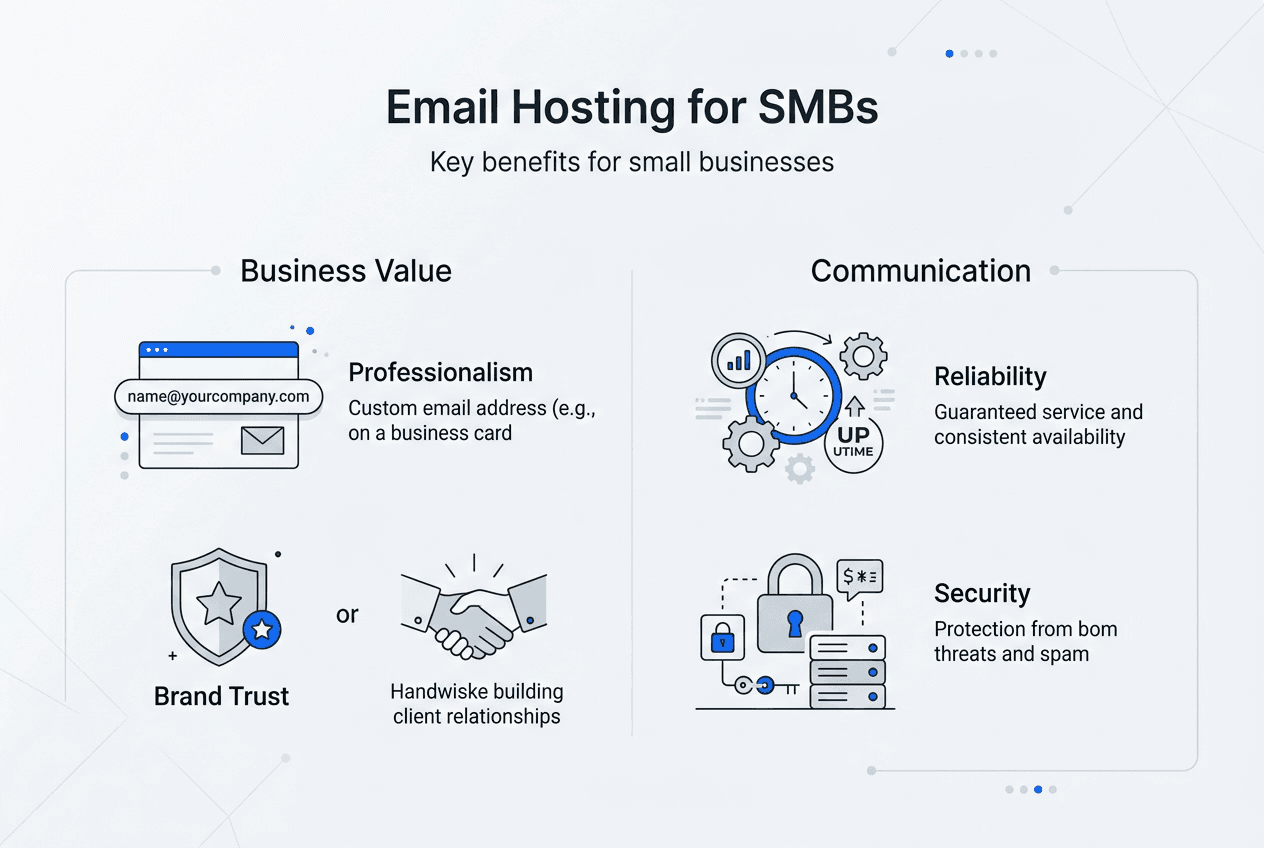
- Custom domain email addresses that reinforce your brand with every message sent
- Enhanced security features protecting against phishing, malware, and data breaches
- Guaranteed uptime commitments ensuring your communications never go dark
- Scalable storage and user accounts that grow alongside your business
- Advanced spam filtering keeping your inbox focused on legitimate business
- Professional support teams available when technical issues arise
For SMBs competing against larger enterprises, email hosting levels the playing field. You gain enterprise-grade communication tools without enterprise-level IT budgets. Your web hosting and email services can work together seamlessly, creating a unified digital presence that customers recognize and trust. The investment in professional email hosting pays dividends through improved deliverability, reduced security risks, and enhanced brand perception in every customer interaction.
Comparing cloud vs. on-premise email hosting: what SMBs need to know
SMBs face a fundamental choice between cloud-based email hosting and on-premise solutions. Each approach offers distinct advantages and challenges that align differently with business needs, resources, and growth trajectories.
Cloud email hosting operates on servers managed by third-party providers like Microsoft 365, Google Workspace, or specialized hosting companies. You access your email through web browsers or apps while the provider handles all infrastructure, maintenance, and security updates. Cloud email services offer built-in redundancy, automatic updates, and easier remote access, potentially improving uptime and reducing data loss risk for Canadian SMBs.
On-premise email hosting means running your own email servers within your office or data center. You maintain complete control over hardware, software, security policies, and data location. However, on-premise solutions require dedicated IT staff or expertise to maintain servers, apply security patches, and ensure backups.
| Feature | Cloud Email Hosting | On-Premise Email Hosting |
|---|---|---|
| Initial Cost | Low (subscription based) | High (hardware, software, setup) |
| Ongoing Maintenance | Provider managed | Internal IT required |
| Uptime Guarantee | Typically 99.9% or higher | Depends on your infrastructure |
| Scalability | Instant user additions | Requires capacity planning |
| Data Control | Provider managed | Complete internal control |
| Remote Access | Built-in from anywhere | Requires VPN configuration |
| Security Updates | Automatic | Manual implementation needed |
For most SMBs, cloud email hosting delivers better value and reliability. You avoid capital expenses on server hardware, eliminate ongoing maintenance headaches, and benefit from enterprise-grade security that would cost significantly more to implement internally. Professional email services through cloud providers scale effortlessly as you hire new team members or open additional locations.
On-premise solutions make sense for specific scenarios: businesses with strict data sovereignty requirements, companies with existing robust IT infrastructure, or organizations needing highly customized email workflows. If you lack dedicated IT staff or operate with limited technical resources, on-premise email creates ongoing operational burdens that distract from core business activities.
Pro Tip: Before committing to on-premise email hosting, honestly assess your internal IT capability. Can your team handle server failures at 2 AM? Do you have backup systems and disaster recovery plans in place? If these questions create uncertainty, cloud email hosting eliminates these risks while delivering superior uptime and security.
Essential security protocols in email hosting to protect your business
Email security determines whether your messages reach customers or get flagged as spam, whether hackers can impersonate your company, and whether sensitive business data stays protected. Three critical protocols form the foundation of modern email security: SPF, DKIM, and DMARC.

Sender Policy Framework (SPF) creates a list of authorized servers allowed to send email from your domain. When receiving servers check incoming messages, they verify the sender's IP address against your published SPF record. Messages from unauthorized servers get rejected or marked as suspicious. SPF prevents spammers from forging your domain name in email headers.
DomainKeys Identified Mail (DKIM) adds a digital signature to outgoing emails using cryptographic keys. Receiving servers verify this signature against public keys published in your DNS records. DKIM proves that messages actually came from your domain and weren't altered during transmission. This authentication builds trust with major email providers like Gmail and Outlook.
Domain-based Message Authentication, Reporting, and Conformance (DMARC) builds on SPF and DKIM by telling receiving servers what to do when emails fail authentication checks. Small businesses should prioritize email hosting providers that offer comprehensive security features, including SPF, DKIM, and DMARC authentication, to prevent email spoofing and improve deliverability.
Without these protocols, your business faces serious risks:
- Phishing attacks where criminals send fake emails appearing to come from your company
- Damaged sender reputation causing legitimate emails to land in spam folders
- Lost business opportunities when important messages never reach customers
- Compliance violations in regulated industries requiring email authentication
Most professional email services configure these protocols automatically, but you should verify their implementation. Check with your provider about SPF records, DKIM signing, and DMARC policies. These security measures work silently in the background, protecting your brand reputation and ensuring your messages reach intended recipients.
Incoming email filtering and outgoing email filtering add additional security layers by scanning messages for malware, phishing attempts, and spam before they reach employee inboxes or leave your network. Combined with broader website security measures, these protocols create comprehensive protection for your digital business presence.
Implementing email authentication might sound technical, but quality hosting providers handle the complexity. Your role involves choosing providers that prioritize these security standards and periodically reviewing your email security posture as threats evolve.
Choosing and scaling your email hosting: practical tips for SMBs
Selecting the right email hosting provider requires evaluating multiple factors beyond simple price comparisons. Choosing between on-premise and cloud email depends on a business's specific needs, resources, and risk tolerance. Your decision should account for current requirements and future growth trajectories.
Key factors to evaluate when comparing email hosting providers:
- Uptime guarantees and service level agreements: Look for providers committing to 99.9% uptime or higher with compensation for outages
- Storage capacity per user: Assess whether limits accommodate your typical email volumes and attachment sizes
- Security features included: Verify SPF, DKIM, DMARC support plus spam filtering and malware protection
- Scalability options: Confirm you can add users, increase storage, and upgrade plans without service disruptions
- Technical support availability: Check support hours, response times, and whether expertise matches your technical comfort level
- Integration capabilities: Ensure compatibility with your existing tools like CRM systems, project management software, and calendar applications
- Migration assistance: Ask whether the provider helps transfer existing email data from current systems
- Backup and recovery policies: Understand how email data gets backed up and how quickly you can recover from accidental deletions
| Business Size | Recommended Solution | Key Features | Typical Monthly Cost |
|---|---|---|---|
| 1-10 employees | Shared hosting with email | Basic security, 10-25 GB per user, standard support | $5-15 per user |
| 11-50 employees | Professional cloud email | Advanced security, 50 GB per user, priority support | $12-20 per user |
| 51-200 employees | Enterprise cloud or dedicated servers | Custom security, unlimited storage, 24/7 support | $20-35 per user |
| Growing agencies | Reseller hosting with email | Multi-client management, white label options | Custom pricing |
| High-traffic businesses | Cloud servers with email | Maximum uptime, custom configurations, dedicated resources | Custom pricing |
Start by listing your current email users and estimating growth over the next 12 to 24 months. Calculate total storage needs based on average email retention and attachment sizes. Consider whether remote work requirements demand mobile access and collaboration features. These practical details guide you toward appropriate hosting tiers.
Pro Tip: Plan email hosting upgrades to coincide with natural business milestones like new office openings, major client acquisitions, or product launches. Proactive scaling prevents service disruptions during critical growth periods when reliable communication matters most. Schedule annual reviews of your email hosting to ensure your plan still matches your business reality.
Test potential providers by asking specific questions about your use case. How quickly can you add 10 new users? What happens if you exceed storage limits? How does the provider handle email migration from your current system? Providers offering clear, confident answers demonstrate the expertise and support quality you need.
Enhance your email hosting experience with inSave Hosting
Now that you understand email hosting fundamentals, security requirements, and selection criteria, you need a provider delivering all these elements reliably and affordably. inSave Hosting offers comprehensive hosting solutions designed specifically for small and medium businesses prioritizing communication quality and brand professionalism.

Our shared hosting plans include professional email hosting with your custom domain, backed by 99.9% uptime guarantees and free SSL certificates securing all communications. We implement SPF, DKIM, and DMARC protocols automatically, protecting your sender reputation while ensuring messages reach customer inboxes consistently. Whether you need basic email for a growing startup or professional email services for an established business, inSave Hosting scales with your needs without complicated migrations or service interruptions. Explore our plans today and discover how reliable email hosting strengthens every business relationship.
What is the role of email hosting in a small business?
What is the role of email hosting in a small business?
Email hosting provides the infrastructure and services that enable businesses to send, receive, and store email messages using their company domain name. It ensures reliable message delivery, protects against security threats, and projects professional credibility to customers and partners. Quality email hosting eliminates the limitations of free consumer email services while providing scalability for business growth.
How do cloud email and on-premise email hosting compare for SMBs?
Cloud email hosting offers lower upfront costs, automatic maintenance, and better accessibility for remote teams, making it ideal for most SMBs without dedicated IT staff. On-premise hosting provides complete data control and customization but requires significant technical expertise and ongoing infrastructure investment. Most small businesses benefit more from cloud solutions that deliver enterprise features without enterprise complexity or costs.
Why are SPF, DKIM, and DMARC important for business email?
These authentication protocols prevent criminals from spoofing your domain in phishing attacks, protecting both your customers and your brand reputation. They also dramatically improve email deliverability by proving to receiving servers that your messages are legitimate, reducing the chance your emails land in spam folders. Implementing these standards builds trust with major email providers and ensures your business communications reach their intended recipients.
Can small businesses manage email hosting on-premise effectively?
Small businesses can manage on-premise email if they employ dedicated IT staff with server administration expertise and maintain robust backup systems. However, most SMBs lack these resources and find on-premise solutions create operational burdens that distract from core business activities. Cloud email hosting eliminates these technical demands while typically delivering superior uptime, security, and support at lower total costs.